SPECIAL OFFER ✦ BUY 2 GET 1 FREE! ✦ ADD 3 PRODUCTS TO YOUR CART, AND THE DISCOUNT APPLIES AUTOMATICALLY!
SPECIAL OFFER ✦ BUY 2 GET 1 FREE! ✦ ADD 3 PRODUCTS TO YOUR CART, AND THE DISCOUNT APPLIES AUTOMATICALLY!
SPECIAL OFFER ✦ BUY 2 GET 1 FREE! ✦ ADD 3 PRODUCTS TO YOUR CART, AND THE DISCOUNT APPLIES AUTOMATICALLY!
SPECIAL OFFER ✦ BUY 2 GET 1 FREE! ✦ ADD 3 PRODUCTS TO YOUR CART, AND THE DISCOUNT APPLIES AUTOMATICALLY!
Photoshop remains a leading tool for graphic designers, but many still look for the best Photoshop alternative for a variety of reasons. From financial to feature reasons, it’s common for designers to use something other than Photoshop to meet their project’s goals. Read on to discover which alternatives might be the best fit for your needs.
Key Takeaways:
Many designers look for the best Photoshop alternative because of cost, hardware demands, and Photoshop’s steep learning curve.
Several tools offer strong editing features, simpler interfaces, and more flexible pricing, which attract both beginners and professionals
Options like Photopea, Affinity Photo 2, Pixlr, and others give users reliable editing capabilities without the long-term costs of a subscription
7 Best Photoshop Replacement Options in 2025
With various features and capabilities, the following best Photoshop alternative tools are popular among many graphic designers.
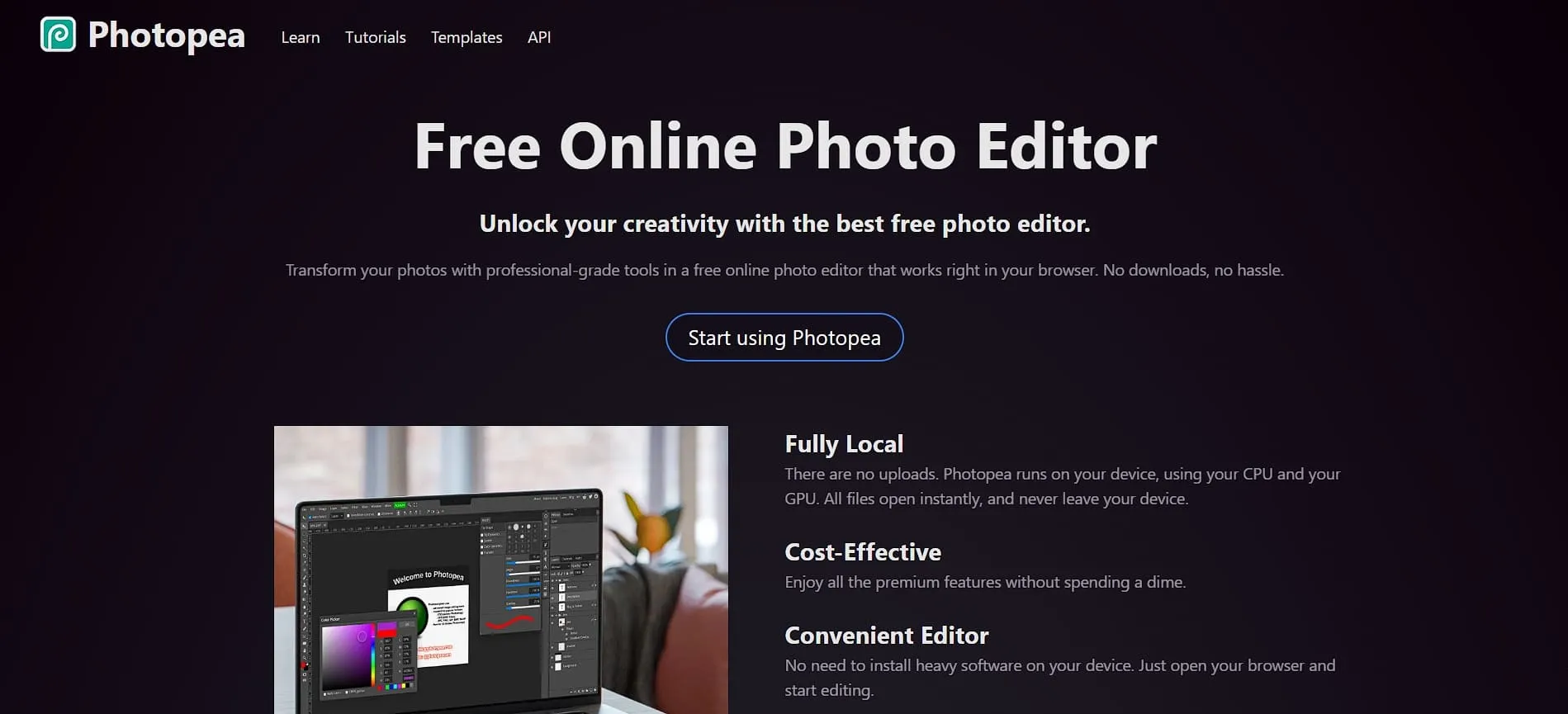
Photopea delivers a Photoshop-like experience right in your browser without any downloads or subscriptions. Its familiar layout includes the same toolbars, menus, layer panels, and history controls, so switching from Photoshop feels smooth.
In terms of pricing, the free version runs with ads, while the $5 premium plan removes them and adds cloud storage. Photopea also opens PSD files directly, which makes collaborating with Photoshop users simple.
Best for: Photoshop users who want an online option, designers who prefer familiar tools, and professionals who need an affordable alternative.
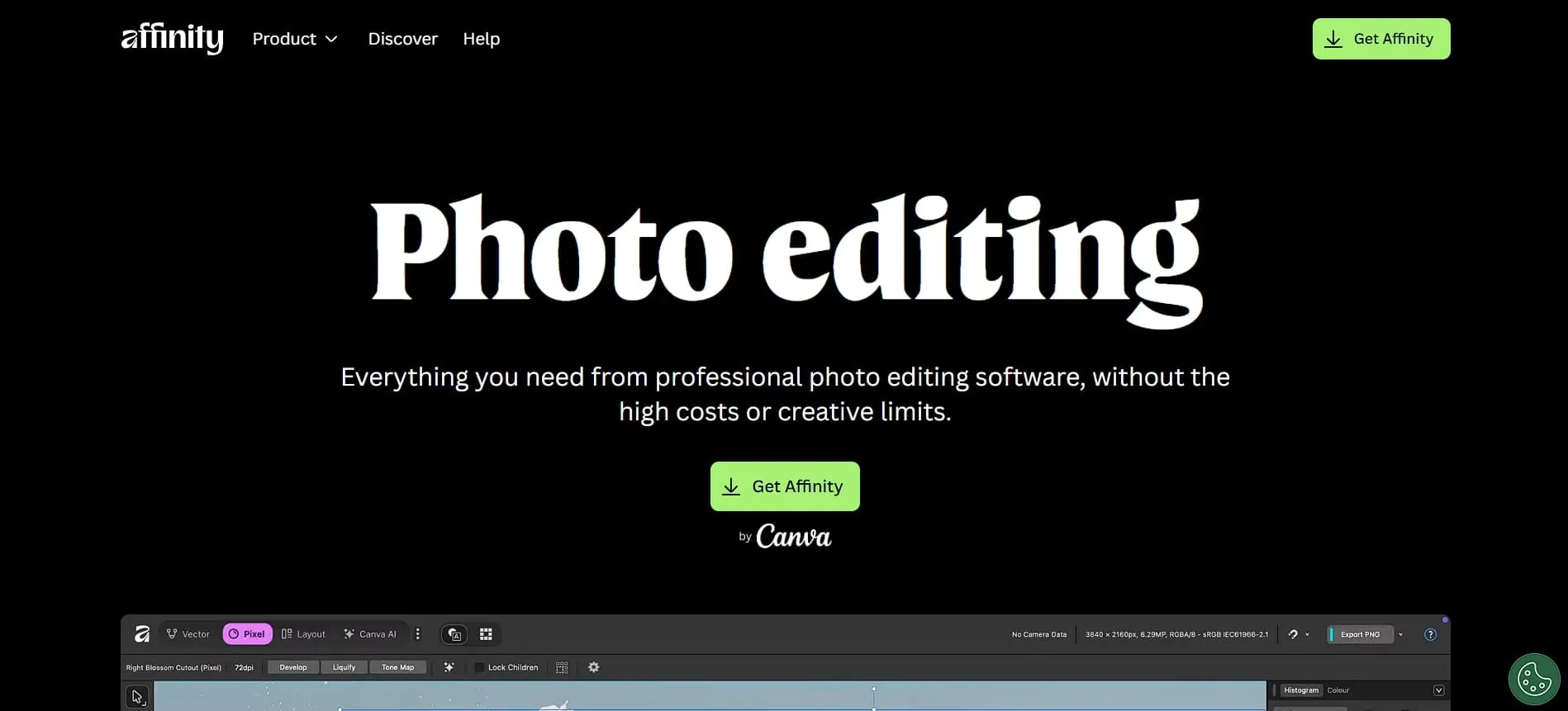
Affinity Photo 2 is a powerful pro-level editor that requires no subscription, since it now comes completely free. It comes with advanced tools like HDR merging, panorama stitching, focus stacking, infinite layers, and non-destructive adjustments that rival top editing software.
Furthermore, its Mesh Warp Live Filters let you fine-tune perspective changes at any time, while mask options such as luminosity, hue, and band-pass help you make accurate, detailed edits.
Best for: photographers who want to avoid subscription plans, professionals who prefer owning their software, and designers working on complete visual projects.
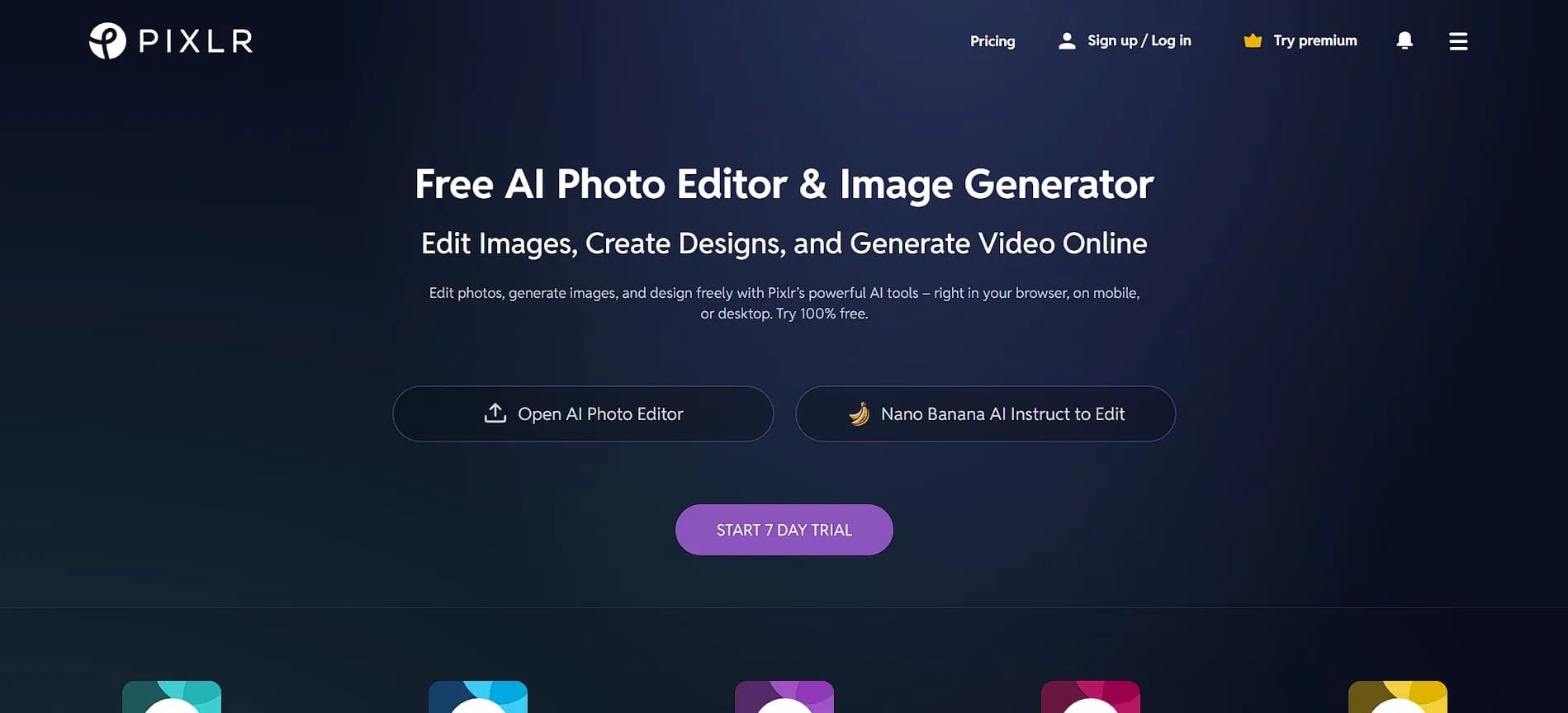
Pixlr gives you a simple, browser-based workspace with solid editing tools and an AI image generator that adds more creative possibilities. Its familiar layout makes it easy for Photoshop users to adjust, and batch editing speeds up work when dealing with multiple images.
Layers and blend modes make clean compositing straightforward, while the free plan covers basic needs and paid tiers offer more power.
Best for: social media managers, casual photographers, and creators who want a convenient editing tool without downloading software.
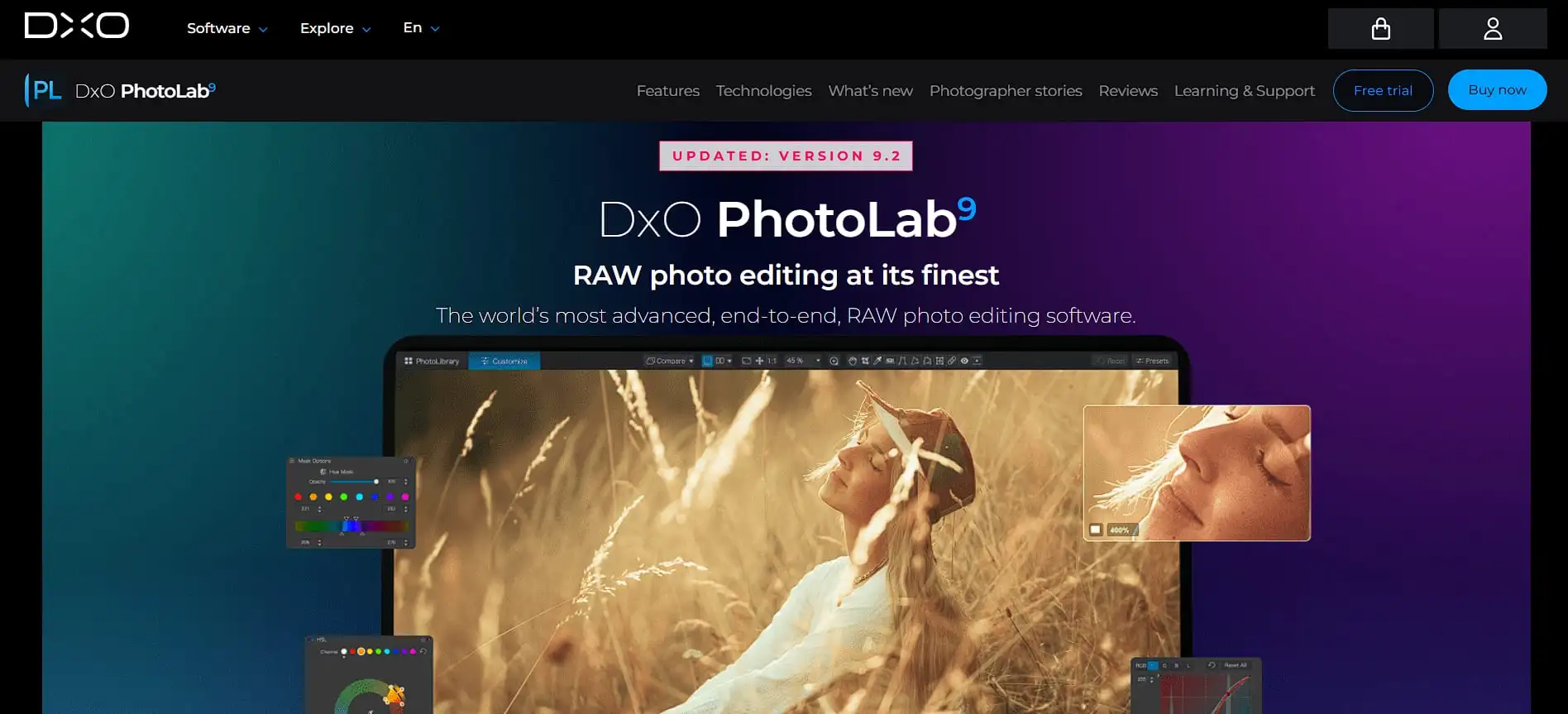
For photographers, DxO PhotoLab 9 offers the best Photoshop alternative who want the highest RAW image quality. Its DeepPRIME machine learning can clean up noise in high-ISO photos while keeping important details intact, which makes low-light shots look much clearer.
Furthermore, its Lens Sharpness Optimization increases clarity without creating harsh artifacts, and features like batch renaming, HEIC editing, and ProRAW support help streamline modern workflows. If graphic designers are willing to pay more, PhotoLab’s license is available for $199.99.
Best for: serious photographers, RAW editors, professionals who work with high-ISO images, and anyone who wants clean, noise-free results.
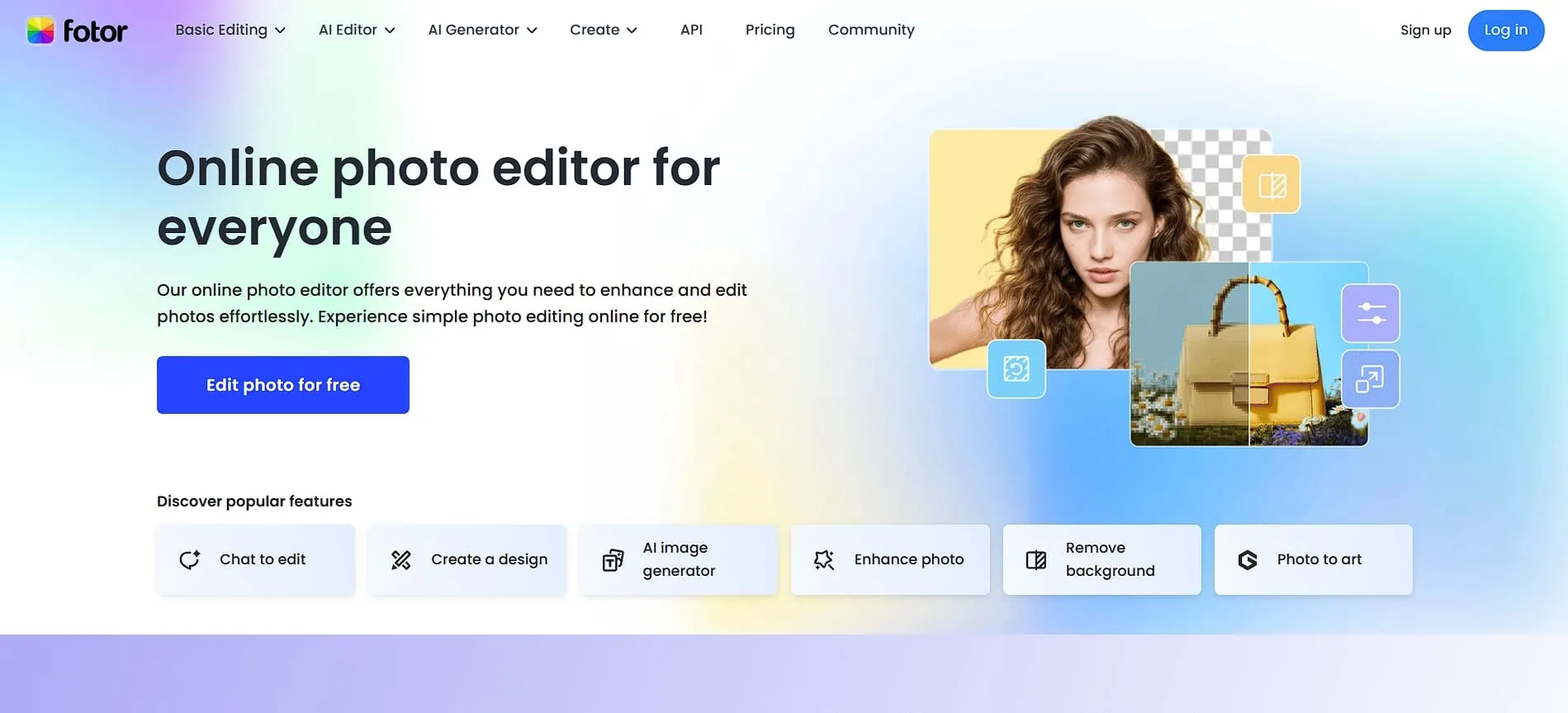
Fotor excels in delivering strong AI object removal that works similarly to Photoshop’s generative fill, along with a wide range of photo and video editing tools in one platform. Not to mention, it’s available on mobile devices, meaning you can edit on the go on both iOS and Android.
The free plan includes watermarks, while the $8.99 monthly premium tier offers storage with 2GB capacity per month and no watermarks. Overall, its simple interface makes it a great choice for beginners who want quick results without dealing with complicated tools.
Best for: mobile photographers, AI enthusiasts, and users who value ease of use over advanced control.
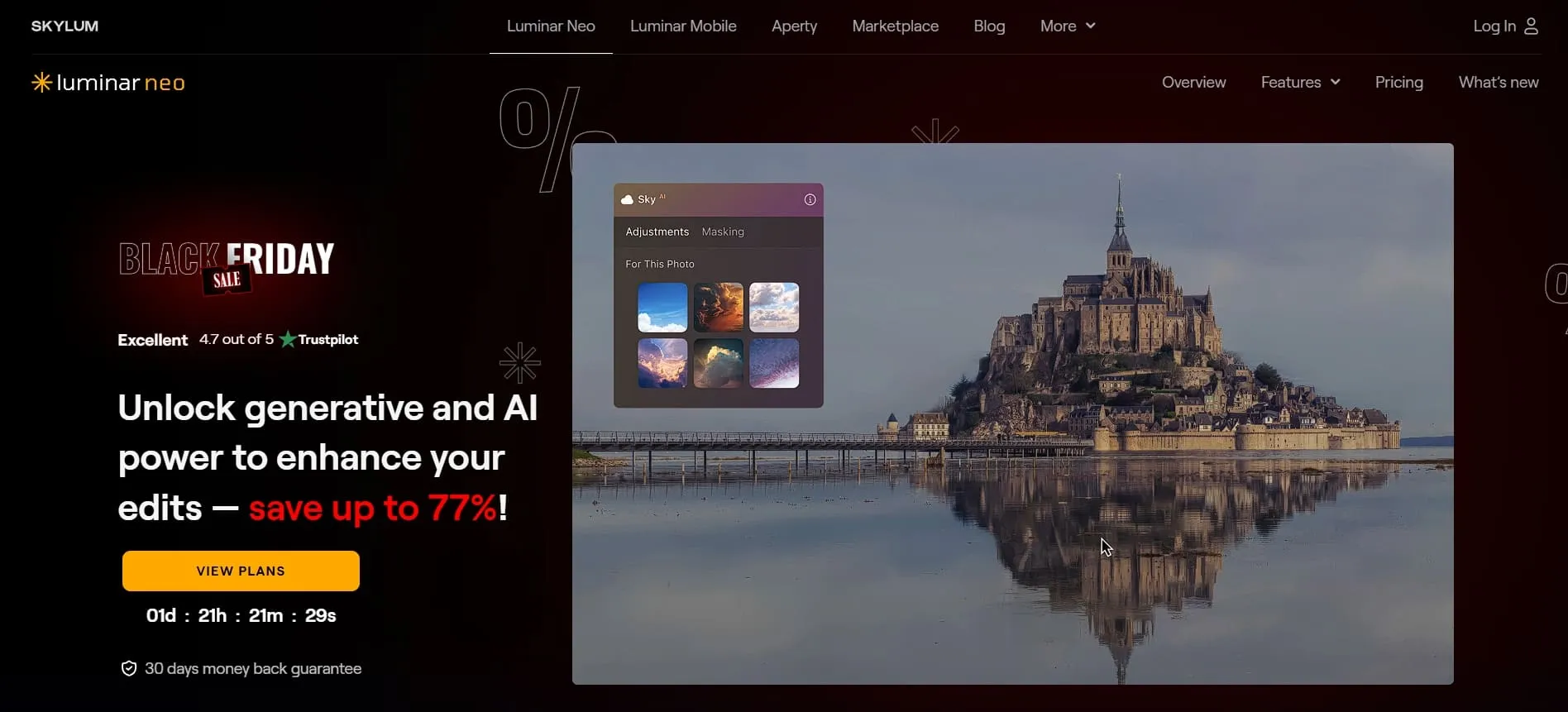
Compared to other graphic design software alternatives, Luminar Neo focuses on simplifying photo editing with AI, giving you strong results with minimal effort. Additionally, its Sky Replacement, Portrait Enhancement, AI Masking, and automated filters help speed up your workflow and reduce manual adjustments.
In performance tests, Luminar Neo can outperform Photoshop in certain AI-driven tasks, such as removing moving subjects, although Photoshop still handles more complex edits better overall. Its pricing is flexible, with an annual subscription of about $287 or a lifetime license at roughly the same cost.
Best for: landscape photographers, portrait creators, and anyone who wants striking image enhancements and reliable AI automation.
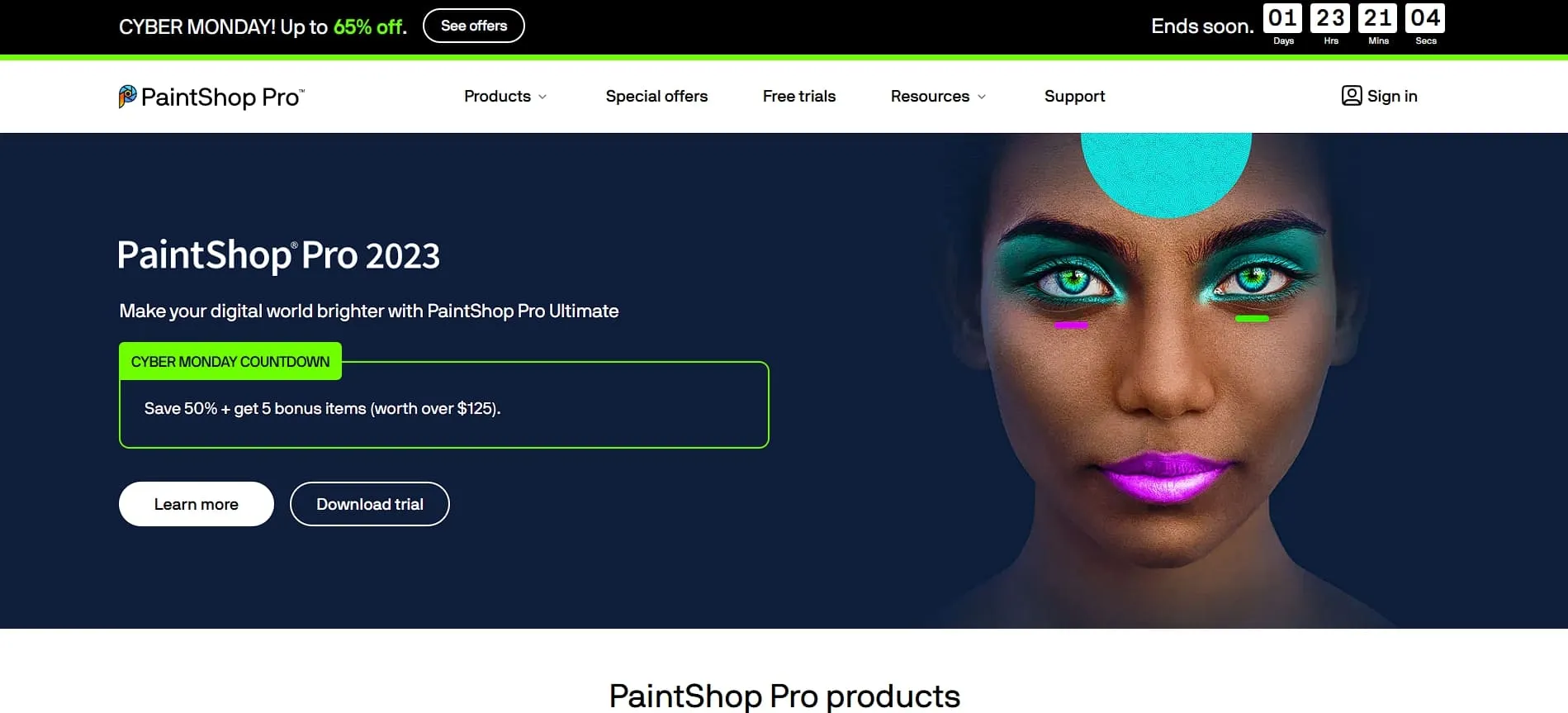
Corel PaintShop Pro stands out as one of the best software for creative professionals, offering powerful image editing tools along with useful AI features such as Portrait Mode and Background Replacement.
It supports RAW editing, advanced masking, layers, text tools, and plug-ins, giving you a workflow that feels close to Photoshop. In terms of pricing, the software has a free trial and costs about $49.99 as a one-time purchase, with optional upgrades available.
Best for: professionals on a budget, photographers who prefer non-subscription software, and designers who need both raster and vector tools.
Make the Most Out of Photoshop Alternatives with Suitable Design Resources!
Choosing the best Photoshop alternative comes down to your workflow, budget, and the features you rely on most. There are plenty of tools online that offer professional results without the cost or complexity of Photoshop, each suited for different creative needs.
To elevate any editor you choose, Tridimensi offers a wide range of high-quality graphic design assets that help both beginners and experienced designers enhance their photo editing and creative projects! These resources for creative projects make it easier to produce consistent and visually impressive work across all styles and skill levels.