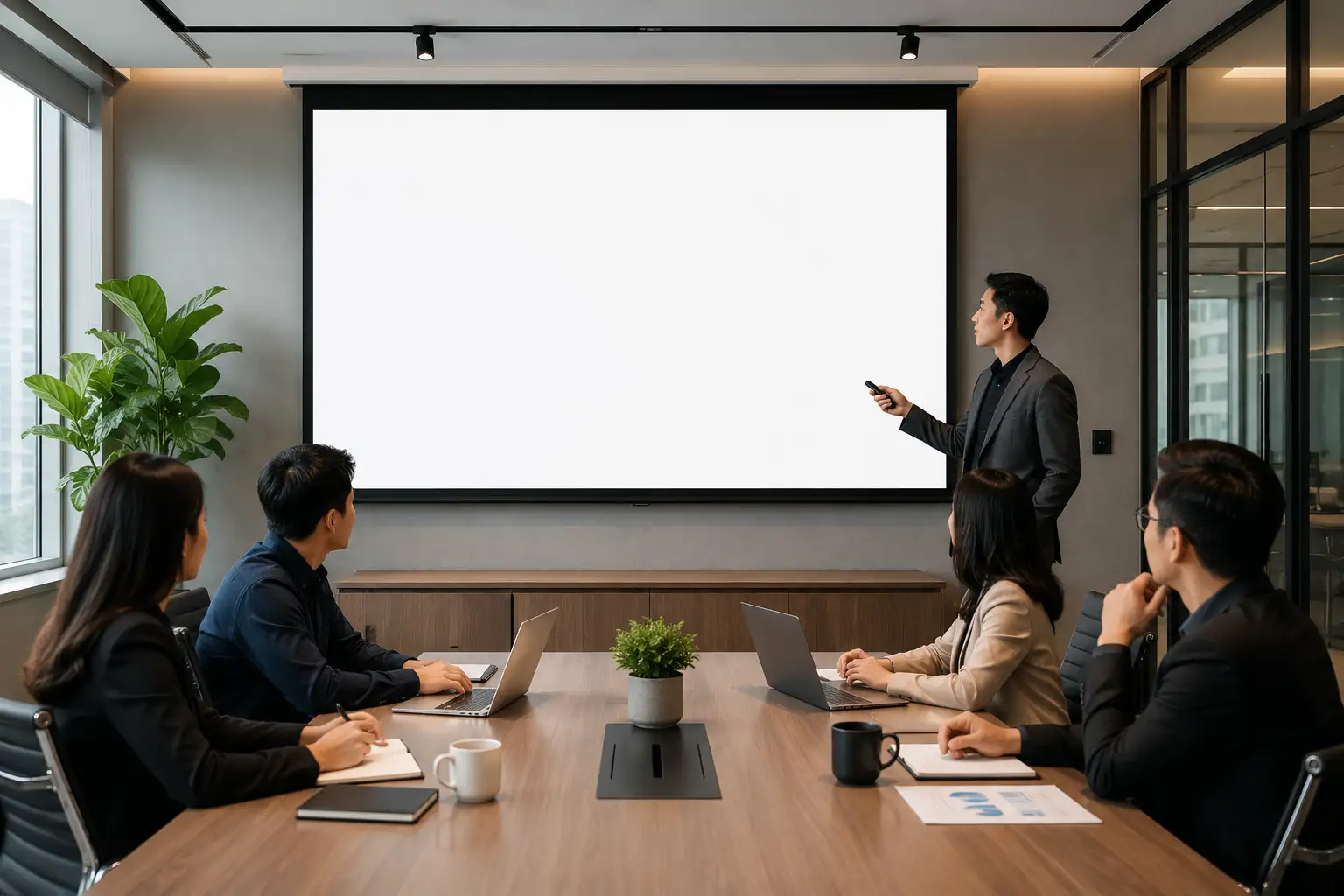
The era of flat, text heavy slide decks is officially over. In a corporate world where attention is the most scarce resource, your ability to present information visually determines your impact. Making presentations more engaging with 3D is a factual necessity for anyone looking to stand out in a high stakes environment. By using curated assets from Tridimensi.pro, you can transform a standard pitch into a cinematic experience that captures the audience’s imagination from the very first slide.
The psychological advantage of using 3D in presentations lies in spatial perception. Human brains are wired to recognize depth and volume much faster than flat icons. When you introduce a 3D element, you are providing a visual anchor that helps the audience process complex information. Whether you are presenting a brand strategy or a technical roadmap, using professional grade 3D shapes creates a sense of tactile reality, making your message feel more grounded and authoritative.
Using Abstract Compositions for Strategic Visuals
One of the most effective ways to upgrade your deck is by using high quality background elements that don’t distract from your data. The Geometric Balance 10 Abstract 3D Compositions set is a perfect tool for this. These compositions provide a sense of stability and professional structure. By placing these behind your key statistics, you create a visual hierarchy where the numbers pop against a sophisticated, deep background. This technique prevents “slide fatigue” by giving the audience something beautiful yet professional to look at while they listen to your insights.
Expert presenters understand that every visual choice must serve a purpose. Using geometric 3D shapes can represent balance, growth, or structural integrity. Instead of using a standard bullet point list, try placing your key pillars around a 3D composition. This creates an informational gain because the audience perceives the relationship between the ideas more clearly through spatial arrangement than they would through a simple vertical list.
Professional tips for geometric slides:
- Alignment: Ensure your text aligns with the perspective of the 3D shape.
- Subtle Contrast: Use muted colors for the shapes so they don’t overpower your white or black text.
- Consistency: Use the same composition style throughout the deck to maintain a unified brand voice.
Creating Emotional Connection with Soft 3D Elements
While technical decks benefit from geometry, creative and lifestyle presentations require a softer touch. The Fluffy Flowers 50 Soft 3D PNG Elements collection is designed for this specific need. These soft and bouncy 3D objects evoke feelings of creativity, friendliness, and accessibility. In a digital design landscape that is often cold and sharp, these “claymorphic” elements provide a human element that makes your brand feel approachable and modern.
Using these elements in a presentation allows you to tell a story through texture. For a product launch or a marketing pitch, these fluffy 3D assets can act as high quality accents that frame your photography or emphasize your call to action slides. Because they are provided as PNG files, they are incredibly easy to use simply drag and drop them into your favorite presentation software like PowerPoint, Keynote, or Google Slides.
Ways to use soft 3D assets:
- Accent Decor: Place 3D flowers around your product mockup to create a vibrant atmosphere.
- Visual Metaphors: Use soft, organic shapes to represent growth, wellness, or “fresh” ideas.
- Slide Transitions: Keep a consistent 3D element in the corner of your slides to act as a visual thread.
Professional Typography and Iconography
The final layer of a high end presentation is the detail in typography and icons. Standard fonts often feel flat on a high resolution screen. The Nature 3D Fonts at $3 offer a unique way to highlight your main titles, giving them a physical presence that demands attention. When your title looks like a 3D object, it becomes a focal point that anchors the rest of the slide’s content. This is a simple but expert level “hack” to make any deck look like it was designed by a premium agency.
Furthermore, integrating UI Glass Dispersion – 50 PNG 3D Icons adds a layer of tech forward sophistication. Glassmorphism is a massive trend in digital design because it suggests transparency and innovation. These glass icons are perfect for explaining digital features, software benefits, or data transparency. Because they catch and refract “digital light,” they look significantly more expensive and professional than standard vector icons.
Strategic use of 3D icons and fonts:
- Key Takeaways: Use 3D fonts only for the most important word on the slide.
- Tech Explanations: Use glass icons to represent software or cloud based solutions.
- HD Quality: Ensure you use the high resolution PNG versions so your icons stay sharp on large projector screens.
The Expert Advantage: Speed and Quality
Being an expert presenter means knowing that your time is best spent on the content, not on struggling with design software. Curated libraries like Tridimensi.pro allow you to skip the complex 3D modeling process. By using performance optimized PNGs and fonts, you can assemble a world class presentation in a fraction of the time it would take to build these assets from scratch. This balance of speed and high fidelity output is what separates professional designers from the rest.
Tridimensi Presentation Assets & Pricing:
- Nature 3D Fonts: $3
- Geometric Balance (10 Compositions): $4
- Fluffy Flowers (50 Soft Elements): $19
- UI Glass Dispersion (50 Icons): $21
Ordering Information
Ready to make your next presentation unforgettable? You can reach our team directly via email at: [email protected]
Alternatively, you can send a message or DM to our social media channels. Our team is ready to assist you with library access, custom slide assets, or choosing the best shapes for your specific brand.
FAQ
Do I need 3D software to use these shapes in my slides?
Not at all! Our 3D shapes and icons are provided as PNG files with transparent backgrounds. You can use them just like any other image. Just drag and drop them into PowerPoint, Keynote, or Canva.
Will 3D assets make my presentation file too large?
Because we optimize our PNGs, they provide high quality visuals without the massive file size of raw 3D models. Your presentation will remain easy to email or upload while still looking incredibly sharp.
Can I customize the colors of the 3D shapes?
Our PNG assets come with professional, pre set colors. However, most presentation tools allow you to apply simple color overlays or filters if you need to tweak the hue to match your brand exactly.
What is the difference between “Geometric” and “Fluffy” styles?
Geometric shapes are best for professional, technical, or corporate decks where you want to show structure. Fluffy shapes are better for creative, lifestyle, or youth oriented brands where you want to feel friendly and modern.