The visual standard for modern websites has shifted toward immersive, high fidelity experiences. However, the biggest challenge for designers remains the trade off between aesthetic quality and technical speed. Knowing how to optimize 3D assets for web performance is a factual necessity in an era where Google’s Core Web Vitals directly influence search rankings. A slow loading site leads to high bounce rates, regardless of how beautiful the visuals are. Tridimensi.pro addresses this by offering performance ready products like the 3D Animated Wave Background, designed to provide a cinematic hero section without compromising speed.
Expert web optimization involves a multi layered approach to file handling and browser rendering. By utilizing pre rendered 3D animations instead of real time scripts, you can significantly reduce the CPU load on the user’s device. This ensures that even visitors on mobile phones or slower connections can experience your brand’s digital depth. Tridimensi’s latest release provides the perfect balance: professional grade 300 DPI visuals delivered in web friendly formats that keep your performance scores in the green.
Choosing the Right Video Formats: MP4 vs. WEBM
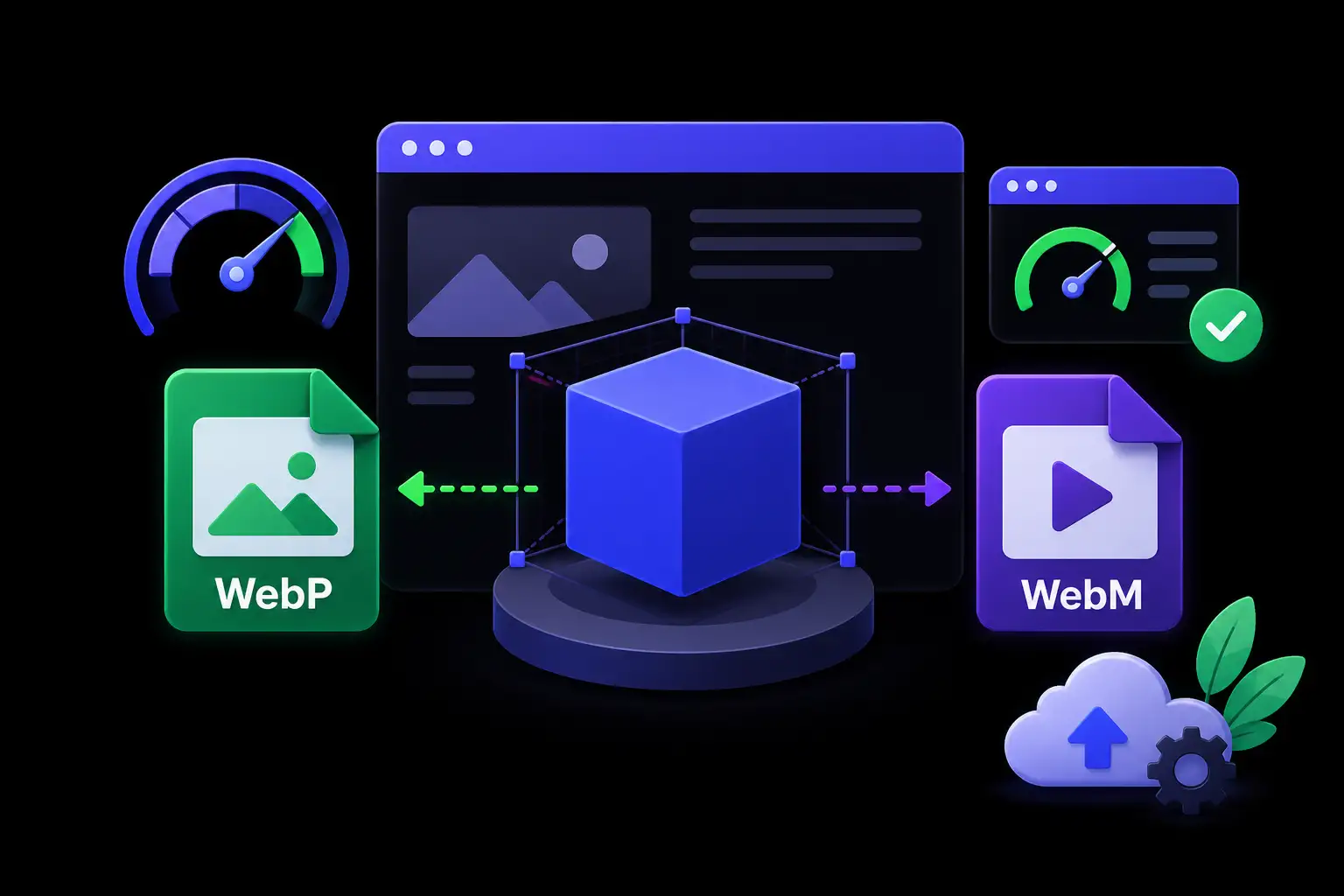
The foundation of 3D web optimization lies in the file format. For hero sections, using video loops is far more efficient than hosting raw 3D models. The 3D Animated Wave Background is provided in both MP4 and WEBM formats to ensure maximum compatibility and performance. MP4 is the universal standard, offering excellent compression for most browsers. However, WEBM is the expert’s choice for modern web performance, often delivering the same visual quality at a significantly smaller file size.
When you provide both formats, you allow the browser to select the most efficient one through a simple video tag implementation. This strategy provides an informational gain by ensuring that the “Visual Weight” of your hero section doesn’t become a technical burden. Because these files are pre rendered at a professional 300 DPI, they maintain their crispness on high resolution Retina displays while the underlying compression keeps the actual data transfer minimal. This technical precision is essential for maintaining a fast, professional digital identity.
Professional guidelines for video backgrounds:
- Muted Autoplay: Always set your 3D backgrounds to muted and autoplay to ensure they load as background elements without requiring user interaction.
- Bitrate Control: Use assets that are rendered specifically for the web to avoid high bitrate files that cause stuttering.
- Format Fallbacks: Use the WEBM format first in your code, with MP4 as a secondary fallback for older browsers.
Leveraging Tileable Assets for Infinite Scale
A common mistake in web design is using massive, unique video files to cover large sections. This is highly inefficient. Being an expert means utilizing the power of tileable assets. The 3D Animated Wave Background is engineered to be tileable, meaning the edges of the animation match perfectly. This allows you to cover an infinitely large area by repeating a smaller, highly optimized file rather than loading one giant video.
This “Tiling” technique is a secret weapon for web performance. It allows for ultra wide hero sections that look seamless but only require the browser to download a few megabytes of data. For developers and designers using After Effects, this tileable feature simplifies the workflow significantly, allowing for easy expansion and customization of the 3D environment. This efficiency revolutionizes the design process, making it possible to create immersive, high end layouts that remain lightweight and responsive across all screen dimensions.
Key benefits of tileable 3D assets:
- Memory Efficiency: The browser uses less RAM to render a repeating small loop than a single large one.
- Responsive Flexibility: Tileable waves can expand or contract to fit any aspect ratio, from vertical mobile screens to ultra wide monitors.
- Seamless Loops: Expertly crafted tiles ensure there is no visible “jump” when the animation restarts, maintaining the professional illusion of depth.
Strategic Implementation and After Effects Compatibility
Optimization doesn’t end with the file it includes the design workflow. For those who want to take their 3D web performance to the next level, After Effects compatibility is vital. The 3D Animated Wave Background is fully compatible with After Effects, allowing designers to add overlays, change color grading, or mask specific areas before exporting the final web ready file. This allows you to tailor the 3D asset to your specific brand identity while keeping the core 3D geometry optimized and stable.
Released on April 29, 2026, this asset reflects the most current standards in digital design and performance optimization. An expert approach involves using “Lazy Loading” for any 3D assets that are not immediately visible in the hero section. This ensures that the browser prioritizes the most important content first. By combining high DPI assets with smart loading strategies, you can offer a world class visual experience that satisfies both the user’s desire for beauty and the search engine’s requirement for speed.
Technical optimization checklist:
- After Effects Export: Use the “H.264” or “VP9” codecs for the best balance of size and quality.
- DPI Management: Keep assets at 300 DPI for clarity, but optimize the resolution for the target container size.
- Hardware Acceleration: Ensure your website’s CSS allows for GPU acceleration to keep 3D animations smooth.
Revolutionize Your Hero Section with Tridimensi
Tridimensi.pro is dedicated to providing the extraordinary digital products needed to bridge the gap between high end 3D design and web performance. Our 3D Animated Wave Background is more than just a visual; it is a performance optimized tool designed to help you create a stunning first impression without the technical lag.
Product Spotlight & Specifications:
- Product: 3D Animated Wave Background for Hero Sections
- Price: $14
- File Types: MP4, WEBM
- Compatibility: Fully Compatible with After Effects
- Key Feature: Seamlessly Tileable
- Quality: 300 DPI (Ultra HD)
- Release Date: April 29, 2026
Ordering Information
Ready to optimize your website with professional 3D motion? You can reach our team directly via email at: [email protected]
Alternatively, you can send a message or DM to our social media channels. Our team is ready to assist you with technical implementation, After Effects tips, or choosing the right optimized assets for your next project.
FAQ
Does a 3D video background affect my SEO?
Only if it is too heavy. By using our optimized WEBM and MP4 files, you can have a 3D background that loads quickly. High engagement and longer dwell times from beautiful visuals actually help your SEO rankings.
What does “Tileable” mean for my website?
It means the animation is designed so that the left side matches the right side (and top matches bottom). You can repeat the video like a pattern to cover large areas without seeing any seams or edges.
Why do I need 300 DPI for a website?
While 72 DPI was the old standard, modern “Retina” and 4K displays require higher density to look sharp. 300 DPI ensures that your 3D waves look crystal clear and professional on the latest high end devices.
Can I change the color of the waves in After Effects?
Yes! Because our assets are After Effects compatible, you can easily use effects like “Hue/Saturation” or “Fill” to match the 3D waves to your brand’s specific color palette before you export them for your site.