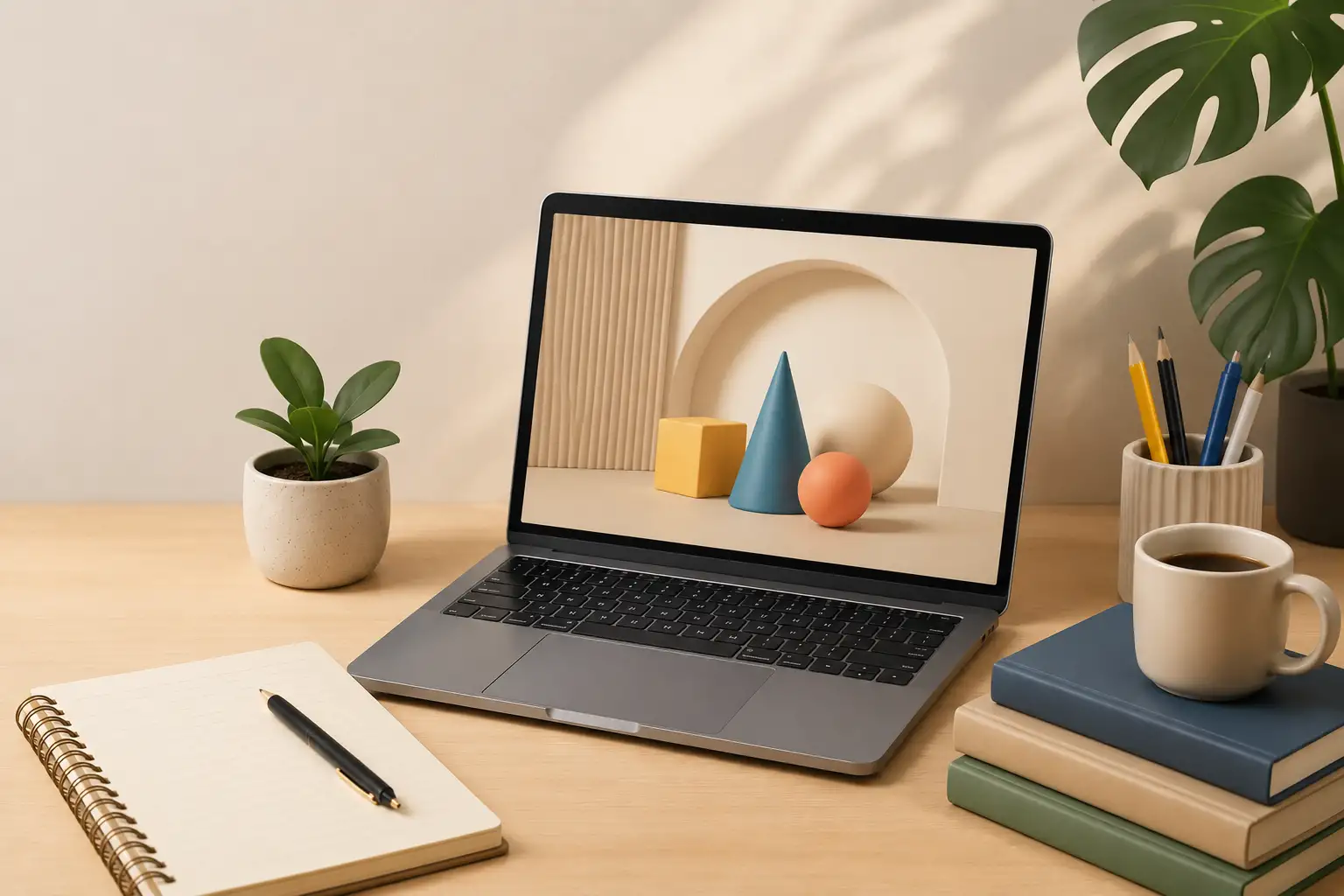
Modern branding has moved beyond the era of flat, two dimensional graphics. Today, depth is the standard for professional digital identities. However, for many business owners and marketers, the world of three dimensional art feels inaccessible. Following practical 3D design tips for non designers is a factual strategy to bridge this gap, allowing you to create high end visuals without touching a single complex modeling tool. Tridimensi.pro provides curated, ready to use assets that allow anyone to revolutionize their design process in minutes.
The secret to expert level design for non designers is not creation, but curation. You do not need to build a 3D object from scratch to benefit from its impact. By using professional grade renders and animations, you can leverage the psychology of depth to build trust with your audience. 3D visuals feel more tangible and “real” than flat icons, which instantly increases the perceived value of your brand. This informational gain turns a basic presentation or landing page into a sophisticated digital experience that signals authority and modernism.
Focus on Lighting and Shadow Consistency
The biggest mistake non designers make is ignoring how light behaves. In the physical world, light comes from a specific direction and creates consistent shadows. To make 3D assets look professional on your website or in your slides, you must ensure they “sit” realistically within the layout. If your primary photograph has light coming from the left, your 3D objects should also feature shadows on the right. This consistency is what creates the illusion of reality and separates a high end brand from an amateur one.
Expert design often utilizes soft, diffused lighting to create a friendly and approachable feel. This is common in claymorphism, a trend that uses 3D elements with rounded edges and soft shadows. By using curated assets from Tridimensi, the lighting is already professionally set. Your job as a non designer is simply to ensure that the background color and the 3D asset’s shadow work together. A subtle drop shadow behind a 3D icon can make it look like it is floating off the screen, providing a satisfying sense of depth that keeps users engaged.
Professional lighting tips:
- Directional Alignment: Place your 3D objects so their highlights align with your main headline or focal point.
- Shadow Softness: Avoid harsh, black shadows; instead, use soft, semi transparent shadows to make assets feel integrated.
- Color Bounce: Use 3D assets that have subtle “rim lighting” in your brand colors to create a unified aesthetic.
Using 3D as a Visual Hierarchy Tool
Effective design is about guiding the user’s eye to the most important information. Non designers often struggle with “visual clutter,” where everything on the page is fighting for attention. 3D assets are powerful tools for establishing hierarchy because they naturally possess more “visual weight” than text or 2D lines. An expert approach involves using one primary 3D object like a large abstract glass shape or a glowing orb to anchor the page, and then using smaller 2D elements for the supporting details.
This spatial arrangement provides a clear path for the user to follow. For example, in a pitch deck, using a 3D font for the title makes it the undeniable starting point for the viewer. You can then use 3D icons to highlight your three main business pillars. This creates an informational gain by simplifying the complex. Instead of reading a wall of text, the audience subconsciously follows the “depth” cues you’ve provided, leading them from the most important 3D element down to your call to action.
Hierarchy strategies for non designers:
- The Hero Rule: Use your most impressive 3D animation or render at the very top (the hero section) of your page.
- Scale for Importance: Larger 3D objects suggest more importance; keep your secondary icons smaller and more subtle.
- Negative Space: Give your 3D assets room to breathe; the depth is more effective when it isn’t crowded by other elements.
Mastering the “Plug and Play” Workflow
Being an expert designer in 2026 is about efficiency. For non designers, the most important tip is to embrace “plug and play” assets. Tools like Figma, Canva, and PowerPoint now support high resolution PNGs and MP4 loops perfectly. Instead of trying to learn 3D software like Blender, you should focus on how to combine existing 3D elements with your text and brand colors. This revolutionizes your design process by allowing you to produce agency level work in a fraction of the time.
[Informational Gain: Curated assets remove the technical barrier, letting you focus entirely on the creative layout.]
Using assets that are performance ready is also vital. A common pitfall is using raw 3D files that slow down your website. By using optimized renders from Tridimensi.pro, you ensure that your premium look doesn’t come at the cost of speed. This technical precision is essential for maintaining a fast, professional digital identity that ranks well on search engines. Whether it is a 6K background or a tileable wave animation, using the right file format (like PNG for transparency or MP4 for loops) ensures your designs remain sharp and professional on every device.
Workflow tips for speed and quality:
- Transparent PNGs: Always look for 3D assets with transparent backgrounds to avoid awkward white boxes around your objects.
- Pre Rendered Loops: Use MP4 loops for backgrounds to get the “3D motion” effect without the need for complex coding.
- Ready to Use Kits: Invest in 3D kits that offer a consistent style, such as a full set of glass icons or fluffy shapes, to keep your brand looking cohesive.
Transform Your Design Identity Today
Tridimensi.pro is dedicated to making high end design accessible to everyone. We believe that you don’t need a degree in graphic design to create visuals that resonate. Our curated library of 3D objects, backgrounds, and animations is designed specifically for the “non designer” who refuses to settle for average. By applying these simple tips and using our professional assets, you can elevate your brand to a global standard instantly.
Tridimensi Design Essentials:
- Curated 3D Objects: Easy to use, high impact visuals.
- Professional 3D Backgrounds: Instant atmospheric upgrades for any site.
- Optimized Animations: Thumb stopping motion for social media and web.
Ordering Information
Ready to elevate your designs without the complexity? You can reach our team directly via email at: [email protected]
Alternatively, you can send a message or DM to our social media channels. Our team is ready to help you select the best “plug and play” assets to make your brand look like it was designed by a pro.
FAQ
Do I need expensive software to use 3D assets?
No! You can use our 3D PNGs and MP4s in free or common tools like Canva, Google Slides, or Figma. We handle the 3D technicalities so you can just focus on the layout.
How do I make 3D assets match my brand colors?
Many tools like Canva or PowerPoint have simple “Color Overlay” or “Hue” settings that allow you to tweak the color of a 3D PNG to match your specific brand palette perfectly.
Why does my 3D design look “messy”?
Usually, it’s because there is too much going on. Try using just one or two 3D elements as focal points and leave plenty of empty space around them to let the depth stand out.
Are 3D assets okay for simple business presentations?
Yes, they are actually better! 3D assets help break up boring data and keep your audience focused. Even a simple 3D icon can make a corporate slide look much more modern and professional.