The explosion of three dimensional design has changed the way we build digital identities. However, having a library of premium visuals is only the first step; knowing the best software to use with 3D assets is what allows you to revolutionize your design process. Whether you are a web developer, a UI/UX designer, or a marketing professional, the tools you choose will determine how effectively those 3D elements integrate into your final product. Tridimensi.pro provides curated, extraordinary digital products that are optimized for the industry’s leading software, ensuring a seamless “plug and play” experience.
Expert design workflows in 2026 are built on interoperability. You no longer need to be a master of complex 3D modeling software to use high end 3D assets. By utilizing “intermediate” tools that support high resolution PNGs, MP4 loops, and 3D file formats, you can achieve a studio grade professional look in minutes. This informational gain allows teams to focus on creative strategy rather than technical troubleshooting, ensuring that every landing page and presentation projects an image of cutting edge innovation.
UI/UX and Web Design Software
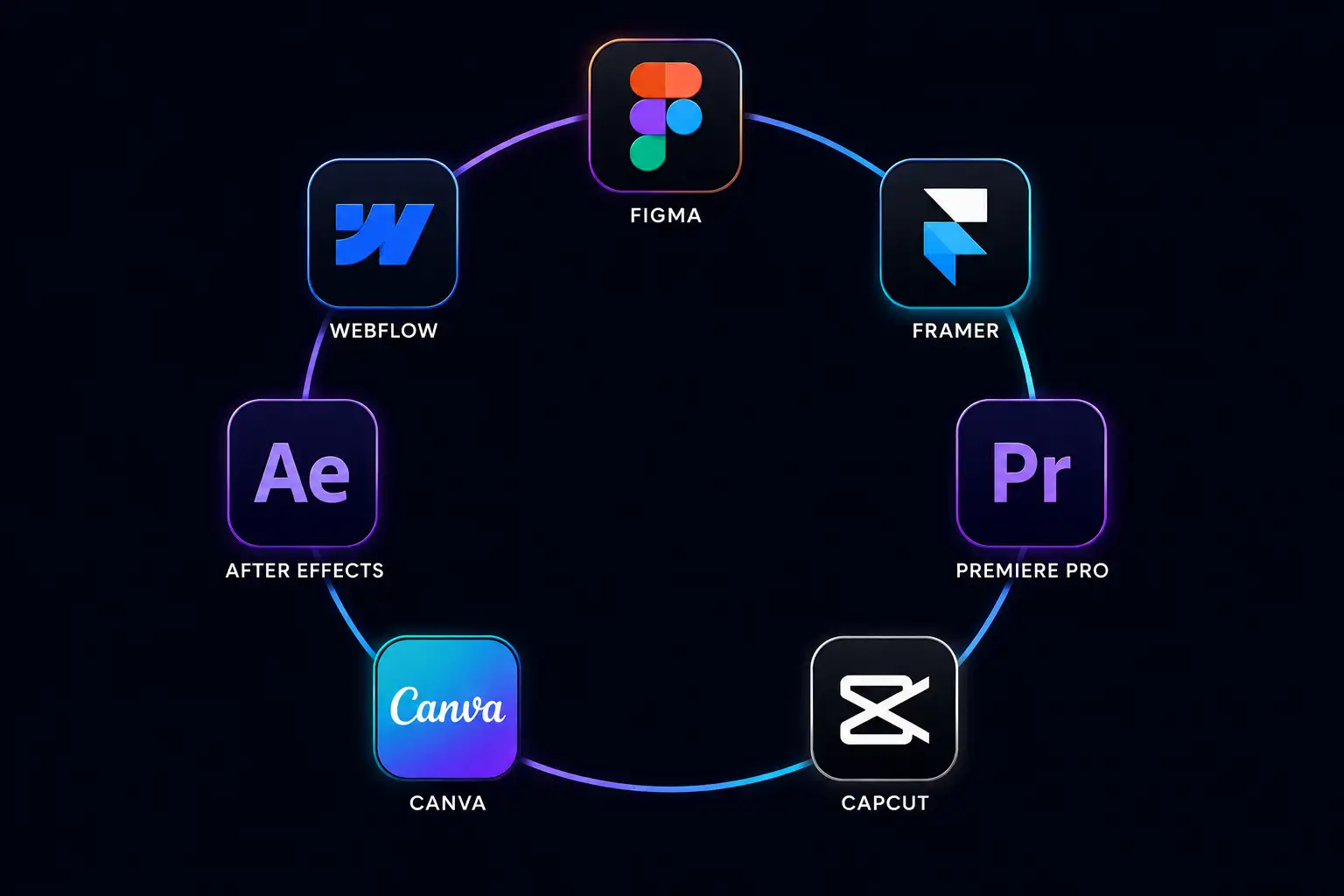
For modern digital design, Figma has become the undisputed leader for implementing 3D assets. Figma allows designers to drag and drop 3D PNGs with alpha channels directly into their UI kits. This is the fastest way to add depth to a mobile app or website mockup. To take it further, plugins like “Vectary” or “Spline” allow you to manipulate 3D objects in real time within the Figma environment. When you use curated 3D icons from Tridimensi, they maintain their 300 DPI sharpness, ensuring your mockups look as good as the final coded product.
For web developers, Framer and Webflow are the best platforms for deploying 3D environments. These “no code” and “low code” tools have native support for 3D background loops and interactive animations. By using an optimized 3D Animated Wave Background or an MP4 loop from Tridimensi, you can create an immersive hero section without writing a single line of complex WebGL code. These platforms are designed for performance, ensuring that your high fidelity 3D assets do not negatively impact your SEO or Core Web Vitals.
Professional software choices for web:
- Figma: Best for rapid prototyping and layering 3D PNG elements.
- Webflow: The gold standard for high performance 3D backgrounds and scroll based animations.
- Framer: Ideal for interactive 3D components and seamless motion design.
Motion Graphics and Video Editing Tools
When your brand identity requires more than static images, Adobe After Effects is the professional’s choice. The 3D Animated Wave Background and other motion assets from Tridimensi are specifically designed to be compatible with After Effects. This software allows you to “composite” 3D assets, meaning you can add your own brand colors, text overlays, and lighting effects to an existing 3D loop. This level of customization ensures that a “ready to use” asset feels like a bespoke creation tailored specifically to your campaign.
For faster social media production, Canva and CapCut have evolved to support high quality 3D assets. You can import 3D MP4 loops as backgrounds or use 3D transparent PNGs as “stickers” to elevate your social media stories and ads. Even though these tools are simpler, using premium grade 3D assets from a curated library ensures the final output remains professional and high end. This democratization of design software means that even non designers can produce world class visual content by using the right assets in the right tools.
Strategic software for motion:
- After Effects: Best for complex compositing and color grading 3D loops.
- Premiere Pro: Ideal for integrating 3D animations into high production marketing videos.
- Canva/CapCut: The best choice for fast, 3D enhanced social media marketing.
Presentation and Pitch Deck Software
In the corporate world, the software used most often with 3D assets is actually Keynote and PowerPoint. Modern versions of these tools now support 3D model files (like .GLB) and high resolution video backgrounds. By using Geometric Balance 3D compositions as slide backgrounds, you can transform a dry data deck into a cinematic presentation. The informational gain here is significant; an engaged audience is far more likely to retain information when it is presented in a dynamic, 3D enhanced environment.
Being an expert presenter involves knowing that “less is more.” You don’t need a 3D object on every slide. Instead, use a high impact 3D font or a 3D animation for your title and transition slides. This creates a professional hierarchy that guides the audience’s focus. Because Tridimensi assets are optimized for performance, they won’t cause your presentation software to lag during a high stakes meeting, ensuring your delivery is as smooth as your visuals.
Software for impactful presentations:
- Keynote: Known for its superior handling of smooth 3D transitions and video loops.
- PowerPoint: The corporate standard, now featuring robust support for 3D models and high DPI images.
- Pitch.com: A modern alternative designed specifically for high end, visual heavy decks.
Revolutionize Your Workflow with Tridimensi
Tridimensi.pro is dedicated to providing the extraordinary digital products that work seamlessly across this entire software ecosystem. Our curated library of 3D objects, backgrounds, and animations is engineered to be software agnostic, meaning you can take one asset and use it in Figma for your web design, After Effects for your promo video, and PowerPoint for your client pitch. By providing high quality, ready to use visuals, we empower you to revolutionize your design process and maintain a professional look regardless of the software you choose.
Tridimensi Software Compatibility:
- Graphic Design: Fully compatible with Figma, Photoshop, and Canva.
- Video/Motion: Optimized for After Effects, Premiere, and CapCut.
- Web/UX: Ready for Webflow, Framer, and WordPress.
Ordering Information
Ready to use the best 3D assets with your favorite software? You can reach our team directly via email at:
[email protected]
Alternatively, you can send a message or DM to our social media channels. Our team is ready to help you with software specific tips or asset selection to ensure your design process is faster and better than ever.
FAQ
Do I need a 3D graphics card to use these assets in Figma?
While a better computer helps, you don’t need a dedicated 3D GPU for our PNG and MP4 assets. They are pre rendered, so your computer treats them like normal images and videos, which is much easier on your system.
Can I use 3D assets in WordPress?
Yes! You can use our 3D backgrounds as “Video Backgrounds” in page builders like Elementor or Divi, and use our 3D PNGs just like any other image file to add depth to your site.
What is the best format for After Effects?
For the highest quality, use our MOV or MP4 files. If you need to change the colors or add lighting, the MP4 loops are already optimized to take effects like “Colorama” or “Hue/Saturation” very well.
Why should I use Figma for 3D instead of Photoshop?
Figma is generally faster for web and UI design because it handles multiple “frames” or pages more efficiently. However, Photoshop is still better if you need to do advanced “photo manipulation” on a 3D render.