SPECIAL OFFER ✦ BUY 2 GET 1 FREE! ✦ ADD 3 PRODUCTS TO YOUR CART, AND THE DISCOUNT APPLIES AUTOMATICALLY!
SPECIAL OFFER ✦ BUY 2 GET 1 FREE! ✦ ADD 3 PRODUCTS TO YOUR CART, AND THE DISCOUNT APPLIES AUTOMATICALLY!
SPECIAL OFFER ✦ BUY 2 GET 1 FREE! ✦ ADD 3 PRODUCTS TO YOUR CART, AND THE DISCOUNT APPLIES AUTOMATICALLY!
SPECIAL OFFER ✦ BUY 2 GET 1 FREE! ✦ ADD 3 PRODUCTS TO YOUR CART, AND THE DISCOUNT APPLIES AUTOMATICALLY!
One of the leading collaborative design platforms, Figma, allows creators to build expressive products and interface designs. In today’s mostly AI-driven world, 3D assets for Figma particularly help many designers and 3D artists to turn their great ideas into real outcomes.
What can you get from Figma and its 3D assets? We will examine an in-depth overview of them, along with the 3D UI Kits for designers, and also the Figma 3D plugin resources.
3D Assets for Figma: What You Can Expect
Source : Envato
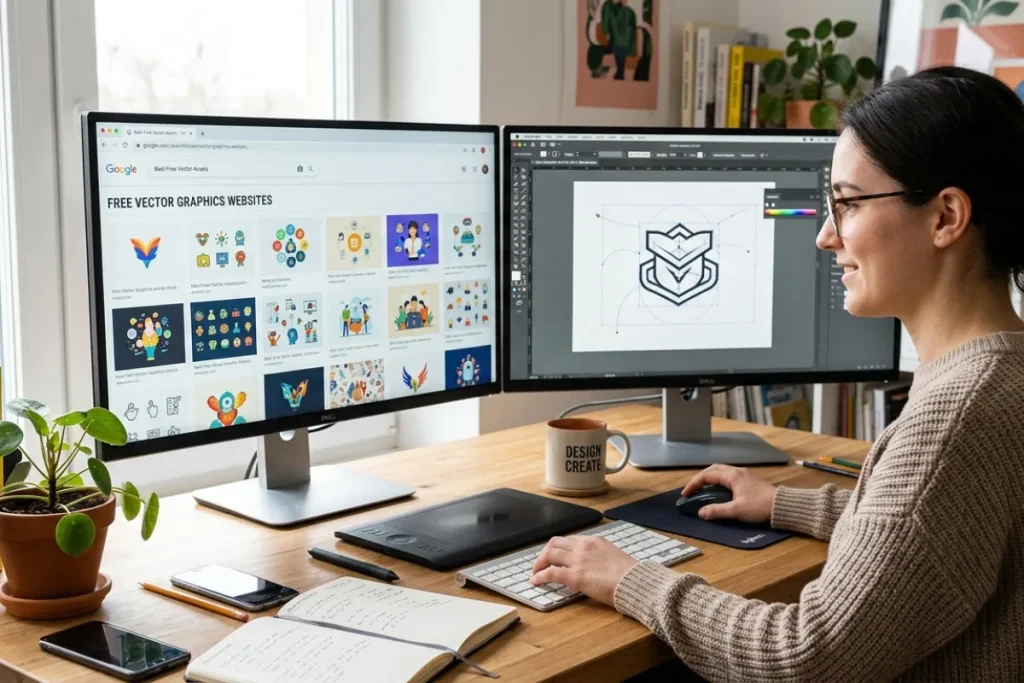
Figma’s feature set centers on user interface and user experience design, prioritizing real-time collaboration and employing a range of vector graphics editors and prototyping tools. There are also extra offline functionalities provided by desktop applications for macOS and Windows.
This section will especially outline 3D assets for Figma, including its 3D asset library, 3D model viewer, and 3D icon sets.
The 3D Asset Library
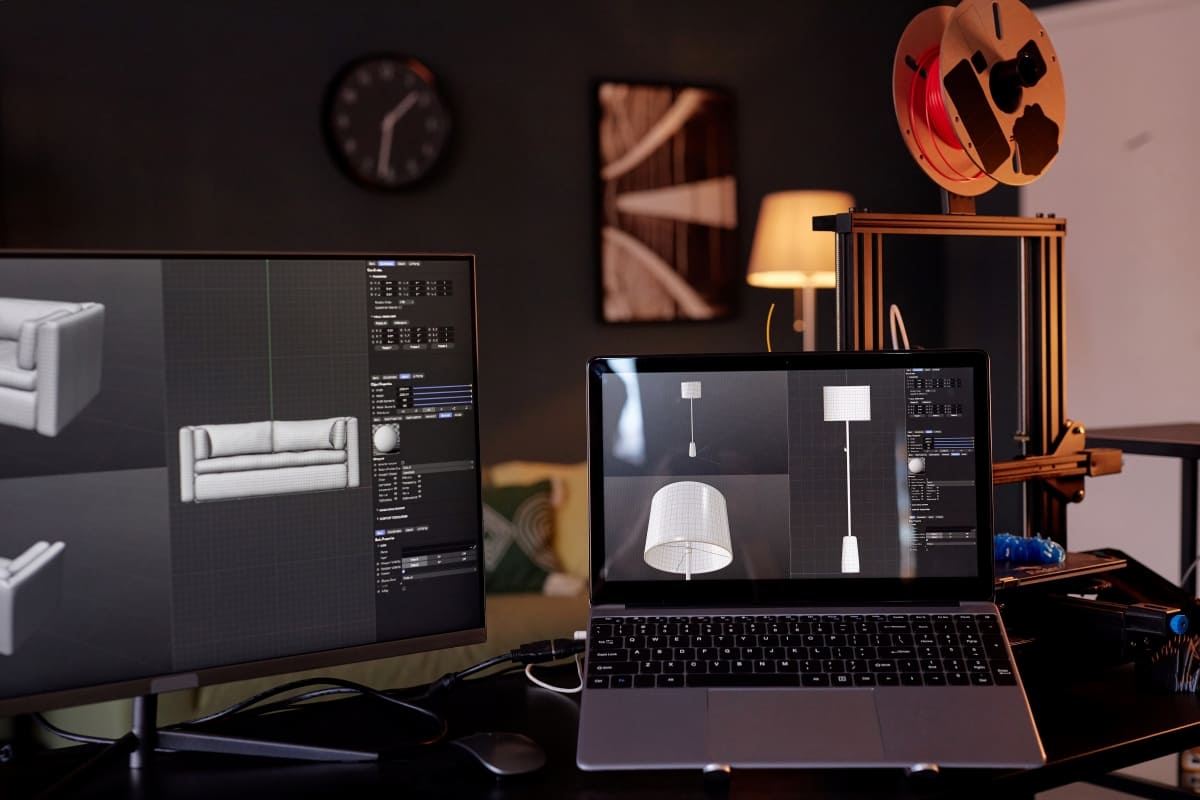
Innovative 3D asset library by Figma allows you to enhance your web design skills since they are created to fit any product or scenario. Here, a library consists of design resources, such as components, styles, and variables. These assets of design exist in one file, yet can be reused in various files or projects.
Crafted in Figma and saved as high-resolution PNG files, these visuals are ideal for enhancing the authenticity and depth of your web designs. No matter if you are creating a web for a virtual event, service, or product, the Figma 3D library will give you full support.
If you are pursuing additional assets and higher resolution renders, the full-paid version is available. Apparently, this versatile 3D asset library will make your web designs notable and create a memorable impact.
The 3D Model Viewer (Embed)
Source : Envato
3D Model Embed is an impressive Figma plugin that enables you to effortlessly insert 3D models straight into your Figma files. This plugin allows you to animate your designs by adding 3D renderings that are more realistic. It can improve your presentations and offer a more immersive (engaging) experience for your clients or team members.
Here are some key features you can expect.
Seamlessly effortless integration
You can instantly bring in 3D models from a range of widely-used formats like OBJ, FBX, GLTF, and others, right into your Figma file.
Interactive viewing
After embedding, you can engage with the 3D model, spin it, enlarge or minimize it, and even adjust the lighting and render the settings for improved visual representation (in the future).
Team-Friendly collaboration
You can share your Figma files featuring embedded 3D models with your colleagues or clients, guaranteeing a uniform and precise depiction of your designs across various platforms.
Tools for annotation
You can use Figma’s integrated annotation tools to give feedback or emphasize particular sections of the 3D model, simplifying the design review workflow.
Performance Maximization
The plugin aims to enhance the rendering efficiency of 3D models, guaranteeing a fluid and responsive experience, even with intricate models.
You can generate 3D model files using software like Blender, or you can obtain them in GLTF or GLB formats from 3D model marketplaces such as CGTrader and Sketchfab.
Regardless of projects you are in – architectural visualizations, product designs, or any project that needs 3D visuals – the 3D Model Viewer (Embed) plugin for Figma will transform your workflow and take your design presentations to the next level.
The 3D Icon Sets
Other 3D assets for Figma, this varied assortment of 3D Icon sets will add depth, dimension, and visual appeal to your creative projects. Indeed, these beautiful arrays of 3D icon collections are ideal for contemporary web designs, mobile applications, and digital interfaces.
The variety of 3D icons here encompasses numerous themes and styles, spanning from technology and business to lifestyle and entertainment. Whether you are working on a modern website, a user-friendly app interface, or an interactive presentation, these icons will boost your design’s appeal.
These versatile and professionally-crafted icon collections feature both complimentary and premium choices, suitable for designers of all skill levels.
Source : Envato
Figma 3D UI Kits for Designers
Figma helps you optimize your workflow and energize your creative journey using these 3D UI kits for designers. They are available in a comprehensive range of free and premium UI kits.
From streamlined interfaces to complete design systems, UI kits are designed to optimize your workflow and enhance creativity. Regardless of whether you are creating mobile applications, websites, or desktop software, UI kits provide diverse elements and other components for all your requirements.
Figma 3D UI kits offer the essential components required to craft impressive user experiences, ranging from minimalist styles to dynamic interfaces. Some examples to look for are iOS/iPadOS UI Kit, Instagram UI Kit, Android UI Kit, Landing Page UI Kit, Delivery App UI Kit, and many more.
Templates can be either free or paid, depending on the choice of the template creator.
Figma 3D Plugin Resources
You can also find powerful 3D Plugins and Files in Figma. These robust tools are intended to boost your creative skills, enabling you to incorporate realism, dimension, and depth into your work.
These plugins provide a variety of features to accommodate different design requirements, from developing 3D prototypes (mockups) to crafting immersive (engaging) interfaces. You can apply them to pursue interactive experiences, architectural visualizations, or product renderings.
Figma 3D plugin resources feature both free and premium choices, serving designers with diverse expertise and different project needs. Some of the recommended plugins are logo creation plugins, gradient plugins, code generators, GIF export, Background remover plugins, and more.
Conclusion
Prompt, code, and design from first idea to final product.
Figma allows you to transform big concepts into tangible products through brainstorming, designing, and building with your team. Figma’s feature set emphasizes user interface and user experience design, prioritizing real-time collaboration and incorporating various tools for vector graphics editing and prototyping.Want to elevate your creative design? Drop by Tridimensi and try the pro access. You can broaden your design possibilities and craft stunning visual experiences with 3D assets for Figma that stretch the limits of design, turning two-dimensional ideas into engaging 3D realities.