SPECIAL OFFER ✦ BUY 2 GET 1 FREE! ✦ ADD 3 PRODUCTS TO YOUR CART, AND THE DISCOUNT APPLIES AUTOMATICALLY!
SPECIAL OFFER ✦ BUY 2 GET 1 FREE! ✦ ADD 3 PRODUCTS TO YOUR CART, AND THE DISCOUNT APPLIES AUTOMATICALLY!
SPECIAL OFFER ✦ BUY 2 GET 1 FREE! ✦ ADD 3 PRODUCTS TO YOUR CART, AND THE DISCOUNT APPLIES AUTOMATICALLY!
SPECIAL OFFER ✦ BUY 2 GET 1 FREE! ✦ ADD 3 PRODUCTS TO YOUR CART, AND THE DISCOUNT APPLIES AUTOMATICALLY!
Motion graphics AI has quickly become one of the most searched terms among designers looking to speed up their video production. Instead of animating every keyframe by hand, creators can now describe a scene in plain language and let an algorithm generate the movement.
This shift raises a fair question: can AI make motion graphics that actually look professional, or is it still just a gimmick for quick social clips?
Below are eight AI tools worth testing in 2026, ranked by how commonly they show up in modern production pipelines.
Key Takeaways:
Which AI is best for motion graphics depends on your project. Runway and Adobe After Effects lead for professional workflows, while Pika Labs and Renderforest suit fast, template-driven content.
Yes, there is a free AI motion graphic animation generator option in several tools below, each offering limited credits before you need to upgrade.
AI speeds up production, but it will not fully replace motion designers. It removes repetitive tasks so creators can focus on storytelling and art direction.
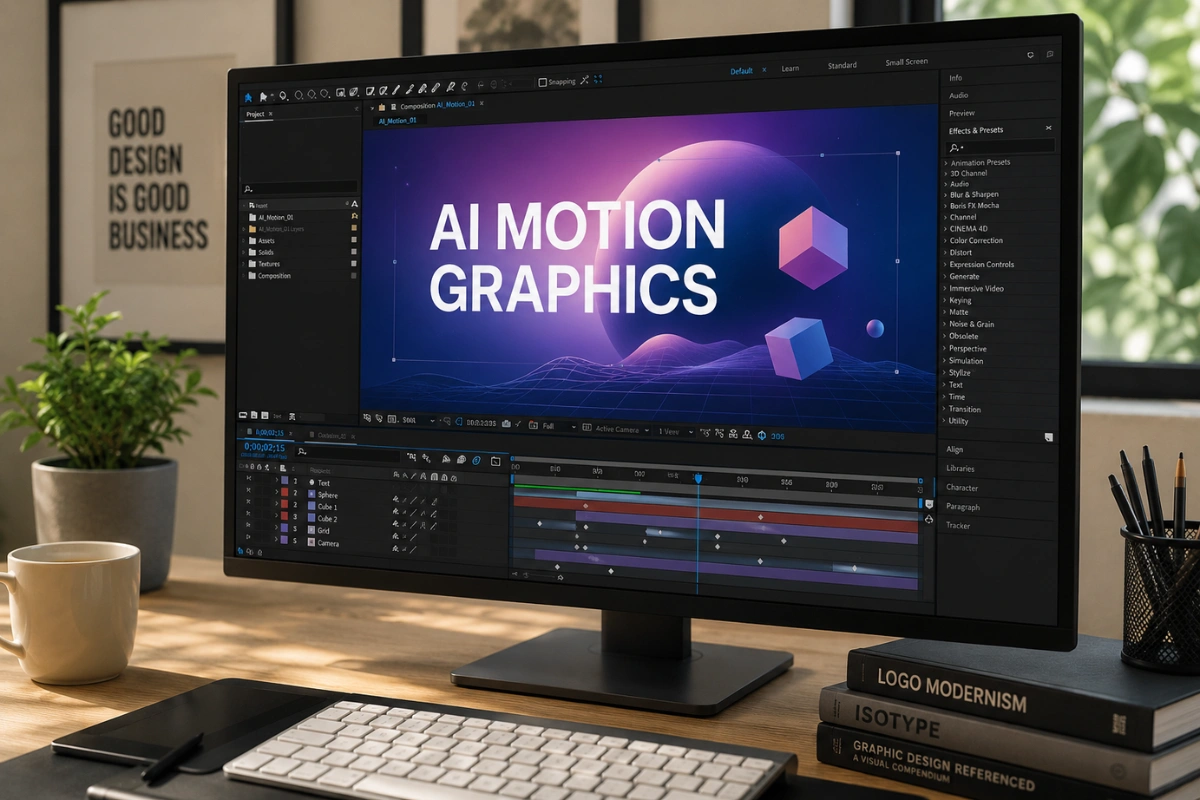
1. Adobe After Effects (with AI-Powered Features)
After Effects remains the industry standard
After Effects remains the industry standard, and its newest AI upgrades now handle rotoscoping, object tracking, and scene extension automatically.
For studios that already live inside the Adobe ecosystem, these additions cut hours off repetitive compositing work without forcing a switch to a new platform. It’s the safest choice for teams that need AI convenience without abandoning a familiar timeline-based workflow.
Automatic rotoscoping and background removal
AI-assisted keyframing for smoother transitions
Deep integration with Premiere Pro and Photoshop
2. Runway (Gen-4)
Runway has become the reference point for AI-assisted video
Runway has become the reference point for AI-assisted video, blending text-to-motion generation with a capable web-based editor. Describe a scene in a sentence, and Runway returns a stylized motion clip that works either as a finished social asset or as pre-visualization for a bigger production.
Text-to-video and image-to-video generation
Fast iteration for concept testing
Useful for both raw clips and finishing touches
3. Luma Dream Machine
Luma Dream Machine is a strong pick when a brand film or hero video needs to feel closer to live-action than to a generic animated template
Luma Dream Machine specializes in cinematic, physics-aware motion that avoids the flat, “AI-ish” look many earlier tools produced. It’s a strong pick when a brand film or hero video needs to feel closer to live-action than to a generic animated template.
Iteration does cost credits, though, so it works best once a concept has already been approved rather than during early brainstorming.
Realistic physics and lighting simulation
Great for launch films and campaign visuals
Credit-based pricing, so plan iterations carefully
4. Google Veo (Veo 3 / 3.1)
Google Veo is one of the most advanced motion video generators available in 2026
Google Veo is one of the most advanced motion video generators available in 2026, built for cinematic, story-driven sequences straight from a text prompt. It’s particularly strong for professional explainers and product films where consistent visual style matters across an entire sequence.
Agencies producing branded campaigns tend to favor it once they need multiple scenes to look like they came from the same shoot.
Natural, physics-accurate motion
Strong narrative and camera-movement control
Access is still limited in some regions and bundled with Google’s broader ecosystem
If you’re combining generated clips with static branding elements, pairing them with curated 3D assets (like the ones at Tridimensi) can add a polished, consistent look to landing pages and campaigns without extra production time.
5. Pika Labs
Pika Labs is built for speed, turning short prompts into loop-ready motion clips in minutes.
This is a solid answer to the “is there a free AI motion graphic animation generator” question, since its free tier is generous enough for testing ideas before committing to a paid plan. It won’t replace a full production pipeline, but for quick social teasers it’s hard to beat on turnaround time.
Quick loops, transitions, and social-first clips
Simple prompt-based interface
Free tier available for early experimentation
6. Kling AI
Kling AI focuses on longer, more coherent motion sequences than many of its competitors
Kling AI focuses on longer, more coherent motion sequences than many of its competitors, making it useful when a project needs continuity across several seconds rather than a two-second loop. It also handles character consistency reasonably well across a single generated sequence, which is often where other generative tools start to break down.
Longer clip duration with fewer artifacts
Decent character and object consistency
Growing library of style presets
7. DeepMotion
DeepMotion converts ordinary video footage into rigged 3D character animation through AI-driven motion capture
DeepMotion takes a different approach, converting ordinary video footage into rigged 3D character animation through AI-driven motion capture. For teams producing avatar content, game cinematics, or virtual presenters, it removes the need for a full mocap studio and a suit full of markers.
Markerless motion capture from standard video
Exports to common 3D animation formats
Ideal for character-driven, not purely abstract, motion work
8. Renderforest
Renderforest leans into templates rather than raw generation
Renderforest leans into templates rather than raw generation, letting non-designers assemble branded motion graphics from pre-built scenes. It’s less flexible than the generative tools above, but it’s dependable for teams that need consistent output without a steep learning curve.
Small businesses producing regular social content often lean on it precisely because the results are predictable.
Drag-and-drop motion graphics templates
Fast turnaround for marketing and social content
Free plan with watermarked exports for testing
Will motion graphics be replaced by AI is a common worry, but the honest answer is: not entirely. These tools remove tedious tasks like rotoscoping and frame interpolation, yet composition, pacing, and storytelling still rely on a human eye.
The most effective workflows in 2026 treat AI as a fast first draft, refined afterwards by a designer who understands the brand and the audience.
Studios that have adopted this hybrid approach report faster turnaround without a drop in quality, mainly because the designer’s time shifts from repetitive execution to review and refinement.
In practice, that means fewer late nights animating individual keyframes and more time spent on the creative decisions that actually shape how a video feels.
Final Thoughts
Motion graphics AI tools are no longer experimental. They’re a practical part of modern production pipelines, whether you’re generating raw clips or polishing an existing edit. Pick the tool that matches your workflow, then round out your visuals with assets that keep the final output feeling premium and on-brand.
Explore Tridimensi’s Unlimited Access for unlimited downloads of curated 3D assets that pair perfectly with AI-generated motion for landing pages, campaigns, and presentations.