SPECIAL OFFER ✦ BUY 2 GET 1 FREE! ✦ ADD 3 PRODUCTS TO YOUR CART, AND THE DISCOUNT APPLIES AUTOMATICALLY!
SPECIAL OFFER ✦ BUY 2 GET 1 FREE! ✦ ADD 3 PRODUCTS TO YOUR CART, AND THE DISCOUNT APPLIES AUTOMATICALLY!
SPECIAL OFFER ✦ BUY 2 GET 1 FREE! ✦ ADD 3 PRODUCTS TO YOUR CART, AND THE DISCOUNT APPLIES AUTOMATICALLY!
SPECIAL OFFER ✦ BUY 2 GET 1 FREE! ✦ ADD 3 PRODUCTS TO YOUR CART, AND THE DISCOUNT APPLIES AUTOMATICALLY!
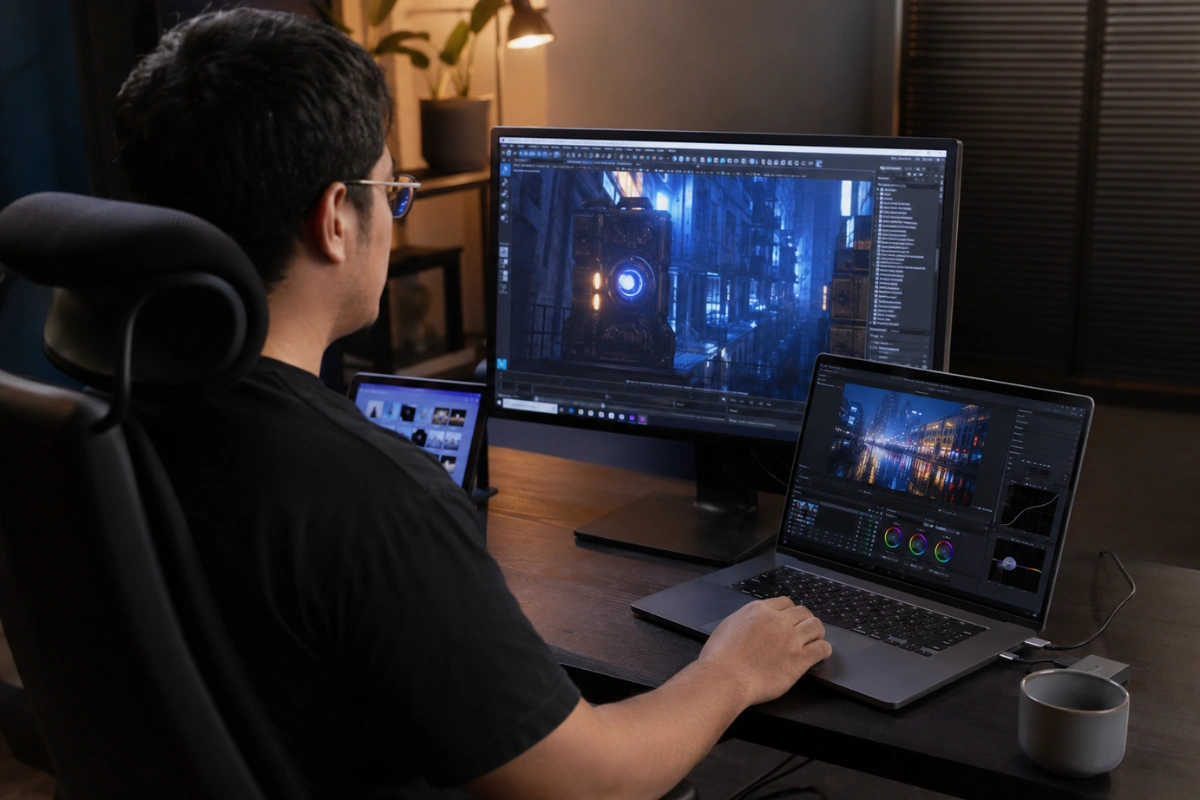
Remote access desktop software has become essential for creative teams pulling frames off a render farm, editing 4K footage from a laptop, or checking on a workstation back at the studio. Not every tool handles color-heavy, GPU-intensive work well, though; plenty were built for basic IT support, not creative pipelines.
Below are 8 tools worth testing if your work depends on smooth, high-fidelity remote access.
Key Takeaways:
Choose remote access software based on your creative workload. GPU-heavy tasks like 3D rendering and 4K video editing need low latency, smooth streaming, and reliable color performance.
Free remote desktop software can handle basic needs. Chrome Remote Desktop, Microsoft RDP, and Moonlight + Sunshine are practical options when cost is a priority, although they come with different performance and setup trade-offs.
Always test real-world performance before committing. Network quality, resolution, hardware, and workload can significantly affect the remote experience, so test your preferred tool under the conditions you’ll actually work in.
1. Parsec
Parsec is built on game-streaming technology, which makes it one of the lowest-latency options available for anyone driving a GPU workstation remotely
Parsec is built on game-streaming technology, which makes it one of the lowest-latency options available for anyone driving a GPU workstation remotely. Editors, 3D artists, and game developers often pick it specifically because color and motion stay smooth even under heavy graphics load.
It also supports multiple viewers connecting to one session, which turns it into a genuine collaboration tool rather than just a solo remote-control app.
Sub-20ms latency on a good connection
Supports multiple simultaneous viewers on one machine
Free personal tier explicitly excludes commercial use
2. Splashtop
Splashtop is the ideal middle-ground pick for creative teams, offering up to 240 FPS streaming for smooth video editing and 3D work without the enterprise price tag.
Splashtop has become a strong middle-ground pick for creative teams that need solid performance without an enterprise-level price tag. Higher-tier plans stream at up to 240 FPS, which matters when scrubbing through video timelines or rotating a 3D viewport remotely.
It’s often the recommended starting point for teams that want most of Parsec’s speed with more standard business features included.
High frame-rate streaming built for creative workloads
File transfer and session recording included
Some users report occasional lag on lower-tier plans
3. TeamViewer
TeamViewer offers business-critical reliability and full IT management for studios, but its enterprise pricing and feature set can be overkill for small creative teams
TeamViewer remains one of the most recognized names in remote access, built for business-critical reliability rather than raw graphics speed. It’s a solid pick for studios that need consistent uptime, audit logs, and IT-style management across many machines.
For a small creative team, though, its enterprise features and pricing can feel like overkill compared to tools built specifically for graphics work.
Strong enterprise features and device management
Widely trusted for compliance-heavy environments
Pricing sits higher than most creative-focused alternatives
4. AnyDesk
AnyDesk is a lightweight, cross-platform remote tool that installs fast, making it the perfect backup for jumping onto render nodes without setup hassle.
AnyDesk is a lightweight alternative that installs quickly and runs on nearly every platform, including older machines that struggle with heavier remote tools. It’s a practical backup option for teams that need to jump onto a render node without a lengthy setup process.
Small install footprint and fast connection times
Cross-platform support, including Linux render nodes
Solid choice for quick check-ins rather than sustained creative work
5. Chrome Remote Desktop
Chrome Remote Desktop is a completely free, easy-to-set-up browser tool that is perfect for quick file access and light remote fixes without any subscription fees
Chrome Remote Desktop is a genuinely free, browser-based option that’s easy to set up in minutes. For users searching for which remote desktop software is free, it’s one of the simplest choices because there’s no subscription fee for basic personal remote access.
It won’t match dedicated tools on frame rate or color accuracy, but for occasional file grabs or quick fixes on a remote machine, it gets the job done without any cost.
Completely free for personal use
No separate software install beyond a Chrome extension
Best for light tasks, not sustained 3D or video work
6. Microsoft Remote Desktop (RDP)
Microsoft RDP is built into Windows Pro, Enterprise, and Education at no extra cost, delivering near-native responsiveness for basic tasks within the Windows ecosystem.
If your studio runs Windows Pro, Enterprise, or Education machines, Microsoft’s built-in RDP protocol is already available at no extra cost. That makes it another strong answer to the question, ” Which remote desktop software is free? When you’re already working within the Windows ecosystem.
Rendering happens locally on the client side, so basic window management and typing feel close to native, even if raw graphics throughput trails dedicated streaming tools.
Free and built into eligible Windows editions
Deep integration with Active Directory and Group Policy
Requires a VPN or port forwarding for access outside the local network
7. Moonlight + Sunshine
Moonlight paired with Sunshine delivers subscription-free, GPU-accelerated streaming with high-end performance for technical users who don’t mind manual setup.
Moonlight paired with the open-source Sunshine host software has become a favorite among technically minded studios wanting GPU-accelerated streaming without a subscription. It’s not as polished for non-technical users, but the performance can rival paid tools once configured correctly.
Open-source and free to run
GPU-accelerated streaming similar to game-streaming platforms
Setup and pairing require more technical comfort than plug-and-play tools
8. Cloud GPU Workstations for Render Farms
Cloud GPU Workstations for Render Farms
When local hardware simply isn’t enough, cloud GPU workstation providers let render farms and studios rent remote desktops with serious processing power attached. These services combine remote access with on-demand GPU and CPU capacity, so a team can spin up a powerful machine only when a deadline demands it.
Many also offer pre-configured images with common 3D and video software already installed, which cuts down setup time considerably compared to provisioning a machine from scratch.
On-demand GPU and CPU power without buying hardware
Pay-per-use or dedicated server options depending on workload
Useful for scaling beyond in-house render capacity during crunch periods
Testing more than one tool before committing is worth the extra hour, since real-world performance depends heavily on your specific network conditions and the resolution you’re working at. What feels instant on a wired office connection might lag noticeably on hotel Wi-Fi, so it pays to test under the conditions you’ll actually be working in.
Once your remote pipeline is sorted, the next bottleneck for most creative teams is producing polished visuals fast enough to hit deadlines. Pairing your workflow with a curated 3D asset library like Tridimensi can shave real time off that process, since ready-made assets reduce how much needs to be modeled from scratch before a render even starts.
Final Thoughts
Remote access desktop software isn’t one-size-fits-all, especially once GPU-heavy creative work enters the picture. Match the tool to your actual workload (latency and color fidelity for editing and 3D, reliability and management for larger teams), and you’ll avoid the frustration of fighting your own tools mid-deadline.
When it’s time to speed up the creative side too, explore Tridimensi’s Unlimited Access for unlimited downloads of 3D assets built for landing pages, campaigns, and presentations.