SPECIAL OFFER ✦ BUY 2 GET 1 FREE! ✦ ADD 3 PRODUCTS TO YOUR CART, AND THE DISCOUNT APPLIES AUTOMATICALLY!
SPECIAL OFFER ✦ BUY 2 GET 1 FREE! ✦ ADD 3 PRODUCTS TO YOUR CART, AND THE DISCOUNT APPLIES AUTOMATICALLY!
SPECIAL OFFER ✦ BUY 2 GET 1 FREE! ✦ ADD 3 PRODUCTS TO YOUR CART, AND THE DISCOUNT APPLIES AUTOMATICALLY!
SPECIAL OFFER ✦ BUY 2 GET 1 FREE! ✦ ADD 3 PRODUCTS TO YOUR CART, AND THE DISCOUNT APPLIES AUTOMATICALLY!
Have you ever generated an AI image that looked polished but still felt generic? That is AI slop. Developing an anti-AI slop skill helps you avoid this problem by creating visuals with clear creative direction instead of relying on default AI outputs.
While AI can produce images in seconds, speed often comes at the expense of originality. As more creators use similar prompts, many AI-generated designs begin to look the same.
Instead of accepting the first result, learn to write better prompts, evaluate AI outputs, and refine each visual with intention. By focusing on quality rather than speed, you can create AI-assisted designs that look more professional, distinctive, and aligned with your brand.
Key Takeaways
Write prompts with specific visual direction instead of generic keywords.
Compare and refine AI outputs before using them in your projects.
Combine AI with high-quality assets to create more polished designs.
What Is AI Slop?
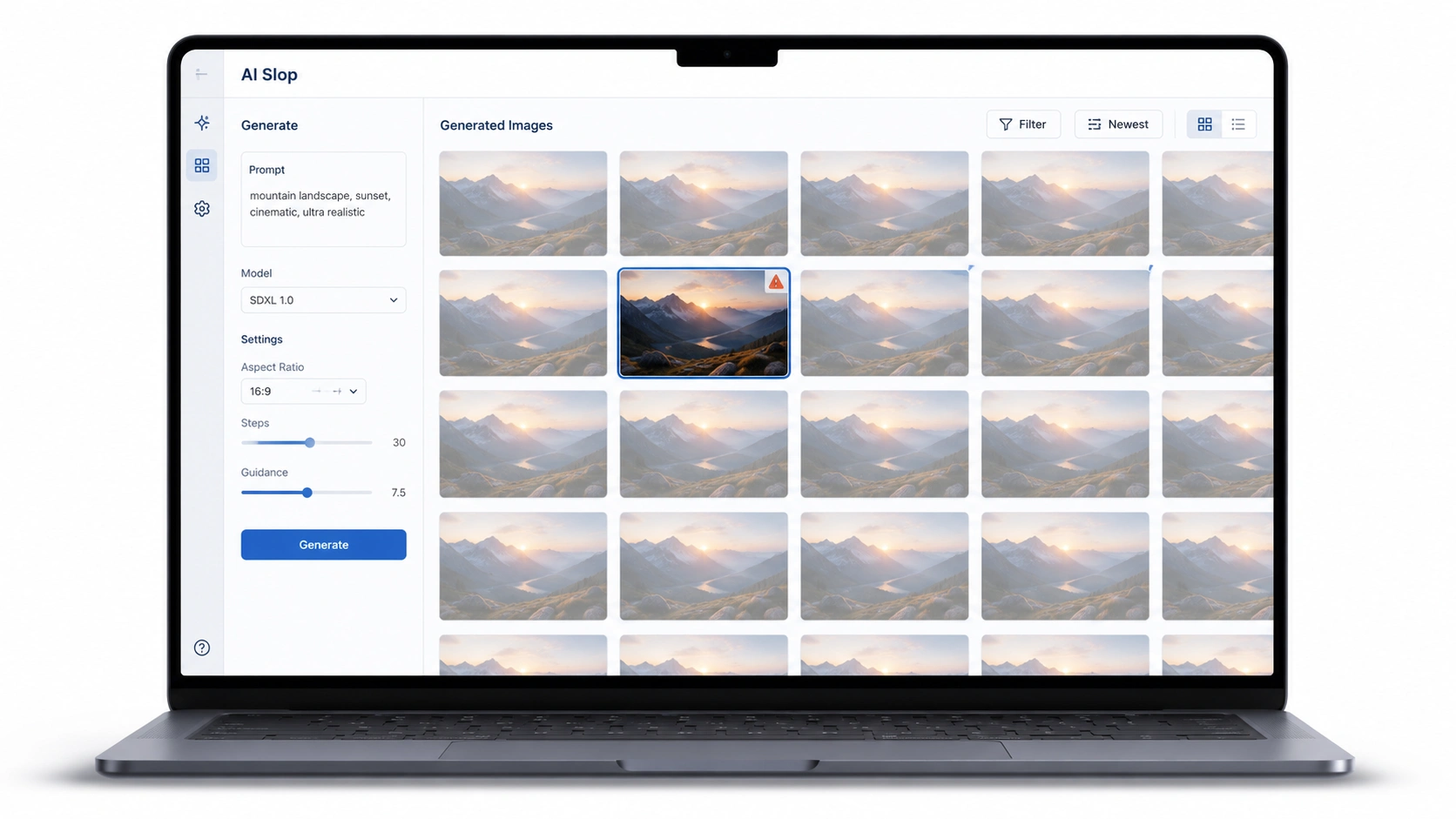
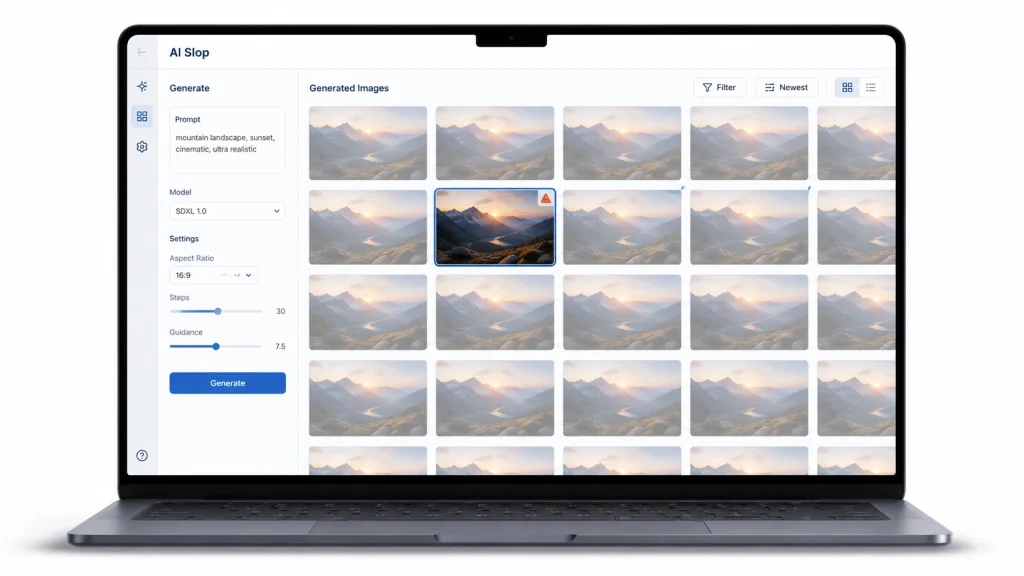
A laptop showing repetitive AI-generated images that represent AI slop caused by generic prompts and limited creative direction.
AI slop is AI-generated content that lacks originality, consistency, or creative intent. In visual design, it often appears as repetitive illustrations, unrealistic lighting, awkward compositions, or textures that look artificial. The images may seem impressive at first glance, but they often fail to communicate a unique message or reflect a brand’s identity.
This usually happens because many users rely on broad prompts such as “modern,” “realistic,” or “high quality.” Since countless people use similar instructions, AI models tend to generate similar-looking results. The faster content is produced without careful review, the easier it becomes for AI slop to appear.
What Is an Anti-AI Slop Skill?
An anti-AI slop skill is the ability to guide AI with clear creative intent instead of relying on default outputs
An anti-AI slop skill is the ability to guide AI with clear creative intent instead of relying on default outputs. It combines effective prompting with critical evaluation, helping you decide what to keep, improve, or remove before using AI-generated visuals.
Writing better prompts is an important part of this process, but it is not enough on its own. You also need to review the results, identify weak areas, and refine them until they match your creative goals. Treat AI as a creative assistant rather than an automatic designer, and you will produce visuals that feel more intentional and professional.
How to Avoid AI Slop with Better Prompting
A step-by-step visual guide to producing polished AI-generated image
Prompting is the foundation of high-quality AI-generated visuals. The clearer your instructions, the less likely AI is to rely on generic patterns. Instead of focusing on making AI generate images faster, focus on giving it enough information to understand your creative vision.
1. Give AI a Clear Visual Direction
Avoid broad prompts that leave too much room for interpretation. Instead, describe the visual style you want as clearly as possible.
Rather than asking for a “modern 3D illustration,” specify the lighting, color palette, materials, composition, and camera angle. Details such as soft studio lighting, matte materials, or isometric perspective give AI stronger guidance and produce more consistent results.
Clear prompts reduce guesswork and make it easier to generate visuals that match your design goals.
2. Use Negative Prompts
Knowing what to exclude is just as important as knowing what to include. If your AI tool supports negative prompts, use them to remove common issues before they appear.
For example, exclude blurry textures, distorted objects, unrealistic reflections, oversaturated colors, or low-resolution details. These simple instructions help AI avoid common mistakes and reduce the amount of editing required later.
3. Generate Multiple Options Before Choosing
One of the easiest ways to avoid AI design slop is to avoid settling for the first result. AI can generate several variations in minutes, so take advantage of that speed to explore different ideas rather than rushing to publish.
Compare each version carefully. Look at the composition, lighting, color balance, and how well the image supports your message. Sometimes a small change in perspective or lighting can make one image far more effective than another.
Selecting the strongest output is part of the creative process. AI provides the options, but your judgment determines the final quality.
4. Refine Every Output Before Publishing
Even well-written prompts rarely produce a perfect image on the first try. Instead of treating AI output as a finished design, treat it as a draft that can be improved.
You can refine the image by adjusting colors, improving composition, replacing distracting elements, or combining the best parts from multiple generations. Small edits often have a bigger impact than writing longer prompts.
This final review helps ensure your visuals look intentional instead of obviously AI-generated. A few extra minutes of refinement can significantly improve the overall quality of your work.
Elevate Your Workflow with Tridimensi
AI is a powerful tool, but it works best alongside high-quality design assets. Tridimensi offers more than 5,000 curated 3D assets that help designers, marketers, and creative teams create polished visuals faster. Instead of relying entirely on AI-generated outputs, combine your best ideas with professionally crafted assets to achieve consistent, production-ready results.
Final Thoughts
Better prompting is only one part of creating high-quality AI visuals. Reviewing, refining, and knowing when to use curated assets are equally important. Developing an anti-AI slop skill helps you create visuals that feel intentional instead of generic, allowing you to work faster without compromising quality.