SPECIAL OFFER ✦ BUY 2 GET 1 FREE! ✦ ADD 3 PRODUCTS TO YOUR CART, AND THE DISCOUNT APPLIES AUTOMATICALLY!
SPECIAL OFFER ✦ BUY 2 GET 1 FREE! ✦ ADD 3 PRODUCTS TO YOUR CART, AND THE DISCOUNT APPLIES AUTOMATICALLY!
SPECIAL OFFER ✦ BUY 2 GET 1 FREE! ✦ ADD 3 PRODUCTS TO YOUR CART, AND THE DISCOUNT APPLIES AUTOMATICALLY!
SPECIAL OFFER ✦ BUY 2 GET 1 FREE! ✦ ADD 3 PRODUCTS TO YOUR CART, AND THE DISCOUNT APPLIES AUTOMATICALLY!
Creating professional graphics no longer requires years of design experience. Platforms like Canva have made visual content more accessible, but they are not always the best fit for every project. If you need more flexibility, advanced features, or tools tailored to specific tasks, exploring alternatives to Canva can help you create stronger marketing materials without adding unnecessary complexity.
Whether you are designing social media posts, business presentations, or promotional graphics, the right platform should match your workflow. Some focus on speed and simplicity, while others offer better collaboration, presentation features, or vector editing.
Here are ten excellent options for beginners, marketers, and professional teams.
Key Takeaways
Different design tools excel at different tasks, from social media graphics to presentations and UI design.
Free and open-source platforms provide capable alternatives without requiring expensive subscriptions.
Combining the right design software with premium 3D assets helps create more distinctive and engaging visuals.
Why Look for a Canva Alternative?
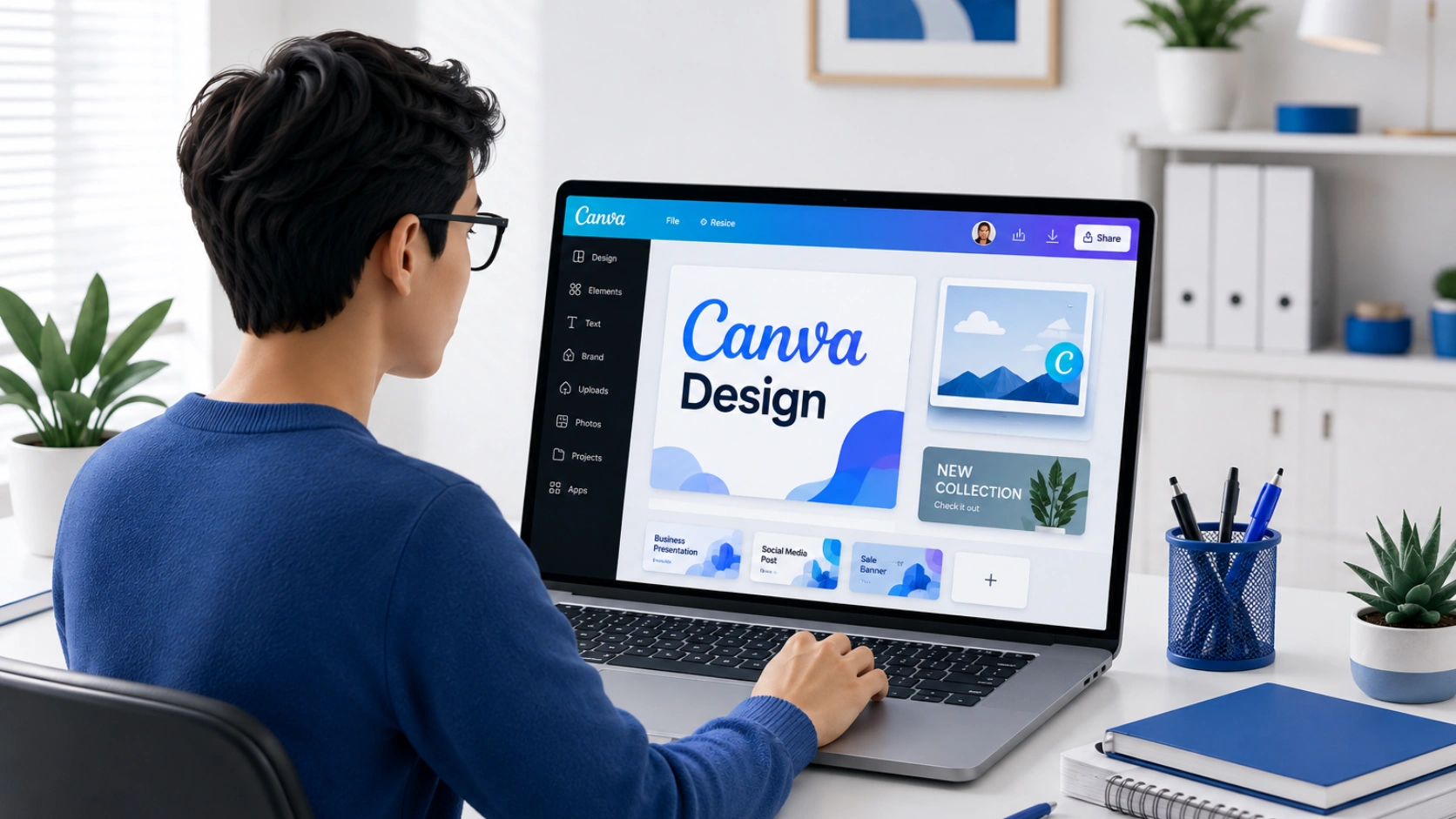
A designer comparing basic design tools with advanced creative features for different project needs.
Canva remains a popular choice because it is easy to use. However, some projects require features that go beyond ready-made templates. Better branding controls, stronger collaboration, advanced editing, or presentation-focused tools can improve both productivity and final results.
If you have ever asked, is there a better alternative to Canva, the answer depends on your goals. Fortunately, there are many options that cater to different creative needs.
Best Canva Alternatives Worth Trying
A designer exploring many application tools alternatives to Canva
The best platform depends on your workflow, experience, and creative goals. Here are ten Canva alternatives worth considering.
1. Adobe Express
It offers one of the smoothest experiences for beginners who want polished graphics without learning professional software. Built around Adobe’s creative ecosystem, it provides access to quality templates, fonts, and AI-powered editing tools. It is an excellent choice for small businesses and marketing teams that need fast, consistent content.
2. Visme
This platform specialises in presentations, reports, and infographics. It includes interactive charts, data visualisation tools, and business-focused templates that help communicate complex information more clearly. It is one of the strongest alternatives to Canva for presentations when visual storytelling matters.
3. Microsoft Designer
Powered by AI, it simplifies content creation for users who already work within the Microsoft ecosystem. It generates layouts quickly and integrates well with Microsoft 365 applications. It is especially useful for producing marketing graphics, invitations, and promotional materials in just a few clicks.
4. VistaCreate
This tool focuses on social media graphics and short marketing campaigns. It includes thousands of templates, animated elements, and stock resources that make content creation fast and approachable. For creators looking for apps similar to Canva free, it delivers an intuitive experience with generous free features.
5. Snappa
It is designed for speed. The clean interface helps users produce banners, blog graphics, advertisements, and social media posts without a steep learning curve. Its straightforward workflow makes it a practical solution for freelancers and small business owners who value efficiency.
6. Pixlr
This platform focuses on browser-based photo editing. It offers layer support, AI-powered editing features, and useful filters without requiring software installation. It is a practical option for anyone who needs quick image enhancements before adding them to marketing materials or presentations.
7. Pitch
It is built specifically for modern presentations. The platform supports real-time collaboration, smart templates, live data integration, and smooth animations that help teams create engaging slide decks. Whether you are preparing a client proposal or an investor presentation, it provides more presentation-focused features than general graphic design software.
8. Penpot
For teams looking for free and open-source alternatives to Canva, this platform deserves serious attention. Built on open web standards, it supports collaborative interface design while allowing designers and developers to work from the same files. Its flexibility also makes it a strong choice for product teams that want greater control over their design process.
9. Kittl
This tool stands out for its typography and illustration capabilities. It offers stylish templates, advanced text effects, and easy-to-use editing features that help users create eye-catching posters, merchandise, and branding materials. It is an excellent choice for creators who want more distinctive visuals without mastering professional design software.
10. Figma
Although widely known for UI and UX design, it has evolved into a collaborative design platform suitable for many creative projects. Real-time editing, reusable components, and cloud-based collaboration make it a reliable solution for agencies, startups, and distributed teams working on digital products or marketing assets.
Make Every Design More Engaging with Tridimensi
Choosing the right design platform is only part of the creative process. Your visuals play an equally important role in attracting attention and strengthening your brand identity. Even the best layouts can feel ordinary when they rely on generic stock graphics.
Tridimensi helps solve that challenge with more than 5,000 premium 3D assets for designers, marketers, and content creators. Whether you work in Adobe Express, Pitch, Figma, or another platform, these assets make it easy to add depth, realism, and personality to landing pages, presentations, advertisements, and social media content.
With one Unlimited Access subscription, you can build more distinctive visuals while keeping your workflow efficient.
Final Thoughts
The best design software depends on your experience, project type, and creative goals. Some platforms are ideal for beginners, while others provide advanced collaboration, presentation, or open-source capabilities.
As you explore different alternatives to Canva, pairing your preferred platform with premium 3D assets from Tridimensi can help you create professional visuals that leave a lasting impression.