SPECIAL OFFER ✦ BUY 2 GET 1 FREE! ✦ ADD 3 PRODUCTS TO YOUR CART, AND THE DISCOUNT APPLIES AUTOMATICALLY!
SPECIAL OFFER ✦ BUY 2 GET 1 FREE! ✦ ADD 3 PRODUCTS TO YOUR CART, AND THE DISCOUNT APPLIES AUTOMATICALLY!
SPECIAL OFFER ✦ BUY 2 GET 1 FREE! ✦ ADD 3 PRODUCTS TO YOUR CART, AND THE DISCOUNT APPLIES AUTOMATICALLY!
SPECIAL OFFER ✦ BUY 2 GET 1 FREE! ✦ ADD 3 PRODUCTS TO YOUR CART, AND THE DISCOUNT APPLIES AUTOMATICALLY!
A blurry photo can ruin an otherwise great shot. But a blurred image enhancer can quickly sharpen details, reduce softness, and make your image look clearer in just a few steps. The key is choosing the right tool for the kind of blur you’re dealing with.
Key Takeaways:
AI image enhancers can sharpen blurry photos and improve image quality.
Sharpening, deblurring, and upscaling solve different image problems.
The best blurry image enhancer depends on your image and editing needs.
How to Enhance Blurry Photos with an Image Enhancer
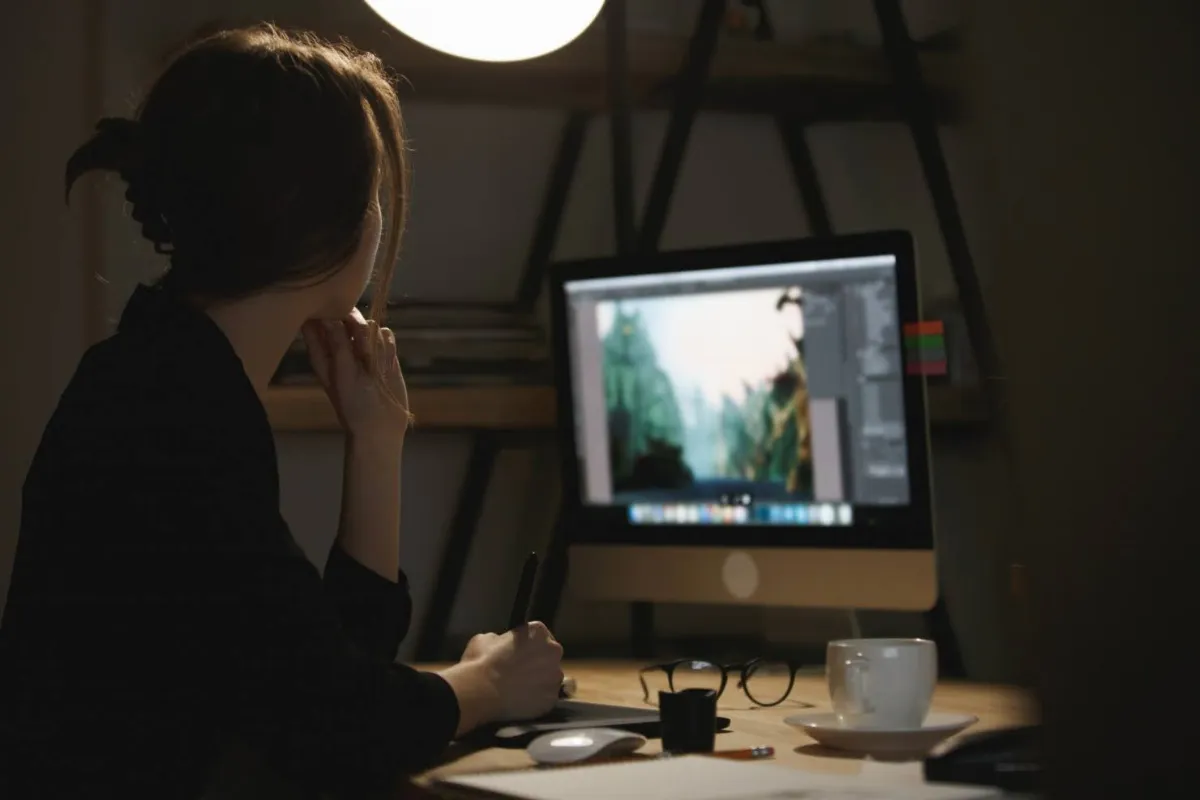
A female photographer editing photos in her studio office (Source: Magnific @DC Studio)
An image enhancer can sharpen details, reduce noise, improve clarity, or increase resolution. AI-powered tools can also reconstruct missing details, making blurry photos look clearer.
Sharpening improves existing details, deblurring targets motion or focus issues, and upscaling increases image resolution. Some AI tools combine all three.
If you want a simple way to enhance a blurry photo, follow this general workflow:
Choose an AI image enhancer: Look for a tool that specifically supports unblurring, sharpening, or photo enhancement.
Upload the blurry photo: Start with the highest-quality original file available, not a heavily compressed copy.
Select Enhance, Unblur, or Sharpen: The exact feature name varies between tools, but the goal is to improve the image’s clarity.
Let the AI process the image. Depending on the tool, it may automatically adjust sharpness, reduce noise, or upscale it.
Compare the result: Use a before-and-after preview to check whether important details actually look better.
Download the enhanced image: Save the result in a format and resolution that suit your intended use.
However, an image enhancer with HD upscaling cannot recover every detail lost from a blurry image. Severe out-of-focus photos, heavy motion blur, or highly pixelated files may still look imperfect, and AI-generated details may not exactly match the original image.
8 BestBlurry Image Enhancers
Back view of a man editing photos on his computer (Source: Magnific @DC Studio)
Here are eight options worth considering:
1. Picsart
Best for: Creative and social media content
Picsart’s AI tools sharpen blurry and pixelated images, with support for portraits, text, screenshots, and product photos. Once the image is clearer, you can continue editing it with Picsart’s other creative tools, which is useful for larger visual projects.
2. Canva
Best for: Quick enhancement and design projects
With Canva, you can upscale a blurry photo through a simple one-click workflow. The feature works with portraits, landscapes, old photos, and screenshots, and the result can be added directly to a design with text, graphics, frames, or other visual elements.
3. Adobe Express
Best for: Professional and branded visuals
Adobe Express combines AI-powered sharpening with manual controls for sharpness, clarity, contrast, and lighting. That extra flexibility makes it a practical choice when you need to refine a photo for a social post, a presentation, a poster, or another branded visual.
4. Fotor
Best for: Beginners and quick edits
Fotor takes a straightforward approach to photo enhancement. Its unblur feature works with portraits, old photos, screenshots, product images, and landscapes, while the before-and-after preview lets you quickly see whether the result is actually better.
5. PicWish
Best for: Portraits and face enhancement
PicWish is an AI image enhancer focused on facial details, sharpening features such as eyes, lips, hair, and facial contours. It’s a good fit for blurry selfies, profile pictures, group photos, and older portraits that have lost some clarity.
6. Topaz Photo AI
Best for: Professional photo enhancement
For more demanding edits, Topaz Photo AI offers advanced processing for sharpening and deblurring, making it a strong option for users who want to unblur HD images.
Its tools can address motion blur, missed focus, and general softness while giving users more control than a basic one-click tool.
7. Let’s Enhance
Best for: Upscaling and high-resolution output
Let’s Enhance focuses on combining deblurring with upscaling and super-resolution processing. It’s a useful option when you need a photo to look clearer while also preparing it for a larger output, such as commercial imagery or print.
8. Cutout.pro
Best for: All-in-one AI enhancement
Cutout.pro brings sharpening, noise reduction, and upscaling into a single workflow. It supports portraits, product photos, screenshots, illustrations, and other image types, with a before-and-after preview that makes it easy to evaluate the changes.
The best blurry photo enhancer depends on what you need to fix. Simple online tools work well for quick edits, while advanced software is better for professional photos, large-format output, text, or detailed portrait enhancement.
Final Thoughts
A blurred image enhancer can be a practical way to make blurry photos look clearer without requiring advanced photo-editing skills. AI tools can handle common problems such as softness, missed focus, pixelation, and low resolution, but the quality of the original image still limits the final result.
Choose a tool based on the type of blur and how you plan to use the enhanced image.
If you’re creating polished visuals beyond enhanced photos, Tridimensi’s curated 3D assets can also help add depth and visual interest to branding, websites, presentations, and other creative digital projects.