SPECIAL OFFER ✦ BUY 2 GET 1 FREE! ✦ ADD 3 PRODUCTS TO YOUR CART, AND THE DISCOUNT APPLIES AUTOMATICALLY!
SPECIAL OFFER ✦ BUY 2 GET 1 FREE! ✦ ADD 3 PRODUCTS TO YOUR CART, AND THE DISCOUNT APPLIES AUTOMATICALLY!
SPECIAL OFFER ✦ BUY 2 GET 1 FREE! ✦ ADD 3 PRODUCTS TO YOUR CART, AND THE DISCOUNT APPLIES AUTOMATICALLY!
SPECIAL OFFER ✦ BUY 2 GET 1 FREE! ✦ ADD 3 PRODUCTS TO YOUR CART, AND THE DISCOUNT APPLIES AUTOMATICALLY!
Creativity thrives when technology gives it room to expand, and that’s where 3D sculpting programs shine. These specialized tools bridge artistry with innovation, enabling designers to push beyond traditional modeling and craft high-detail works that captivate audiences in games, films, and beyond.
Key Takeaways:
ZBrush is the industry standard in 3D sculpting, known for its extensive brush customization and advanced texturing features.
Blender stands out as an open-source app with capabilities comparable to paid software.
Nomad Sculpt is ideal for sculpting 3D models on tablets and is available on both the App Store and Google Play.
Top 10 3D Sculpting Programs: From Industry-Standard to Mobile
We’ve outlined the best 3D sculpting software for beginners and professionals to help you choose the perfect match. Check this list out!
1. ZBrush
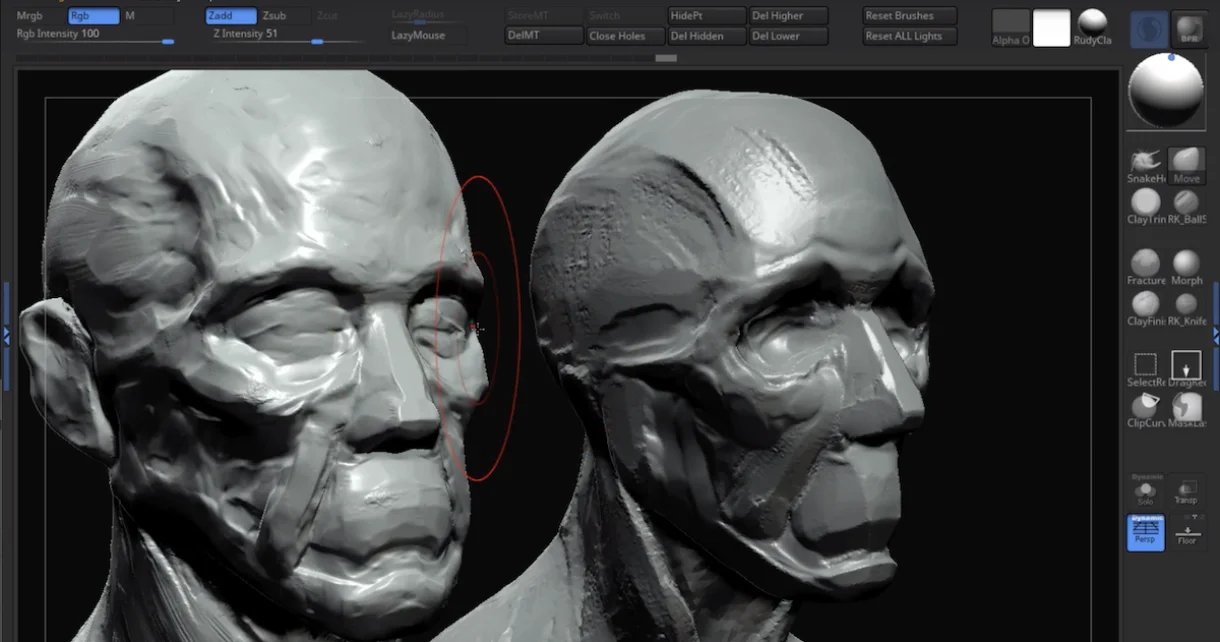
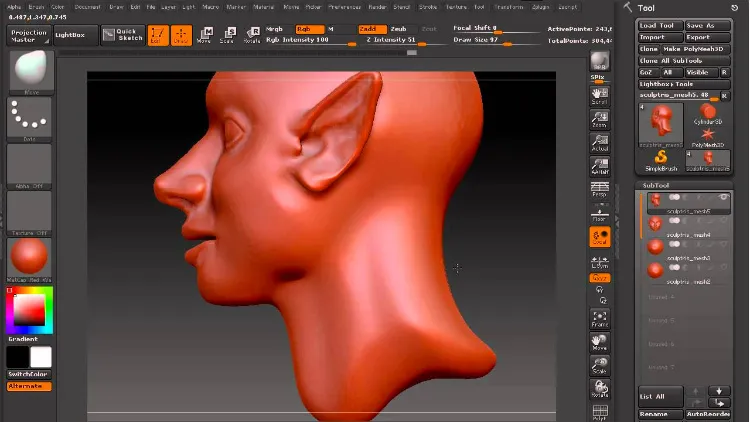
Sculpting head in ZBrush (Source: 80 Level)
ZBrush is widely regarded as the gold standard for digital sculpting, known for its ability to manage complex, high-resolution details with ease. It is the preferred choice for creating lifelike characters, intricate creatures, and detailed 3D printing models used in film, games, and collectibles.
Best Features:
Extensive brush customization
Integrated 3D painting and advanced texturing options
Dynamic topology and polyMesh
Advantages:
Exceptional detail and speed for high-poly sculpting
Adopted by professionals
Strong compatibility with established production pipelines
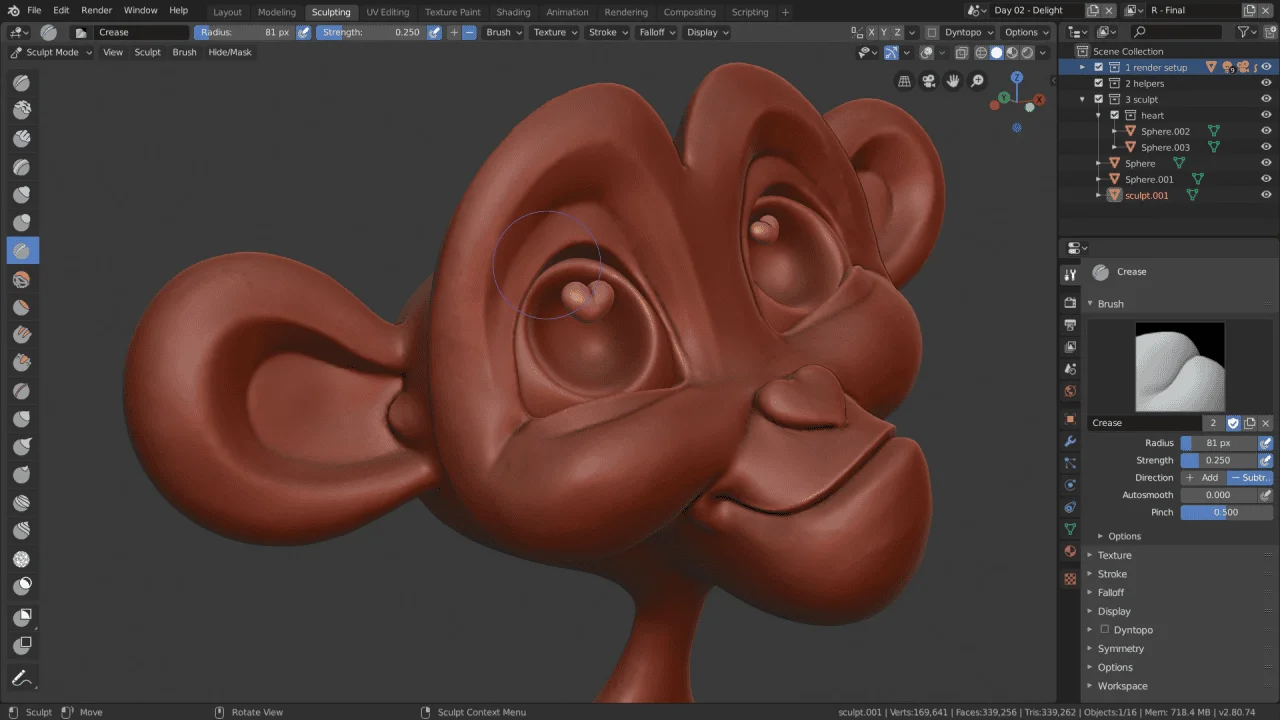
Blender is a powerful, open-source 3D creation suite that also provides sculpting, all at no cost. It’s widely used for indie game art, animations, and VFX, offering both hobbyists and professionals an accessible way to create polished results.
Best Features:
Complete 3D pipeline
Symmetry tools, masking options, and multiresolution sculpting
Eevee (real-time) and Cycles (ray tracing) render engines
Advantages
Cost-free access without licensing restrictions
Versatile enough for both small projects and full productions
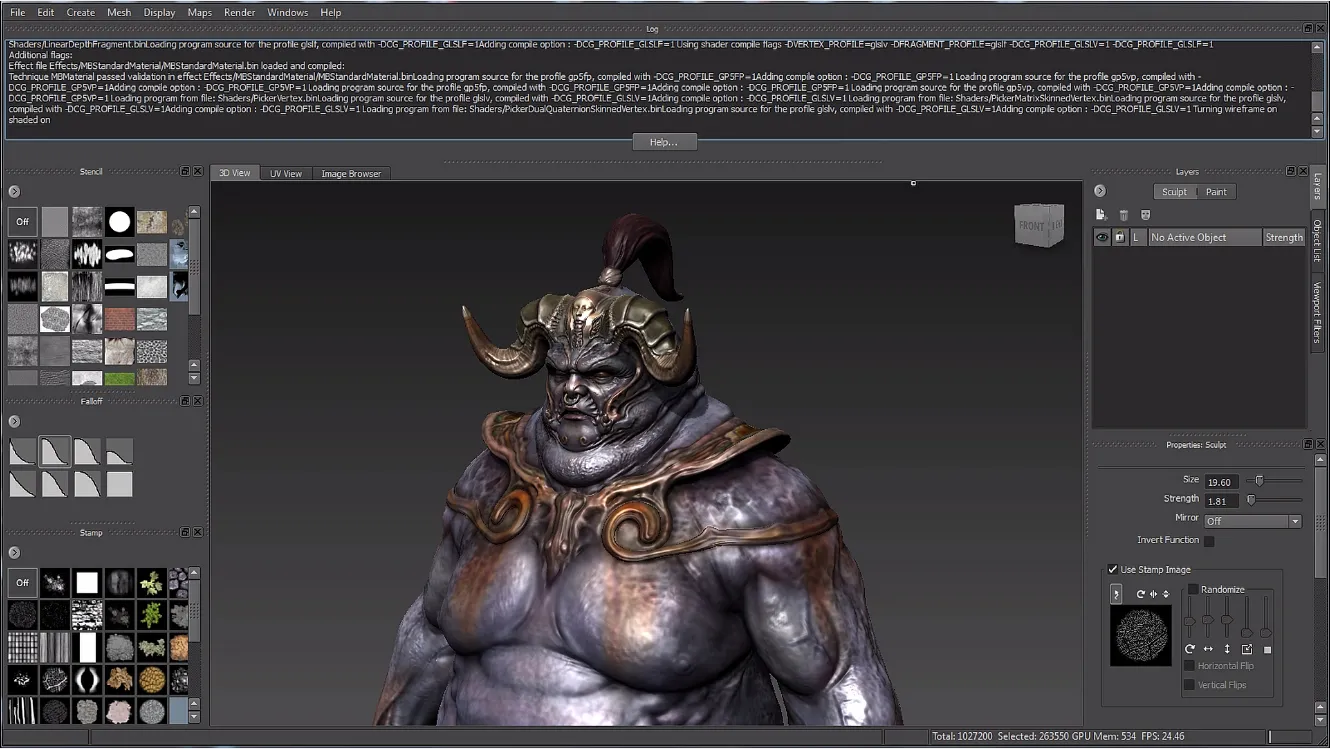
Autodesk Mudbox delivers a streamlined sculpting and painting workflow, favored for its clean interface and straightforward controls. It is often chosen to develop realistic characters and environments for film, advertising, and game productions, especially when integrated with other Autodesk tools.
Best Features:
Familiar sculpting brushes for clay, smoothing, and shaping
High-quality texture painting
Seamless link with Maya and 3ds Max
Advantages
Easy-to-learn layout
Balanced combination of sculpting and painting features
Capable of handling both realistic and stylized art styles
4. 3D Coat
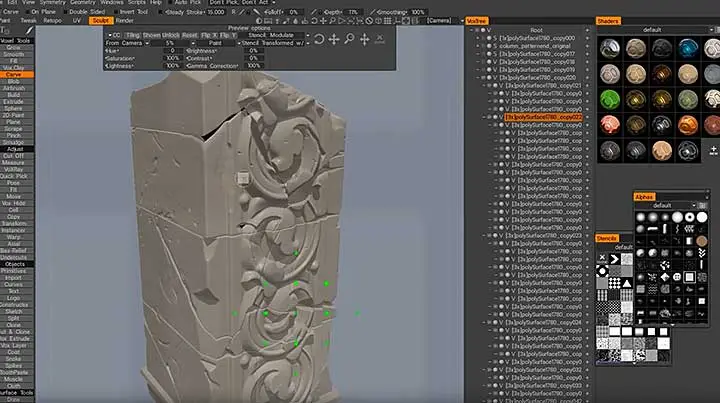
Destructive Sculpting in 3D Coat (Source: Lestrebanks)
3D Coat is an all-in-one sculpting and texturing program, valued for its voxel-based sculpting and advanced retopology capabilities. It is particularly useful for game asset development and texturing-intensive projects where efficiency and accuracy are essential
Best Features:
Voxel and polygonal sculpting systems
Physically based rendering (PBR) texture painting
Advantages
strong UV and retopology tools
Suitable for both hard-surface and organic modeling
5. Sculptris
Sculptris Sculptor (Source: Concept Art Empire)
Sculptris is among the 3D sculpting programs designed for accessibility, making it ideal for beginners exploring digital sculpting. With its simple layout and adaptive tessellation, it works well for quick concepts, learning exercises, and hobby projects
Best Features:
Automatic tessellation
Lightweight
Advantages
Pathway toward advanced sculpting in ZBrush
Simple yet functional for quick sketches and practice
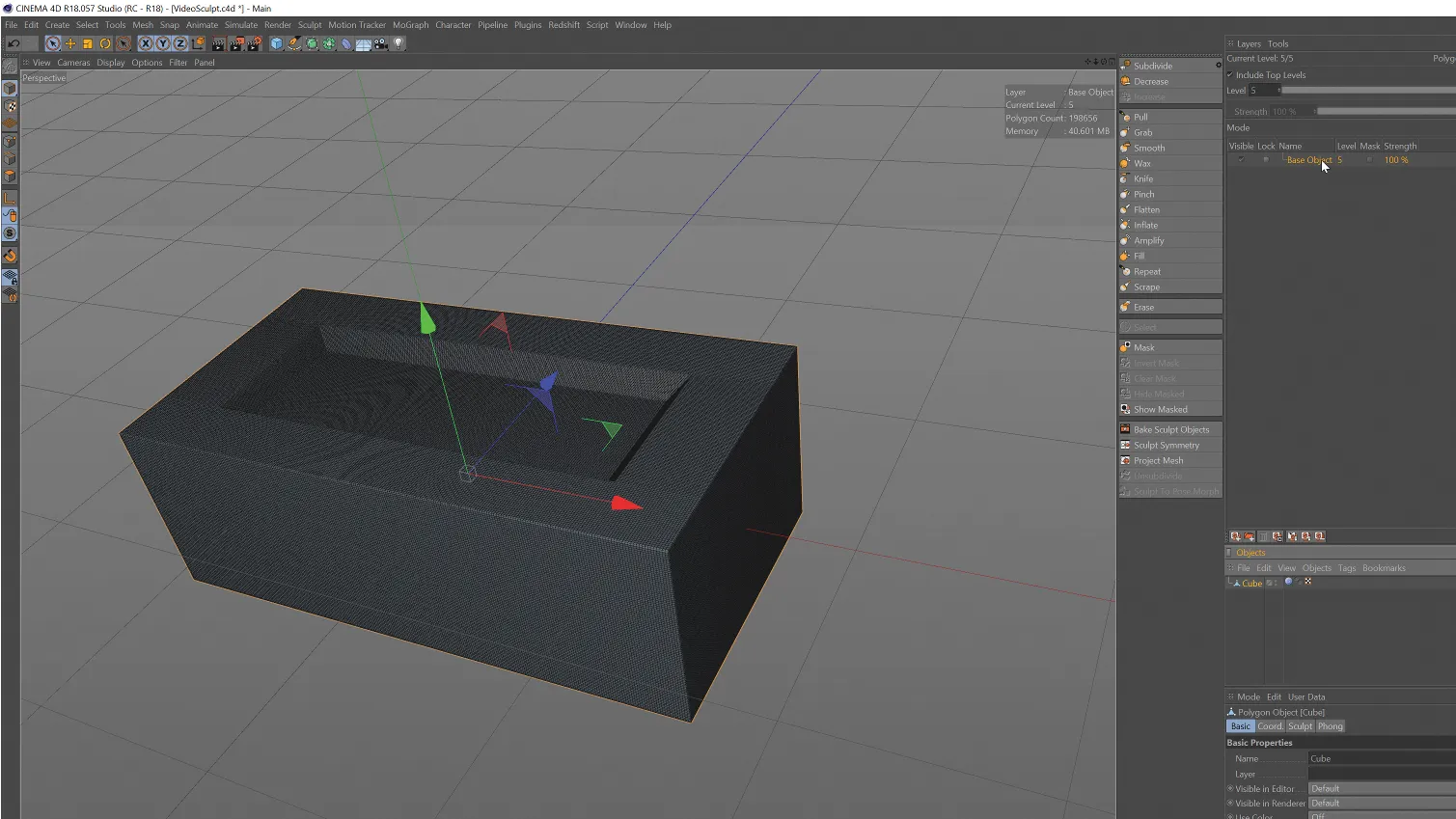
Cinema 4D, best known for its motion graphics capabilities, also includes sculpting tools that integrate directly into its animation and rendering workflows. It is especially effective for artists working on visual effects and animations that require sculpted enhancements.
Best Features:
Layer-based sculpting for non-destructive editing
Reliable rendering and animation compatibility
Advantages
Easy integration of sculpted assets into animations and VFX
Balanced toolset for both detail and motion graphics work
7. Autodesk Maya (with Sculpting Tools)
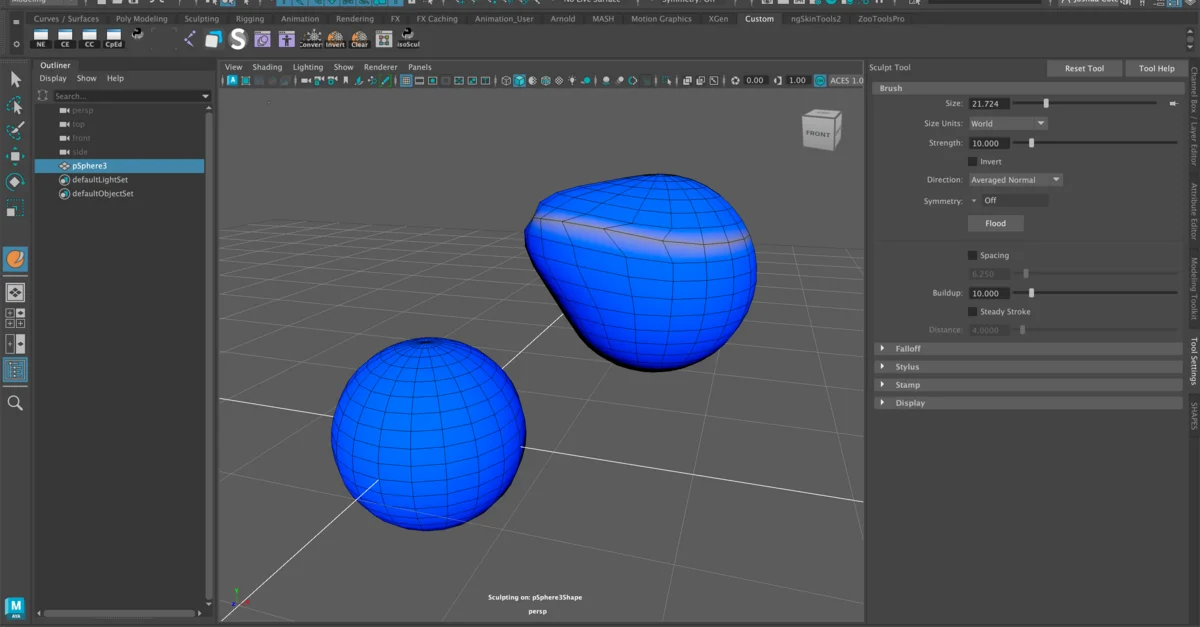
Maya Sculpting Tool (Source: ArtStation)
Maya is the industry standard for animation and rigging, but it also provides sculpting tools that integrate directly into its powerful production environment. It is often used for character sculpting in workflows where animation and VFX are closely linked.
Best Features:
Integrated sculpting brushes
Layer-based sculpting
Works seamlessly with rigging, simulation, and animation systems
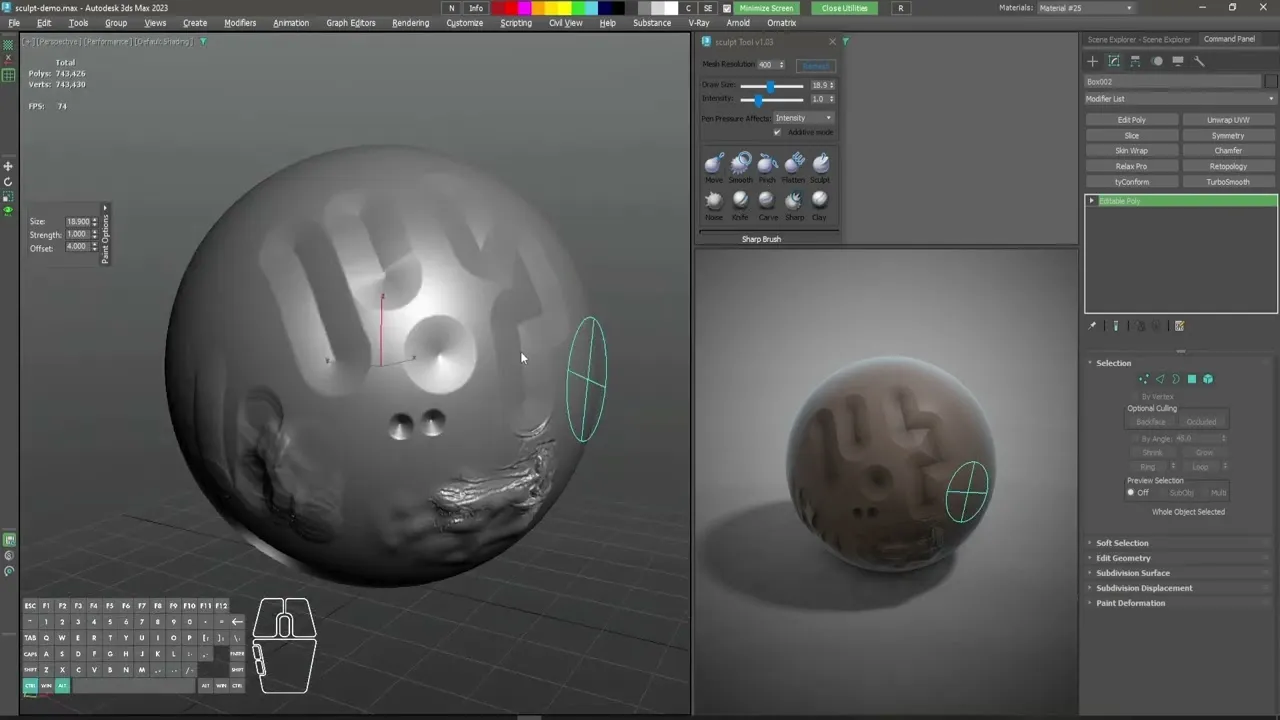
3ds Max is a versatile modeling and visualization software, often used in architectural visualization and game environments. While not mainly a sculpting program, its sculpting-friendly workflows and plugin support still make it a strong choice for certain industries.
Best Features:
Advanced polygonal and spline-based modeling tools
Extensive plugin ecosystem
Non-linear modeling workflow
Advantages
Broad industry adoption
Highly customizable
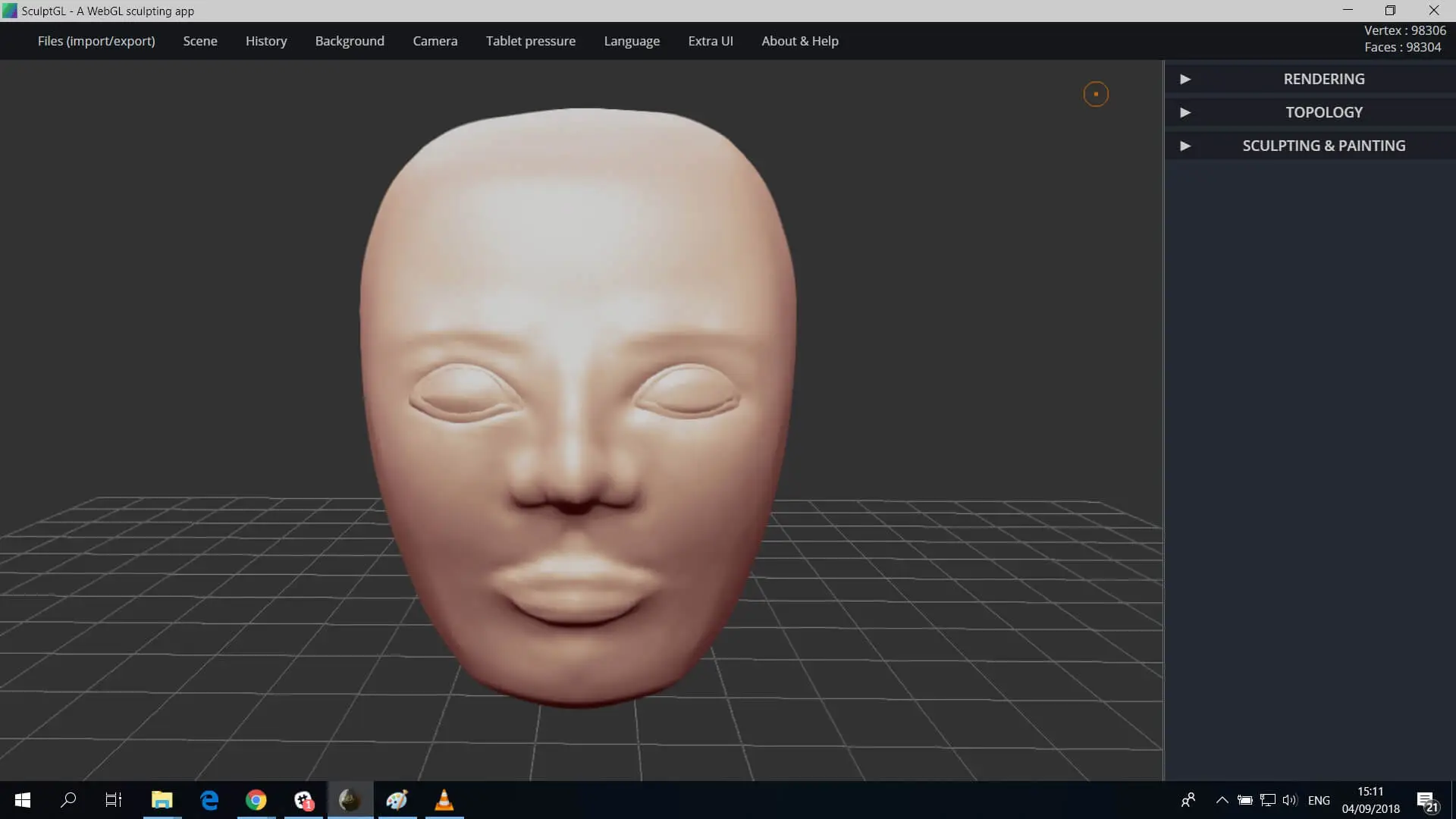
9. SculptGL (Web-based)
SculptGL Face Sculpting (Source: sculpteo)
SculptGL is a browser-based sculpting app designed for accessibility and quick experimentation. With no installation required, it is popular for classrooms, concept testing, and light sculpting tasks where convenience matters most.
Best Features:
Core sculpting brushes with symmetry support
Suitable for low-spec devices
Advantages
No installation or setup needed
Convenient for quick sculpting exercises or demos
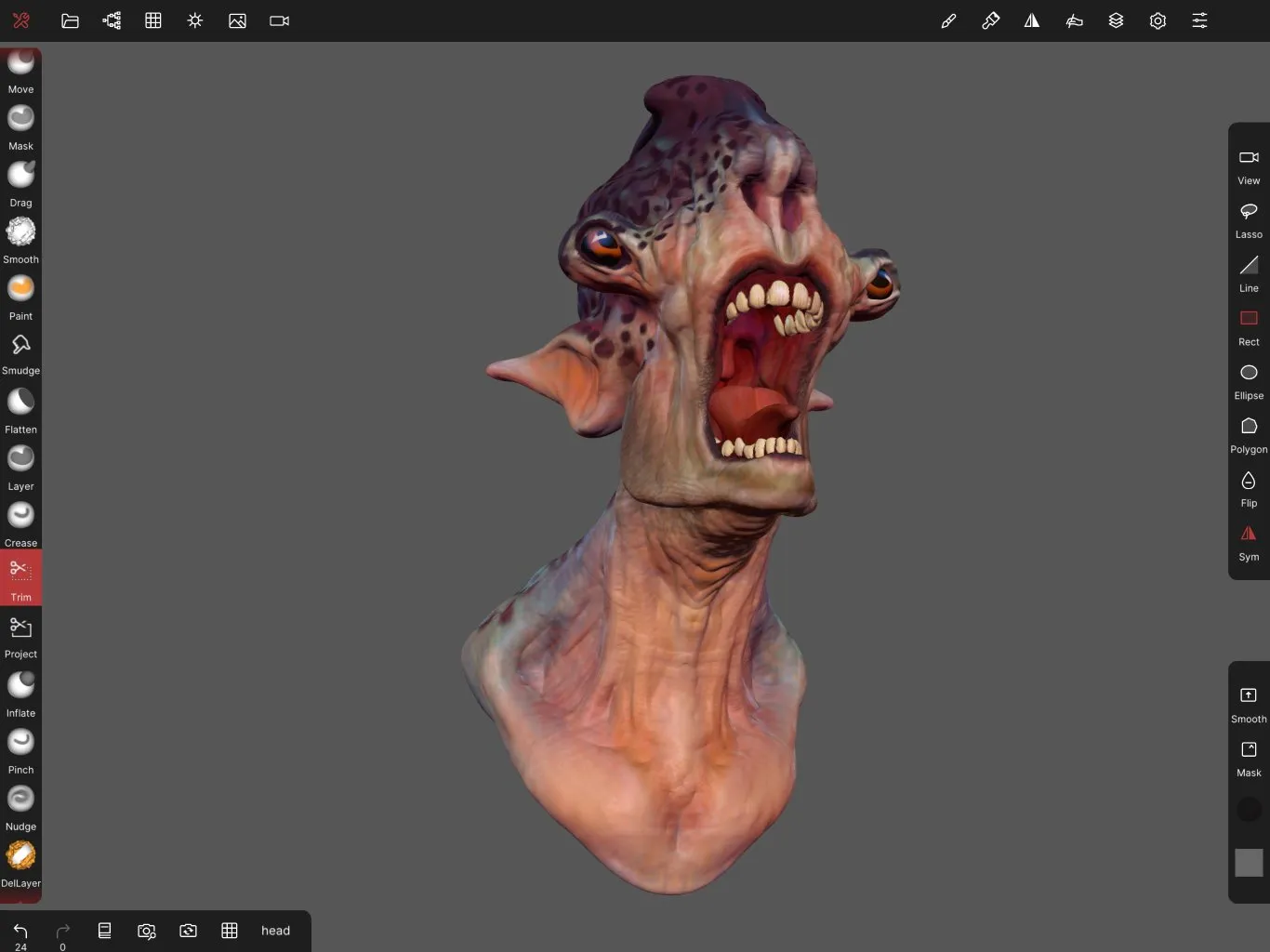
10. Nomad Sculpt
Nomad Sculpt Model (Source: Nomad Sculpt)
Nomad Sculpt brings the 3D sculpting programs capabilities into tablets, offering portability without compromising on quality. It is well-suited for mobile artists and hobbyists who want to sketch ideas, sculpt characters, or refine concepts on the go.
There’s no better time to begin. With the best 3D sculpting programs, you can shape worlds, tell stories, and design with precision. From beginner-friendly options to professional-grade platforms, these give every artist the chance to thrive. The next step is yours. Keep experimenting and practicing the software that aligns with your creativity.
Elevate your sculpting journey with elements from Tridimensi! Completing your arsenal with professional elements, you can explore and expand your creative ambitions with a clearer direction.