Today, more web designers rely on an AI prompt for expert web design to streamline their workflow. As AI continues to improve across various tasks, it is becoming an essential tool in modern web design.
Key Takeaways:
- Designers increasingly rely on AI prompts for expert web design to streamline workflows, using tools like ChatGPT, Figma AI, and Framer AI across various tasks.
- AI supports multiple areas of web design, including layout creation, UX improvement, accessibility compliance, conversion optimization, and branding.
- Well-crafted AI prompts enable designers to generate precise, high-quality outputs, improving efficiency, creativity, and overall website performance.
The Modern Use of AI for Web Design
Previously seen as a novelty, an AI prompt for expert web design has now become an essential part of the design process. In fact, according to Hostinger, 58% of web designers use AI for generating unique imagery and media assets.
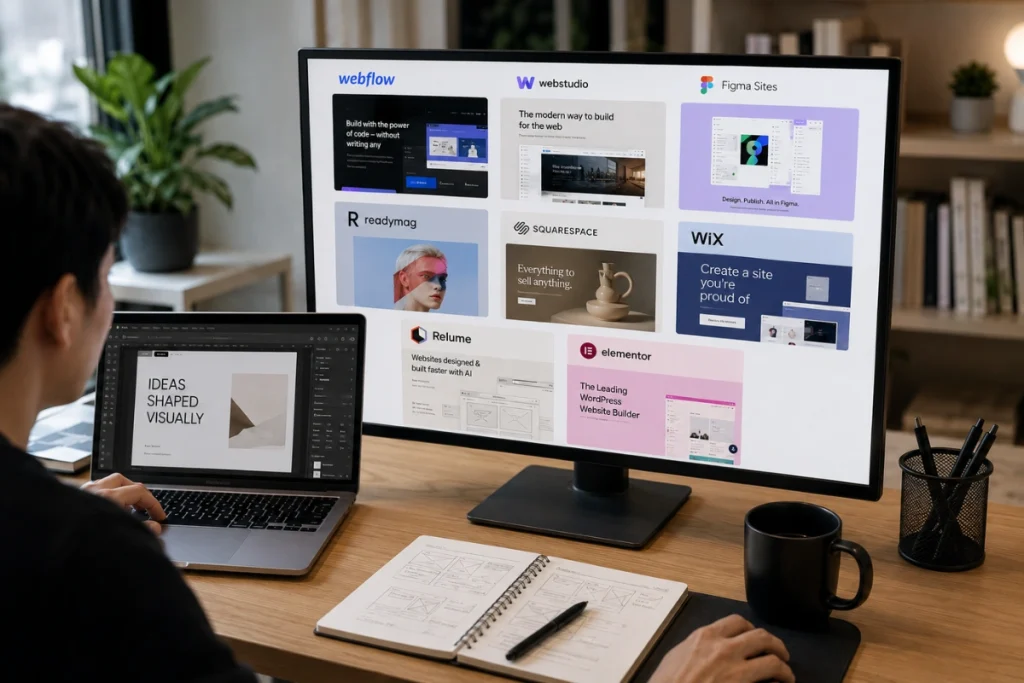
Beyond crafting the right prompts, choosing the right tools also plays a key role. So, which AI tool is the best for web design? Here are several widely used options:
- ChatGPT and Claude for strategic brainstorming, UX writing, and accessibility reviews.
- Figma AI for direct integration into your design environment and handling auto-layout and layer suggestions without switching tools.
- Framer AI for converting natural language prompts into full responsive web layouts within seconds.
Also Read: Top 10 AI Design Tools Most Popular Among Enterprise Creative Director
30+ Recommendations of AI Prompts for Different Tasks
So, how to prompt AI for web design, and how can you ensure it delivers the best results? Using an AI prompt for expert web design can make a significant difference in your workflow. Explore the list below to find prompts that can support a wide range of design tasks.
Layout and Visual Design Prompts
- “Generate five distinct homepage layout ideas for a B2B SaaS startup that reflect both credibility and innovation, and explain the thinking behind each one.”
- “Create three hero section design concepts for an AI product launch page focusing on clarity, emotion, and conversion.”
- “Create a minimalist layout concept for a personal portfolio aimed at attracting high-value enterprise clients in the tech sector.”
- “Outline a dark mode dashboard UI for a fintech application, ensuring clear data visualization hierarchy and accessible contrast levels.”
- “Design a full-page layout for an e-commerce product detail page that reduces decision friction and accelerates purchase intent.”
- “Generate a mobile-first landing page structure for a health and wellness brand that emphasizes calm, trust, and clarity.”
- “Create a blog homepage layout featuring a full-width featured article, a grid of recent posts, and a sidebar with search and categories.”
- “Propose three navigation structures for an online learning platform designed for busy professionals with limited time to browse.”
Also Read: The Most Current Web Design Trends to Watch in 2025–2026
UI and UX Design Prompts
- “Identify five micro-interactions that can significantly improve form error feedback in a multi-step checkout process.”
- “Suggest UX patterns for a subscription news site that balances free preview content with effective paywall placement.”
- “Describe a mobile onboarding flow for a habit tracking app aimed at health-conscious millennials who want quick daily check-ins.”
- “Generate two alternative versions of a SaaS pricing page for various buyer motivations, including value and urgency.”
- “Create wireframe specifications for a recipe search results page, including filters, card grid layout, and content hierarchy.”
- “Recommend redesign improvements for a three-step checkout flow based on UX psychology and known cart abandonment triggers.”
- “Map out a user journey for a restaurant website where most visitors come from TripAdvisor, with the primary goal of increasing reservations.”
- “Explain zoning strategies that use furniture and visual cues to define separate areas within an open-plan layout.”
Accessibility and Compliance Prompts
- “Build a color system aligned with WCAG 2.2 standards using CSS custom properties, incorporating dark mode from the outset.”
- “Create an audit checklist for WCAG 2.2 AA compliance covering keyboard navigation, color contrast, and screen reader compatibility.”
- “Provide five accessible accordion design patterns for an FAQ section, ensuring keyboard navigation and proper use of ARIA attributes.”
- “Highlight the top three accessibility barriers that users with visual impairments often face on mobile-first websites.”
Also Read: Essential Blender 3D Keyboard Shortcuts for Faster 3D Workflow
Conversion and Performance Prompts
- “List conversion optimization improvements for a SaaS free trial signup flow based on behavioral psychology and A/B test principles.”
- “Analyze the homepage layout of the top five e-commerce platforms and summarize what their above-the-fold design does best.”
- “Build an analysis framework for heatmap data on a landing page with limited scroll activity and high bounce rates.”
- “Propose three CTA button variations for a nonprofit donation page that balance urgency with emotional resonance and trust.”
Branding and Visual Identity Prompts
- “Generate a color palette for a wellness brand that communicates calm confidence, premium quality, and approachable expertise.”
- “Suggest three naming directions for a design system that feels innovative, scalable, and developer-friendly across teams.”
- “Create brand typography guidelines for a fintech startup that needs to project reliability without appearing cold or corporate.”
- “Describe visual identity directions for a B2B legal tech company targeting both enterprise legal teams and independent attorneys.”
Strategy and Trend-Proofing Prompts
- “List five design elements to avoid in 2026 because they will quickly feel dated, and suggest timeless alternatives for each.”
- “Propose advanced AI integration opportunities in web design workflows focusing on content adaptation, personalization, and predictive UX.”
- “Create a competitor analysis summary of design patterns among the top ten e-commerce platforms, including what to replicate and what to avoid.”
- “Suggest five design elements to avoid in 2026 because they will quickly look dated or gimmicky, and propose timeless alternatives.”
Also Read: Development Of Artificial Intelligence In The Industry
Make the Best Web Designs with the Best Resources
In the end, the right AI prompt for expert web design helps designers generate high-quality outputs. However, having the right resources is just as important to ensure those designs truly perform.
To support that process, Tridimensi provides high-quality 3D assets, backgrounds, and animations that enhance modern web design. Whether you need visual elements for interactive experiences or engaging interfaces, these web design resources are built to support professional, high-performing websites.