Welcome to a world of endless creative possibilities! Choosing the correct technical framework is the first step toward revolutionizing your design process. Discovering extraordinary digital products is only half the battle; knowing how to implement them through the best file formats for 3D web assets is what truly separates professional creators from amateurs. Tridimensi.pro provides a versatile range of file types, including PNG, JPG, GIF, MP4, and MOV, to ensure your 3D elements integrate perfectly into any digital environment.
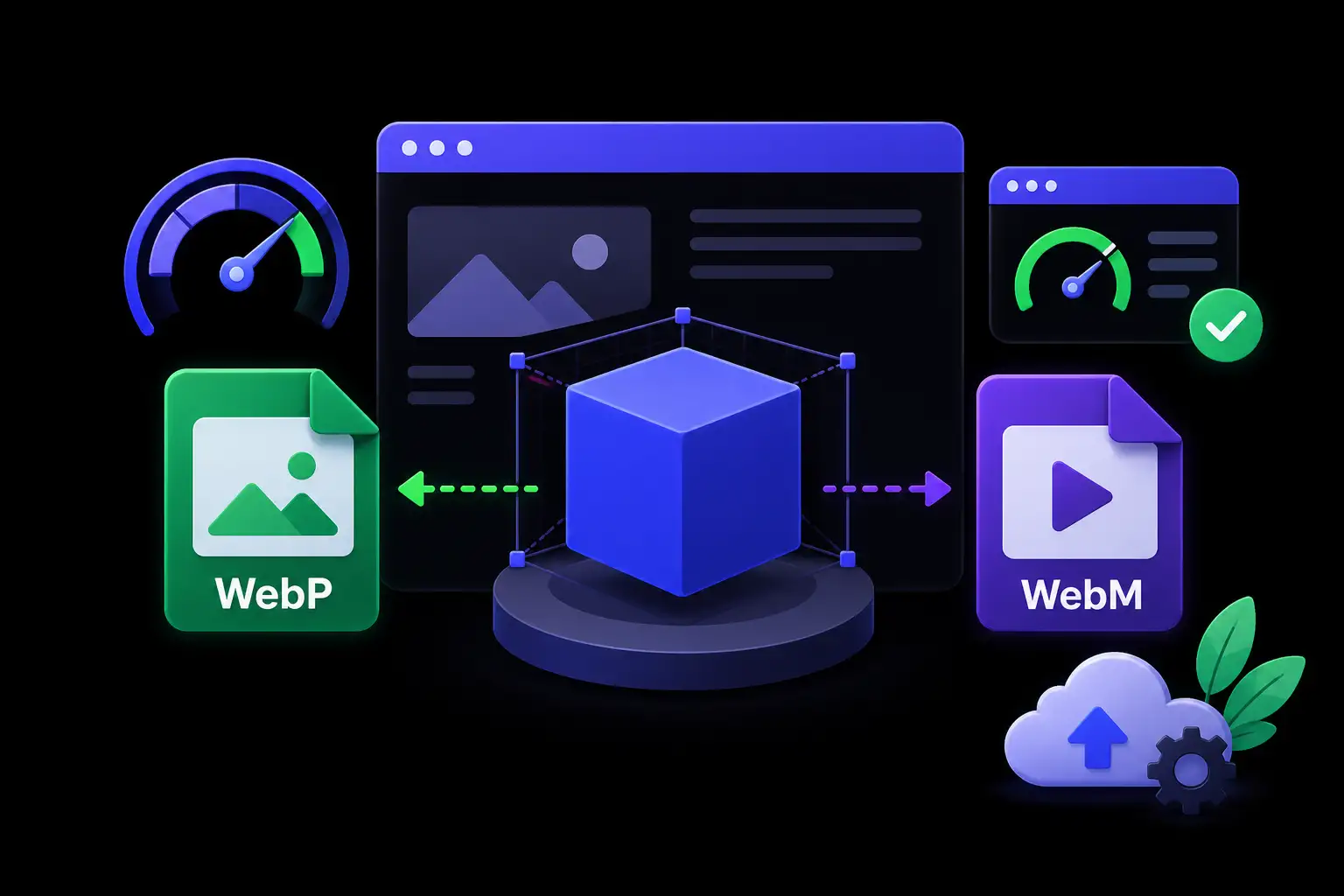
In the modern web ecosystem, the balance between visual fidelity and loading speed is a factual necessity. A common mistake among designers is using unoptimized formats that cause high bounce rates and poor SEO rankings. Expert web design requires a strategic approach to file selection based on the specific use case whether it is a high resolution hero background, a transparent floating icon, or a dynamic motion loop. By understanding the strengths of each format, you can elevate your landing pages and campaigns like never before.
Static 3D Assets: PNG vs. JPG
For static 3D renders, the choice usually comes down to PNG and JPG. The primary difference lies in transparency and compression. PNG is the industry standard for 3D objects and icons because it supports an alpha channel (transparency). This allows you to place complex 3D shapes, such as glass icons or fluffy elements, over any background without a boxy white frame. This flexibility is essential for modern UI/UX design where layered depth is a key aesthetic goal.
On the other hand, JPG is the superior choice for full screen 3D backgrounds. Because JPG uses lossy compression, it can significantly reduce the file size of a 6K resolution 3D wallpaper without a noticeable loss in quality for the end user. This technical optimization provides a significant informational gain; it allows you to present a world class visual environment while keeping your Google PageSpeed scores high. Experts use JPG for the foundation of a site and PNG for the interactive elements that sit on top.
Professional guidelines for static formats:
- PNG Use: Best for icons, isolated 3D shapes, and any element requiring a transparent background.
- JPG Use: Ideal for hero sections, large scale textures, and non transparent backgrounds to save bandwidth.
- Resolution Control: Always scale your PNGs and JPGs to the actual display size to avoid loading unnecessary pixels.
Motion and Animation: GIF, MP4, and MOV
When it comes to 3D animations, the format you choose determines the fluidity of the user experience. GIF is the most compatible format but should be used sparingly. It is perfect for small, low color micro animations like a spinning 3D toggle or a subtle loading icon. However, for high fidelity 3D loops like a liquid sphere or a futuristic AI orb, GIF often results in large file sizes and “banding” in color gradients. In these cases, video formats are the expert choice.
MP4 is the universal standard for high quality web video. It offers incredible compression, allowing for 3D animations that look cinematic while remaining incredibly lightweight. For background loops that don’t require transparency, MP4 is unbeatable. If your project requires a 3D animation with a transparent background such as a floating 3D character or an abstract shape that moves over text MOV (ProRes 4444) is the professional’s choice during the design phase. While MOV files are larger, they preserve the alpha channel, which can then be converted into modern web friendly formats like WebM or Lottie.
Strategic use of motion formats:
- GIF: Best for small icons and simple, low frame rate loops.
- MP4: The go to for full screen background animations and high traffic landing pages.
- MOV: Necessary for high quality video editing and projects requiring transparent 3D video layers.
Revolutionizing Your Design Workflow
Understanding these formats is about more than just technicality; it is about efficiency. Tridimensi.pro streamlines this process by providing assets in multiple formats ready for immediate use. This revolutionizes your design process by removing the need for time consuming file conversions. Whether you are building a landing page in Webflow, a presentation in Keynote, or a social media ad in Premiere Pro, having access to PNG, JPG, GIF, MP4, and MOV ensures you always have the right tool for the job.
An expert approach involves “future proofing” your assets. As screen resolutions increase, having high quality source files like 6K JPGs or high bitrate MP4s allows your brand to look sharp on everything from a mobile phone to a 5K professional monitor. By selecting the right format from the start, you ensure that your design maintains its integrity across all platforms. This level of technical precision builds trust with your audience, signaling that your brand is detailed oriented and technologically advanced.
Key technical tips for 3D assets:
- Compression: Always use tools to “crush” your PNGs and JPGs before final deployment to shave off extra kilobytes.
- Loop Consistency: For MP4 backgrounds, ensure the start and end frames match perfectly for a seamless experience.
- Fallbacks: Always provide a static JPG fallback for 3D video backgrounds in case a user has a slow connection.
The Tridimensi Quality Standard
At Tridimensi.pro, we believe that high quality design should be accessible and easy to implement. Our digital products are curated to meet the highest professional standards, ensuring that every file you download is ready to revolutionize your workflow. From ultra HD textures to fluid 3D motion, we provide the variety and technical quality needed for modern digital design.
Available File Types at Tridimensi:
- Static Renders: PNG (Transparent) and JPG (High Compression)
- Motion Assets: GIF (Compatible), MP4 (Web Optimized), and MOV (Professional Grade)
Ordering Information
Ready to revolutionize your design process with the right 3D assets? You can reach our team directly via email at: [email protected]
Alternatively, you can send a message or DM to our social media channels. Our team is ready to help you choose the best file formats for your specific web or design project.
FAQ
Why are my 3D PNG files so large?
3D renders contain a lot of color and light detail. To keep them small, make sure you are only using the resolution you need (e.g., don’t use a 4000px file for a 200px icon) and use a PNG optimizer tool before uploading.
Can I use MP4 videos as a website background?
Yes, and it is highly recommended for 3D animations! MP4 is much smaller and higher quality than GIF. Just remember to set the video to “Muted,” “Autoplay,” and “Loop” in your website builder settings.
What is the advantage of using a 6K JPG background?
A 6K JPG ensures that your background stays crystal clear even on very large desktop monitors. Because it is a JPG, the file size is still manageable compared to a raw 3D file, giving you the best balance of quality and speed.
Do these formats work in Canva and Figma?
Absolutely. PNG, JPG, and MP4 are fully supported in Figma and Canva. You can drag and drop our 3D assets directly into your workspace and start designing in seconds.