SPECIAL OFFER ✦ BUY 2 GET 1 FREE! ✦ ADD 3 PRODUCTS TO YOUR CART, AND THE DISCOUNT APPLIES AUTOMATICALLY!
SPECIAL OFFER ✦ BUY 2 GET 1 FREE! ✦ ADD 3 PRODUCTS TO YOUR CART, AND THE DISCOUNT APPLIES AUTOMATICALLY!
SPECIAL OFFER ✦ BUY 2 GET 1 FREE! ✦ ADD 3 PRODUCTS TO YOUR CART, AND THE DISCOUNT APPLIES AUTOMATICALLY!
SPECIAL OFFER ✦ BUY 2 GET 1 FREE! ✦ ADD 3 PRODUCTS TO YOUR CART, AND THE DISCOUNT APPLIES AUTOMATICALLY!
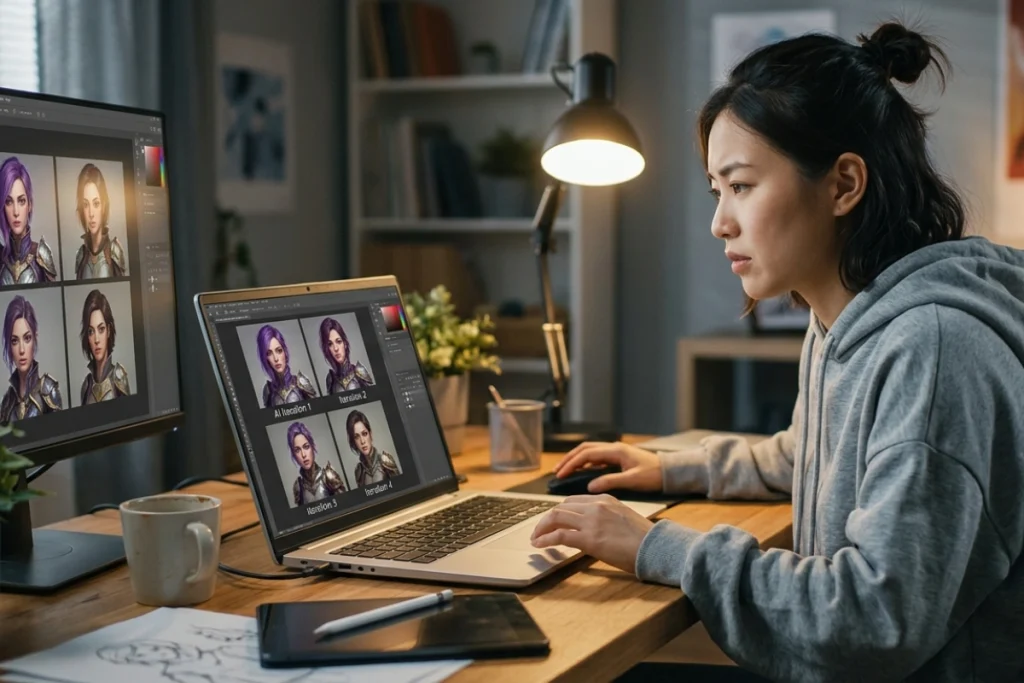
How to create consistent characters with AI is one of the most common frustrations in AI image generation. You generate a stunning character in one image, then the next attempt gives you someone who looks like a distant cousin instead of the same person.
This guide covers the techniques that actually fix that, from simple prompting habits to dedicated tools built for the job.
Key Takeaways:
Use a detailed character bible and reference images to keep key visual traits consistent.
For better accuracy, use turnaround sheets, fixed seeds, or dedicated AI character tools.
For large-scale projects, train a custom model with LoRA for stronger character consistency.
Why AI Characters Drift Between Images
AI image models start every generation from random noise without memory of past outputs, making deliberate technique essential for true character consistency.
AI image models don’t remember what they generated a moment ago. Each image starts from random noise and is guided only by your prompt, so even identical wording can produce slightly different results each time. This is why character consistency needs deliberate technique, not just a good description.
Understanding this helps set expectations before you start. No single method guarantees perfect consistency on its own. The techniques below are meant to be combined, with each one closing a gap the others leave open.
Build a Character Bible First
Build a Character Bible First
A character bible is a detailed, written description of every fixed visual trait your character has, reused word-for-word across every prompt. This is the simplest way to learn how to create with AI images that at least resemble each other, even before adding reference images or trained models.
List exact hair color, eye color, and skin tone, using specific terms rather than vague ones.
Describe clothing details precisely, down to color and material.
Note body type, height impression, and any distinguishing features.
Copy this exact block into every new prompt rather than rewriting it each time.
This method alone rarely holds up for exact facial features, since text can’t pin down a face with pixel-level precision. It’s a strong foundation, though, especially for stylized or illustrated characters where slight variation is more forgivable.
Use Reference Image Conditioning
Reference image conditioning is where most reliable, consistent character AI workflows start in 2026
Reference image conditioning is where most reliable, consistent character AI workflows start in 2026. Instead of describing your character in words alone, you attach an existing image and let the model extract facial structure, proportions, and color palette directly from it.
Use a high-resolution reference image, ideally at least 1024×1024 pixels.
Choose clear, front-facing lighting with no heavy shadows or filters.
Provide two to three reference angles rather than a single shot for stronger results.
Avoid extreme lighting or makeup unless it’s a permanent part of the character.
Most modern image generators, including Midjourney’s character reference feature and various IP-Adapter-based tools, support this workflow directly. It’s noticeably more reliable than prompting alone, particularly once a project spans more than a handful of images.
Create a Character Turnaround Sheet
A turnaround sheet combines front, three-quarter, side, and back views of your character into a single reference image.
A turnaround sheet combines front, three-quarter, side, and back views of your character into a single reference image. Many creators consider this the gold-standard input for a consistent character image generator, since it gives the model multiple angles to draw from instead of just one static pose.
Generate or draw a strong front-facing portrait first.
Add side and three-quarter angles that match the same lighting and style.
Composite all views into one labeled reference sheet.
Feed this combined sheet into your generator alongside each new scene prompt.
This approach takes longer to set up than a single reference image, but it pays off on projects with many shots or unusual camera angles, where a single-angle reference tends to lose accuracy.
Try a Dedicated Consistent Character Generator
Try a Dedicated Consistent Character Generator
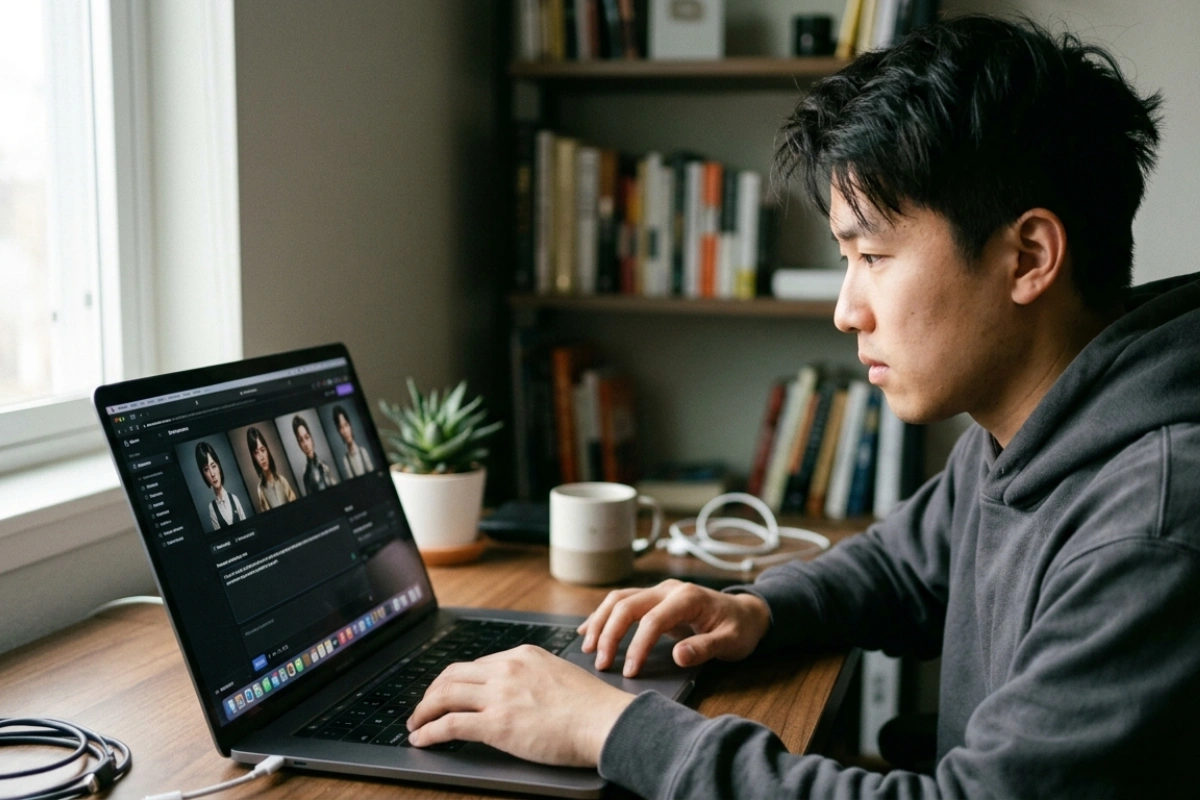
Several tools now exist specifically to solve this problem, rather than treating consistency as an afterthought. These consistent character AI platforms typically let you upload one reference photo, describe the variations you want, and generate multiple images that hold the same identity.
Upload a clear, well-lit reference photo as your character’s anchor.
Describe the pose, outfit, or setting you want changed for each new image.
Review generations side by side to confirm identity is holding steady.
Download the full set once you’re satisfied with the consistency.
If you’re testing this approach for the first time, look for an AI consistent most real character free trial before committing to a paid plan. Most platforms offer limited free credits, which is enough to judge whether a tool’s consistency actually holds up for your specific character before you invest further.
This trial-first approach matters because consistency quality varies noticeably between platforms, even when they advertise similar features. A tool that handles illustrated, stylized characters well may struggle with photorealistic faces, so testing your exact character type before committing saves both credits and frustration.
Lock Details with Seed and Style Settings
Lock Details with Seed and Style Settings
For generators built on diffusion models, locking the generation seed alongside your prompt can reduce random variation between otherwise identical requests. Pairing a fixed seed with consistent style settings (same art style, same lighting description, same camera framing language) tightens results further.
Note the seed number from a generation you like, and reuse it for follow-up shots.
Keep style and lighting language identical across your prompt set.
Change only the specific detail you want to vary, such as pose or background.
Expect seed locking to help most with illustrated or stylized characters, less with photorealistic faces.
Train a Custom Model for High-Volume Projects
Train a Custom Model for High-Volume Projects
For projects spanning dozens or hundreds of images (a comic series, a brand mascot, or a full storyboard), training a small custom model, often through LoRA fine-tuning, tends to outperform reference conditioning alone.
The character’s face, proportions, and clothing get encoded directly into the model rather than relying on a single reference each time.
This method takes more setup than reference conditioning or a character bible, and most platforms charge for the training run itself. For teams producing character content regularly, though, the upfront investment usually pays off in far less manual correction per image afterward.
Once your character holds steady across images, the next challenge is usually making the surrounding scene look just as polished. If your project involves landing pages, campaigns, or presentations built around that character, pairing it with curated 3D assets from Tridimensi can round out the visuals without needing to model backgrounds and props from scratch.
Final Thoughts
How to create consistent characters with AI comes down to giving the model more than a fresh prompt each time, through a character bible, reference images, or a trained model, depending on your project’s scale. Start with the simplest method that fits your timeline, then layer in reference conditioning or training as your project grows.
When your characters are locked in and it’s time to build the scenes around them, explore Tridimensi’s Unlimited Access for unlimited downloads of 3D assets built for landing pages, campaigns, and presentations.