SPECIAL OFFER ✦ BUY 2 GET 1 FREE! ✦ ADD 3 PRODUCTS TO YOUR CART, AND THE DISCOUNT APPLIES AUTOMATICALLY!
SPECIAL OFFER ✦ BUY 2 GET 1 FREE! ✦ ADD 3 PRODUCTS TO YOUR CART, AND THE DISCOUNT APPLIES AUTOMATICALLY!
SPECIAL OFFER ✦ BUY 2 GET 1 FREE! ✦ ADD 3 PRODUCTS TO YOUR CART, AND THE DISCOUNT APPLIES AUTOMATICALLY!
SPECIAL OFFER ✦ BUY 2 GET 1 FREE! ✦ ADD 3 PRODUCTS TO YOUR CART, AND THE DISCOUNT APPLIES AUTOMATICALLY!
The digital landscape increasingly relies on highly interactive visual experiences. Recent data from Can I use shows that around 95% of global web browsers support this technology today. As a result, understanding what is WebGL has become essential for modern web developers.
WebGL is a JavaScript-based API for rendering graphics. It allows developers to build immersive 2D and 3D environments without extra plugins. This capability makes websites significantly more engaging and dynamic. That is why professionals constantly utilize it for modern web design.
Key Takeaways:
WebGL allows developers to render high-quality 3D graphics within a web browser without plugins.
Knowing how to activate WebGL ensures you can experience interactive visual content smoothly.
Troubleshooting common errors helps users maintain a seamless and immersive browsing experience.
What is WebGL?
WebGL stands for Web Graphics Library. It functions as a powerful tool for web developers. Specifically, it uses JavaScript to generate complex visual elements. This process happens directly within any compatible web browser.
This technology interacts with your device’s graphics processing unit. As a result, it delivers incredibly fast and smooth rendering performance. This means complex visual data loads quickly for the user. Therefore, it is highly efficient for modern web applications.
Furthermore, it eliminates the need for downloading external software. Users can simply open a webpage to see interactive content. This convenience greatly improves the overall user experience online. Consequently, developers favor this framework for building modern websites.
Most modern internet browsers support this graphical API by default. However, some user settings might disable it accidentally.
Understanding how to enable WebGL is generally a simple process. Different browsers have slightly varying steps for this activation. Yet, the core principle remains consistent across major platforms. You simply need to find the specific system settings. Here are the common steps for popular web browsers.
1. Enable Hardware Acceleration
First, open your web browser and navigate to the settings menu. Next, locate the system or advanced settings section. Finally, toggle the option to use hardware acceleration when available.
2. Modify Advanced Flags
Sometimes, basic settings are not enough to activate the feature. In this case, type your browser’s specific flag command into the address bar. Then, search for the WebGL draft extensions and enable them. Restart your browser to apply these new configurations.
Even with correct settings, users occasionally face technical difficulties. A common issue is the “error WebGL is not supported on your browser”. This issue often stems from outdated system software or drivers. Alternatively, your current browser version might be completely obsolete.
Resolving this error ensures you regain access to immersive websites. Follow these steps to restore your browser’s graphical capabilities.
1. Update Your Web Browser
An outdated browser is the leading cause of this error. Therefore, you must check for available software updates immediately. Open the settings page in your browser and go to the “About” section. Then, allow the application to download and install the latest version.
2. Update Graphics Drivers
Your computer’s graphics card needs current drivers to function properly. Consequently, outdated drivers will trigger the unsupported error message. Visit your device manufacturer’s website to find the newest driver software. Once the installation finishes, reboot your device to ensure the modifications take effect.
3. Clear Browser Cache
Corrupted temporary files can also interfere with graphic rendering processes. Therefore, clearing your browser cache might resolve the unsupported error instantly. Access your privacy settings and delete all stored site data. This forces the browser to load graphic elements freshly.
After understanding what is WebGL, it becomes clear how widely this technology is used across industries. By leveraging its capabilities, businesses can stand out and deliver unique, engaging experiences. Here are several key use cases of this technology.
1. Interactive 3D Animations
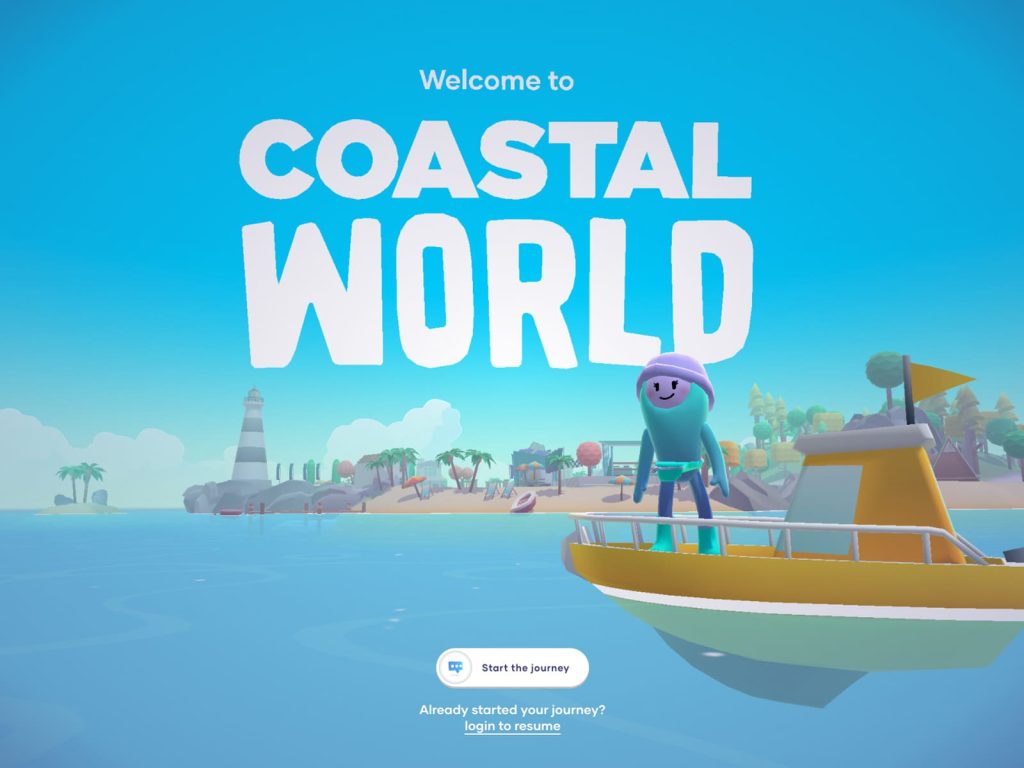
A stylized, low-poly 3D character stands on the bow of a yellow boat. | Source: Awwwards – Coastal World by Merci Michel
Creating complex 3D animations is a primary use case. Developers can build characters or environments that react to user input. This level of interaction keeps visitors engaged for longer periods. Consequently, it reduces bounce rates on important landing pages.
2. Immersive Product Displays
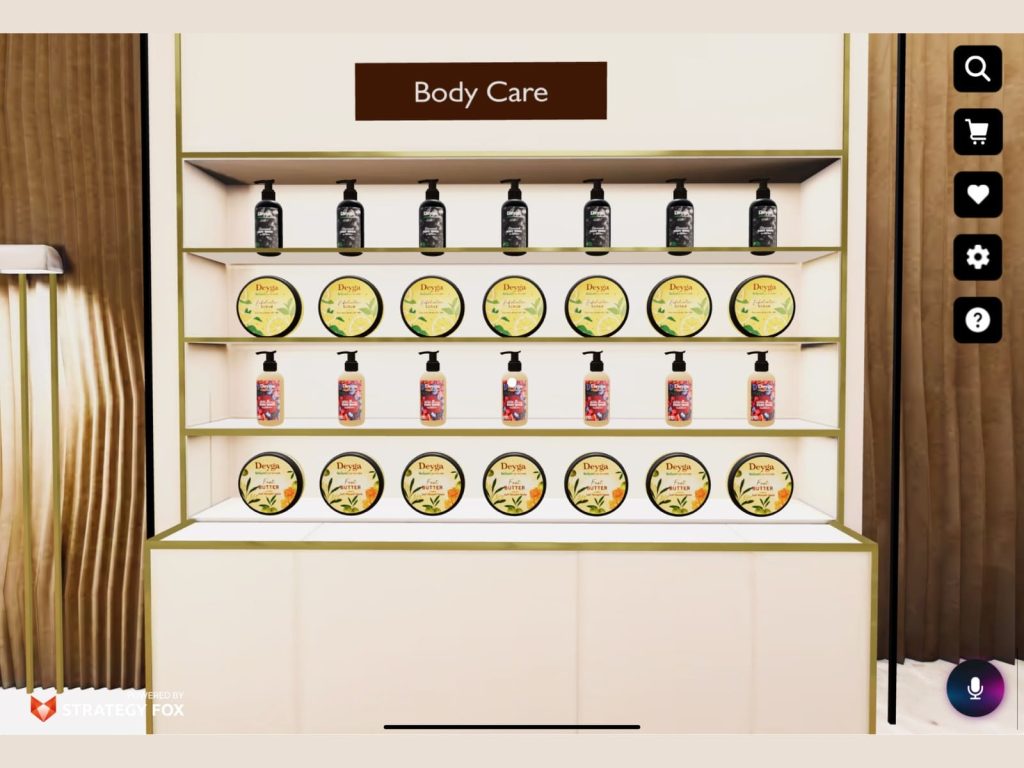
3D digital storefront with Deyga body care products | Source: Awwwards – 3D Products by DEYGA
E-commerce websites benefit greatly from this graphical library. It allows them to showcase products with interactive 3D models. Customers can rotate and zoom in on items before purchasing. This builds buyer confidence and ultimately increases sales conversions.
3. Virtual Reality Experiences
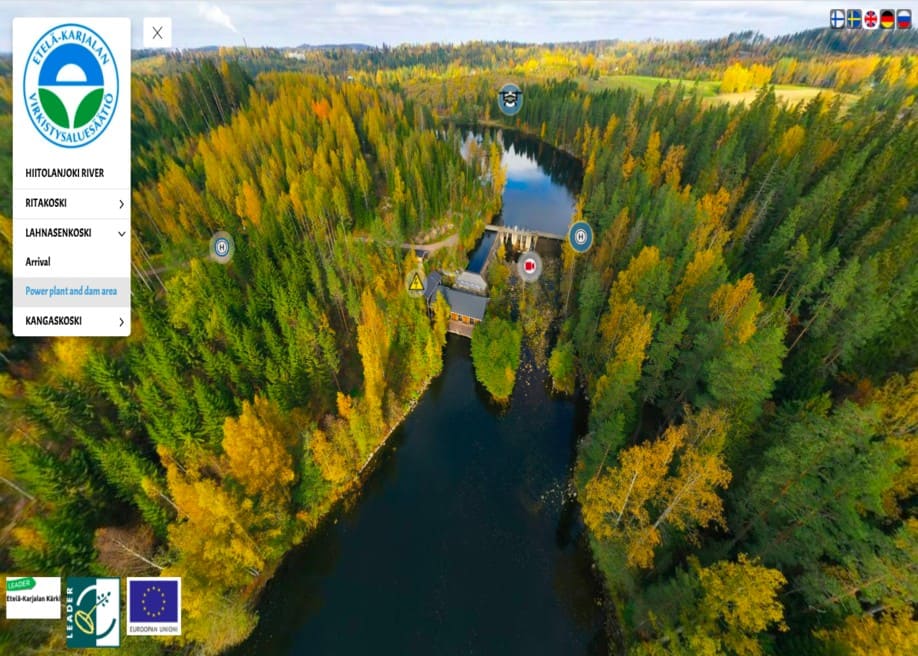
A screenshot of a 360-degree virtual reality experience of the Hiitolanjoki River. | Source: Awwwards – Hiitolanjoki River 360° by Northman VR
This technology also powers early stages of web-based virtual reality. Users can explore digital spaces directly from their desktop or mobile. This creates a deeply immersive web experience without specialized applications. That is why real estate companies often use it for virtual tours.
4. Data Visualization Tools
Corporate websites frequently use this API for complex data visualization. It allows users to interact with detailed charts and interactive maps smoothly. Consequently, analysts can present large datasets in a highly digestible format. This interactive approach makes technical data much easier to understand.
In conclusion, understanding what is WebGL is vital for modern creators. This technology serves as the foundation for interactive digital experiences. It pushes the boundaries of what web browsers can achieve. Consequently, it will continue to shape the future of internet design.
To maximize this technology, you need excellent visual assets. Therefore, you should utilize high-quality 3D resources for your projects. Visit Tridimensi to discover exclusive 3D assets that make your designs look truly professional.
By integrating top-tier models, your interactive websites will stand out. This ensures your digital presence is both modern and highly engaging. Embracing these advanced graphics tools is the key to digital success. Start upgrading your web experience with 3D assets from Tridimensi today!