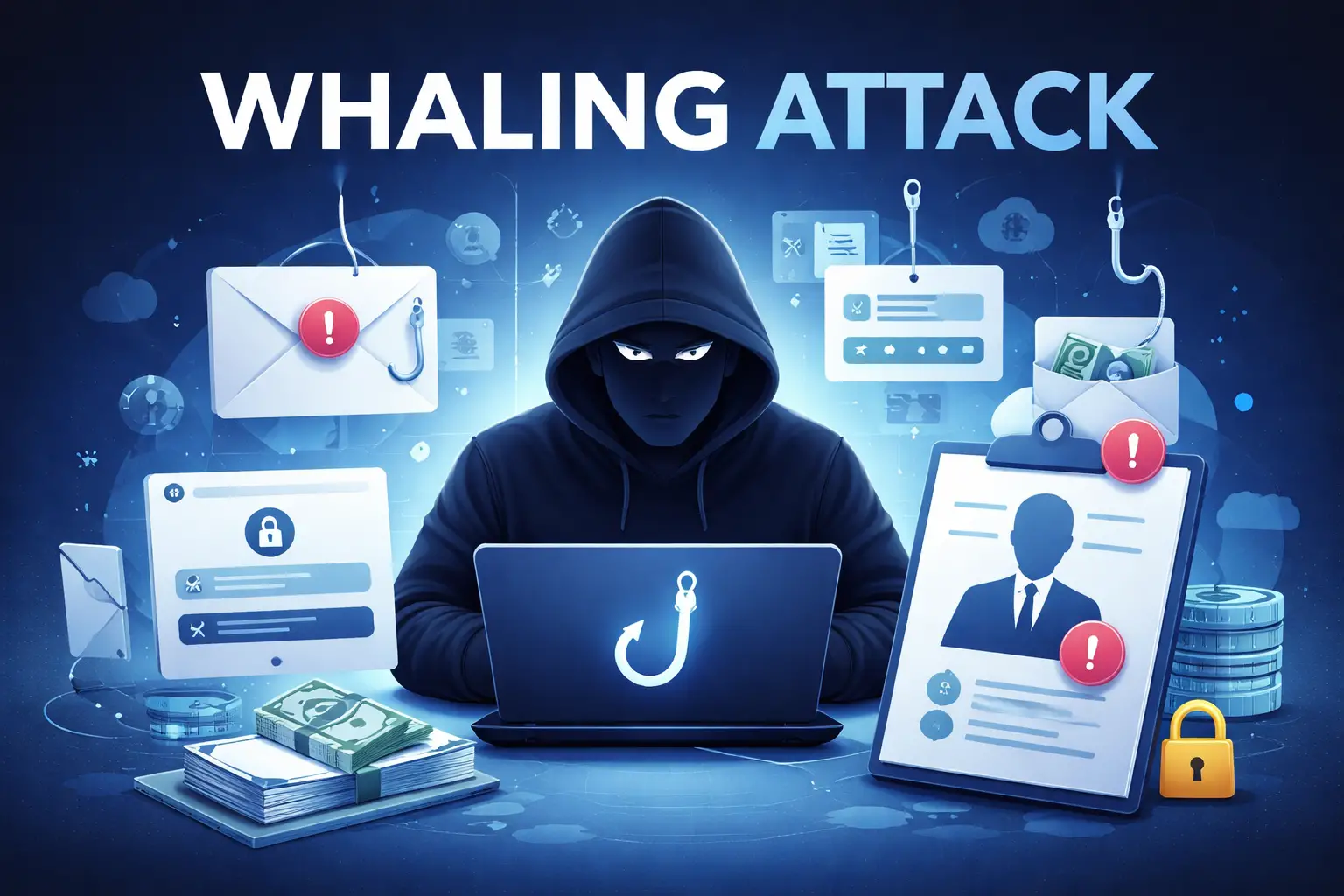
What Is Whaling in Cyber Security?
Whaling in cyber security is a targeted phishing attack aimed at high-profile individuals inside an organization. Most commonly, executives, founders, finance leaders, or decision-makers. The attacker tries to trick the victim into taking action.
This could be approving a payment, sending money, sharing login details, or exposing sensitive data
People often call whaling “CEO phishing” because attackers impersonate senior leaders. Mass phishing targets thousands of random people. Whaling is different because it targets a specific person and feels highly personal.
How Whaling Is Different From Regular Phishing
Phishing is a common cyber threat. Attackers trick people into clicking malicious links, downloading harmful files, or sharing sensitive information.
Whaling is different because it focuses on:
- High-value targets (executives or people with financial authority)
- Personalized messages based on real company details
- Business-critical outcomes (payments, approvals, access)
- Strong pressure tactics, such as urgency and privacy
In many cases, whaling overlaps with spear phishing, since it is a highly targeted form of phishing.
How Whaling Attacks Work (Typical Steps)
Most whaling attempts follow a predictable pattern:
1. Target Selection
Attackers choose people with influence or access, such as CEOs, CFOs, HR managers, or finance staff.
2. Research and profiling
They collect information from public sources like LinkedIn, company websites, press releases, and social media. This helps them write emails that feel believable.
3. Fake identity
Attackers may use look-alike email domains or spoofed sender names to mimic a trusted executive or vendor. Examples:
- company.com → cornpany.com
- company.com → company-support.com
4. Urgency and authority pressure
Whaling emails often include phrases like:
- “This is urgent—handle it now.”
- “Don’t call me, I’m in a meeting.”
- “Keep this confidential.”
5. The payload (what they want)
Common objectives include:
- wire transfer or bank payment
- fake invoice approval
- gift card purchase
- payroll or bank detail changes
- login credential theft via fake sign-in pages
Realistic Whaling Attack Examples
Here are common scenarios businesses frequently see:
Example 1: CEO wire transfer request
A fake email from the “CEO” tells finance to send an urgent payment to a new account.
Example 2: Vendor invoice with “updated banking details”
Attackers impersonate a vendor and claim the bank account has changed, urging immediate payment.
Example 3: HR or payroll scam
The attacker requests sensitive employee information, tax forms, or payroll details.
Example 4: Executive credential theft
A fake Microsoft 365 or Google login page attempts to steal the CEO’s password.
Warning Signs of a Whaling Email
Whaling scams are designed to look legitimate, but these red flags often appear:
- The request is extra urgent or secretive
- The email asks you to skip the usual process.
- The email address/domain is slightly different than normal
- The tone doesn’t match how the executive typically writes
- Payment details suddenly changed
- You are told not to verify by phone or chat
- Unexpected links or attachments appear
A single sign is not proof, but multiple signs should trigger verification immediately.
How to Prevent Whaling Attacks
The strongest protection comes from combining security controls with clear business processes.
1) Require verification for payment requests
If money is involved, verify through a second channel:
- Call a known number (not one inside the email)
- Confirm through internal chat
- Require approval in a secure internal system
2) Turn on extra login security (MFA)
MFA reduces the impact of stolen passwords, especially for:
- email accounts
- finance tools
- cloud services and admin dashboards
3) Train teams to recognize executive fake identity
Employees must feel safe verifying requests—even if the message appears to come from leadership.
4) Improve email security settings
Spam filters and anti-phishing rules help, but they are not sufficient on their own. Combine them with strong verification practices.
What to Do If You Suspect a Whaling Attack
If you receive a suspicious email:
- Don’t reply, click links, or open attachments
- Report it to your IT/security team
- Verify the request through a separate channel
If you already sent information or money:
- Contact your IT/security team immediately
- Reset passwords and enable MFA
- Notify finance and your bank as soon as possible
Conclusion
Whaling is one of the most dangerous phishing threats because it targets people with authority and access.
The best defense is simple and effective. Organizations should add verification steps to their workflow, train teams to recognize social engineering, and protect accounts with MFA.