SPECIAL OFFER ✦ BUY 2 GET 1 FREE! ✦ ADD 3 PRODUCTS TO YOUR CART, AND THE DISCOUNT APPLIES AUTOMATICALLY!
SPECIAL OFFER ✦ BUY 2 GET 1 FREE! ✦ ADD 3 PRODUCTS TO YOUR CART, AND THE DISCOUNT APPLIES AUTOMATICALLY!
SPECIAL OFFER ✦ BUY 2 GET 1 FREE! ✦ ADD 3 PRODUCTS TO YOUR CART, AND THE DISCOUNT APPLIES AUTOMATICALLY!
SPECIAL OFFER ✦ BUY 2 GET 1 FREE! ✦ ADD 3 PRODUCTS TO YOUR CART, AND THE DISCOUNT APPLIES AUTOMATICALLY!
Waiting for a render can feel endless, especially on a detailed project. But why does 3D rendering take so long? It comes down to how computers juggle detail, realism, and performance, with even small changes creating a big impact on timing.
Key Takeaways:
Detailed 3D models require more time and power to render.
Higher resolution and quality settings (such as anti-aliasing, frame rates, or global illumination) significantly increase rendering time.
Both hardware and software have their own strengths and limitations, which directly impact rendering speed.
So, Why does 3D Rendering Take So Long?
Every render delay has a reason, and most of the time it’s not just weak hardware. The way scenes are structured, lit, and exported makes a huge difference. Below are the biggest reasons on why does rendering take so long.
1. Model Complexity
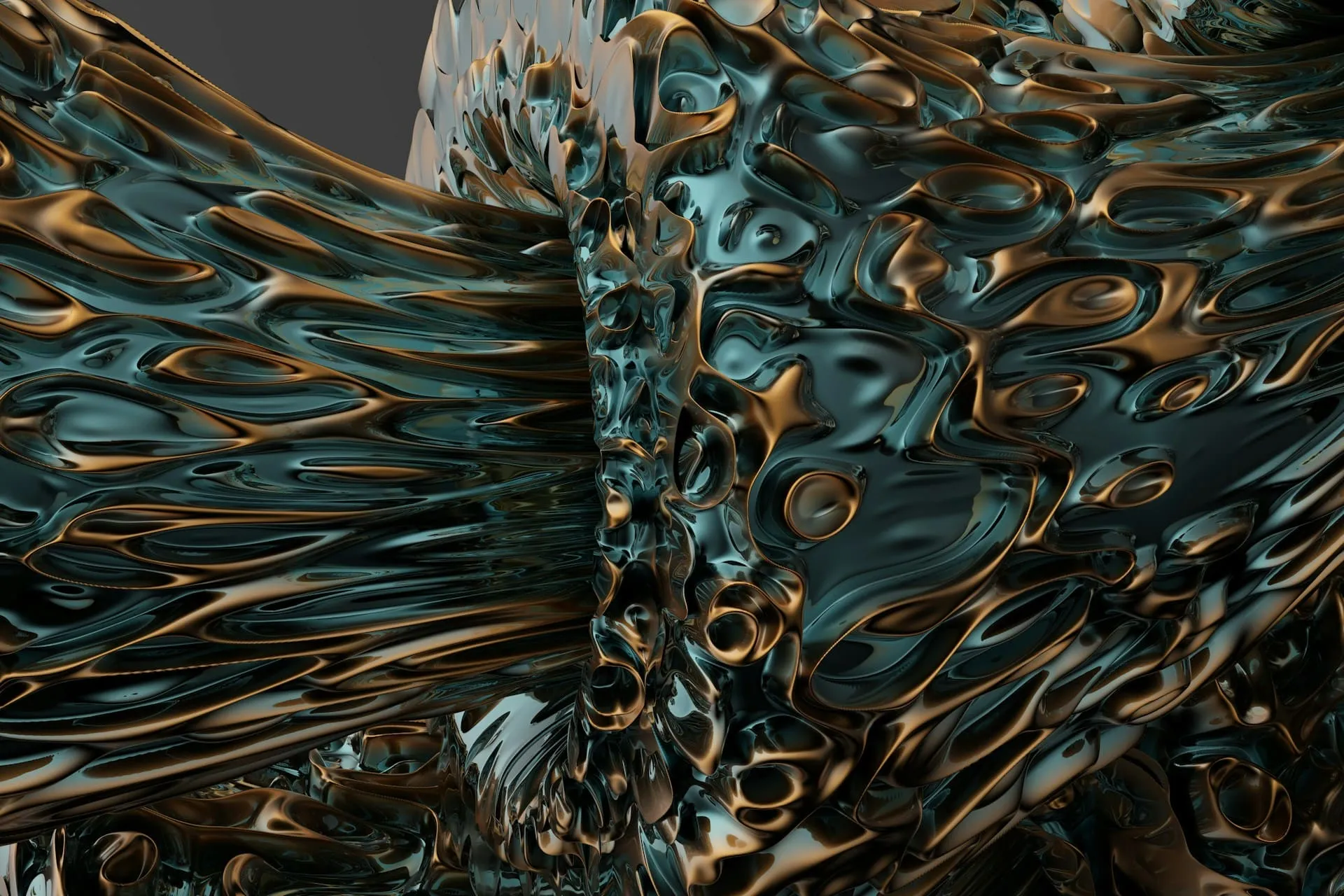
Complex Design (Source: Unsplash)
The heavier the 3D model, the longer it takes to render. By “heavier,” we’re talking about polygon count and the amount of geometric detail built into the object.
A simple, low-poly chair might finish in minutes, while a high-poly cityscape filled with intricate structures could greatly elevate render time. The system has to calculate every little edge and curve, so the more detail you pack in, the longer the render queue stretches.
Textures are like the skin of your 3D models, and their quality has a big say in how fast or slow rendering goes. Simple textures rarely cause issues, but 4K and 8K textures can quickly become heavy. These oversized files hog GPU memory, and if the system runs out of VRAM, you’ll see major slowdowns.
Add in complex materials with transparency, reflections, or light scattering, and suddenly every pixel becomes a little math problem for your computer to solve. It’s one of the less obvious answers to the question of why does 3D rendering take so long, especially in highly detailed projects.
3. Lighting and Shadows
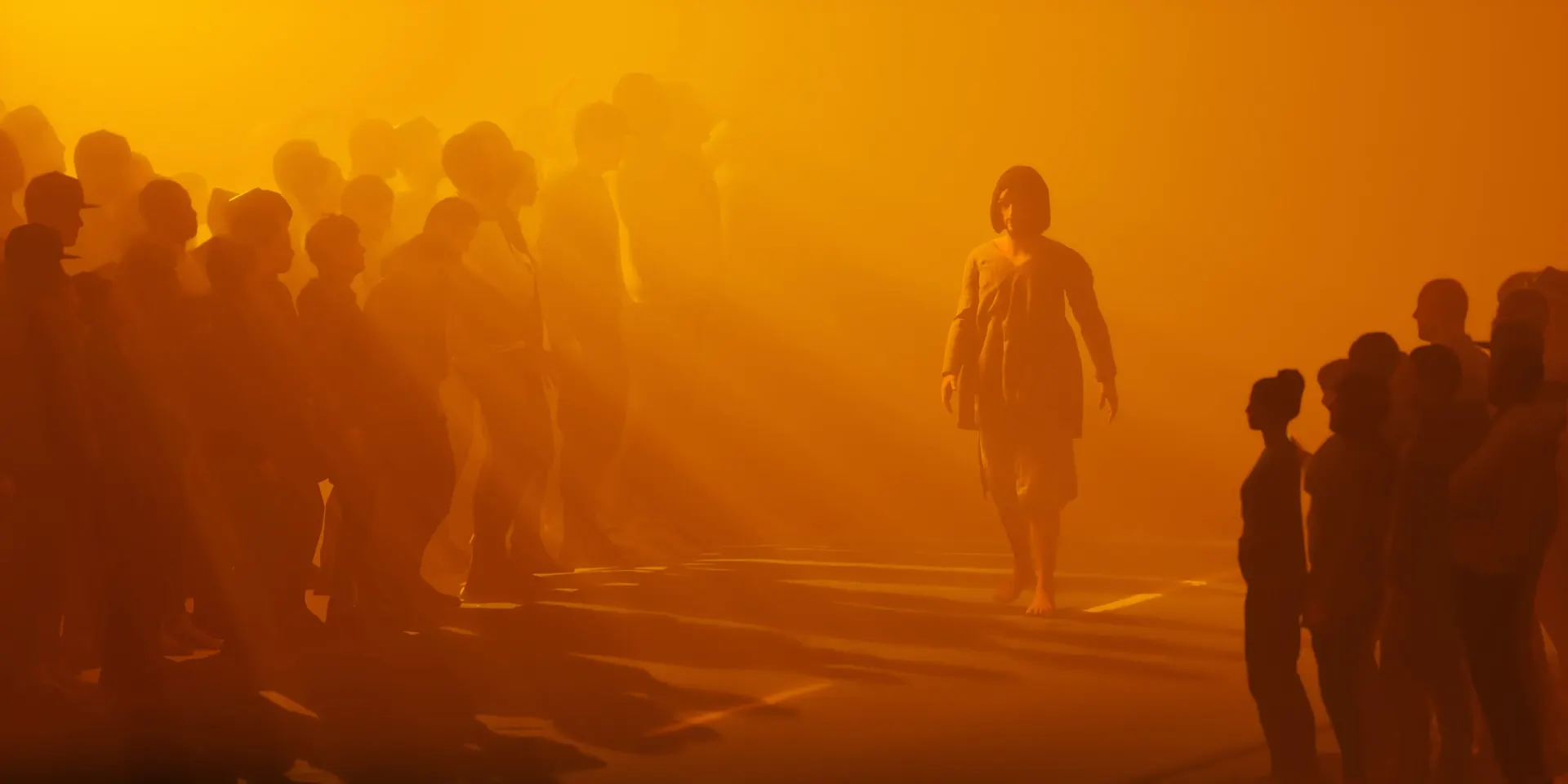
Lighting and Shadows (Source: Unsplash)
Lighting is an essential aspect in a scene, and it’s also one of the biggest reasons it takes forever. A scene typically throws in multiple light sources, soft shadows, or global illumination. The render engine has to trace how each beam of light bounces, fades, and interacts with surfaces. That’s why realistic lighting looks great but takes more time.
4. Output Settings (Resolution and Quality)
Higher resolutions mean way more pixels, which means way more calculations. Additionally, increasing anti-aliasing, frame rates, or global illumination quality adds even more time to the process.
If you’ve ever doubled your animation’s frame rate, you’ve also doubled the number of frames the machine has to crunch through. This is often the clearest explanation for why does 3D rendering take so long, since every adjustment to resolution or quality directly multiplies the time needed.
A basic room with a table and chair won’t take too long, but once you start layering in hundreds of objects, particle effects, or big landscapes, you’re asking the computer to juggle a lot at once. Things like moving elements, water simulations, or smoke effects can turn what was once a quick render into a marathon.
6. Hardware Limitations
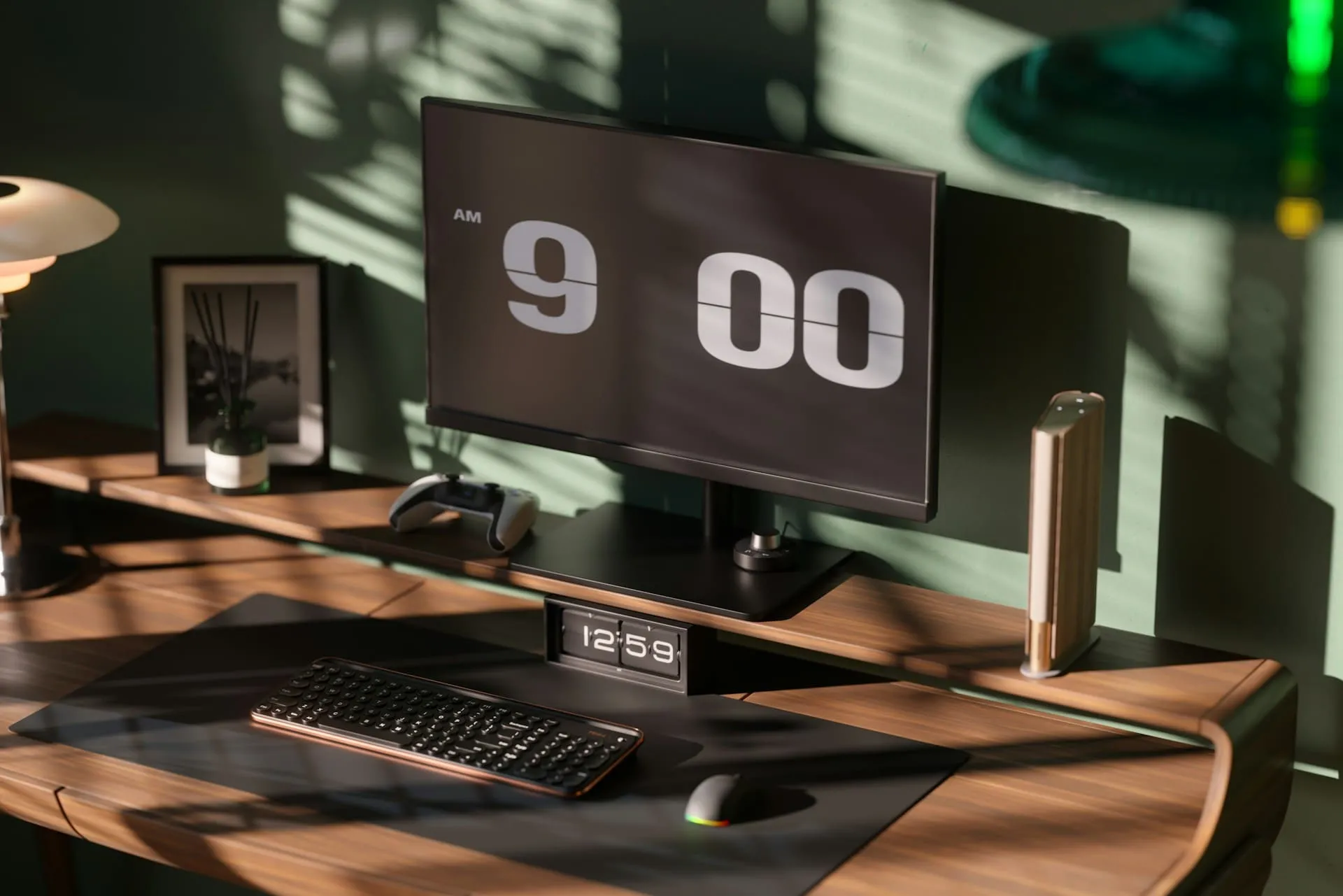
Desktop PC (Source: Unsplash)
Your computer’s horsepower will also make a huge difference. A modern CPU and GPU with plenty of RAM can cut down render times dramatically, while older or weaker systems will crawl through the process.
Even something as simple as storage speed can affect how quickly files are read and written. If your hardware isn’t keeping up, that’s often the most straightforward reason your renders feel like they’re taking forever.
7. Software and Render Engine Optimization
Finally, the software you’re using and how it’s set up. Some render engines are built for speed, while others lean heavily on photorealism, which naturally takes more time. Even within the same software, tweaking settings like sampling, noise thresholds, or enabling denoising can shave hours off your workflow.
In the end, the question of how long does 3D rendering take doesn’t have a fixed answer. It depends on countless variables, from scene design to hardware power. But with smart optimization, artists can cut wait times significantly without sacrificing too much quality.
A smart way to reduce workload is by using pre-made elements. Tridimensi offers 3D animations, assets, and backgroundsthat save you from building everything manually. This helps cut render prep time, letting you focus more on innovating and realizing your ideas.