SPECIAL OFFER ✦ BUY 2 GET 1 FREE! ✦ ADD 3 PRODUCTS TO YOUR CART, AND THE DISCOUNT APPLIES AUTOMATICALLY!
SPECIAL OFFER ✦ BUY 2 GET 1 FREE! ✦ ADD 3 PRODUCTS TO YOUR CART, AND THE DISCOUNT APPLIES AUTOMATICALLY!
SPECIAL OFFER ✦ BUY 2 GET 1 FREE! ✦ ADD 3 PRODUCTS TO YOUR CART, AND THE DISCOUNT APPLIES AUTOMATICALLY!
SPECIAL OFFER ✦ BUY 2 GET 1 FREE! ✦ ADD 3 PRODUCTS TO YOUR CART, AND THE DISCOUNT APPLIES AUTOMATICALLY!
Today, ZBrush is one of the most popular tools for sculpting and 3D design projects. However, its monthly subscription price of $49 often prevents individuals from subscribing, which pushes them into looking for a ZBrush alternative that can just do the job. This guide explores the top options to help you find the best fit for your 3D projects.
Key Takeaways:
Many artists look for a ZBrush alternative because its subscription cost, hardware demands, and complex interface make it difficult to access and use long-term.
Several alternatives like Blender, Sculptris, Nomad Sculpt, and 3DCoat offer easier workflows, lower costs, or more flexible features for different skill levels.
These tools provide strong sculpting capabilities without the high price tag, making them great options for beginners, freelancers, and professionals.
Why Artists Are Looking for ZBrush Alternatives?
ZBrush is a powerful sculpting tool, but many artists find it hard to access and keep using. Its subscription model adds ongoing costs that can be tough for freelancers, and beginners often struggle long enough that the money they spend goes to waste.
The software also relies on a heavy polygon workflow that demands strong hardware, so users with standard computers often face performance issues.
On top of that, the interface can feel confusing, especially for those familiar with more modern software. Because of these frustrations, many artists choose alternatives that are easier to use, more affordable, or more flexible for their pipelines.
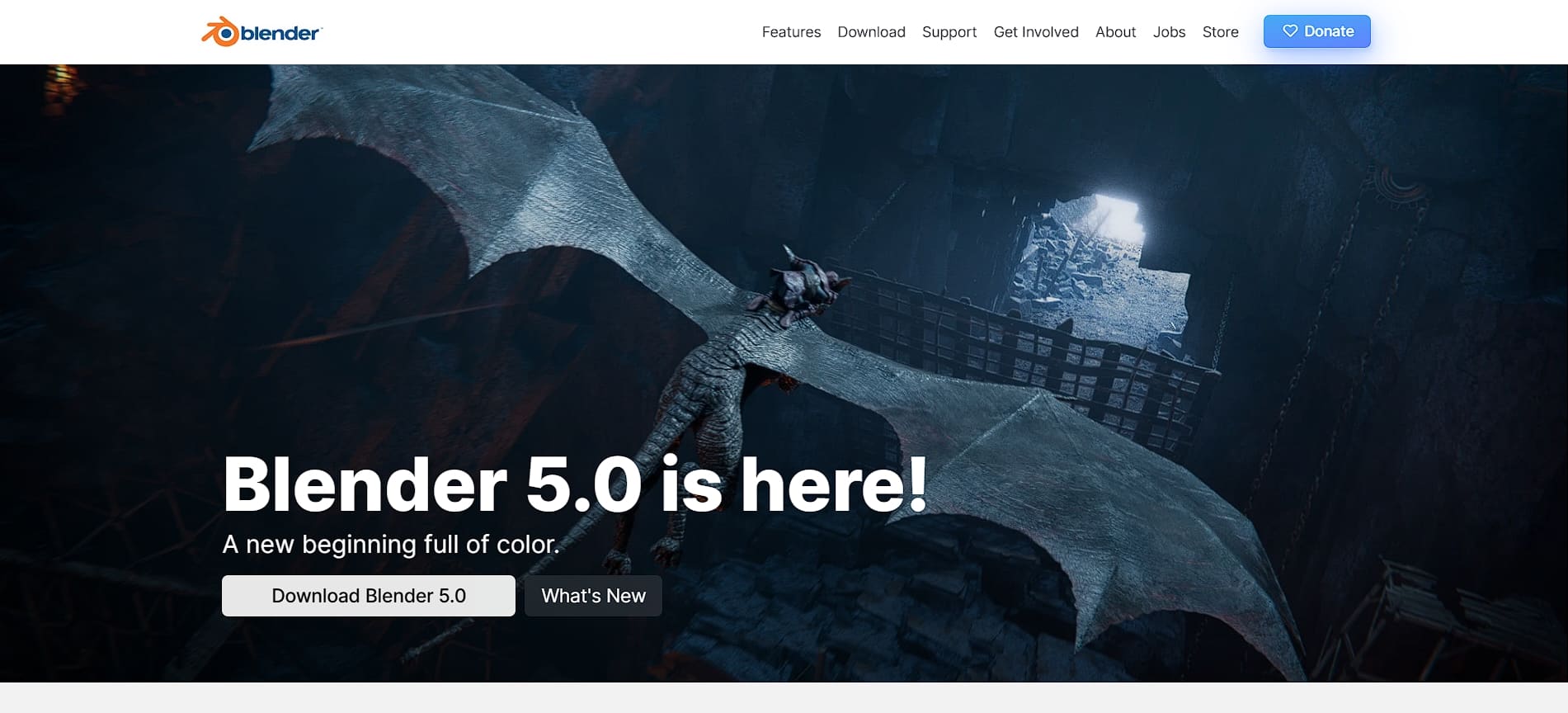
Among many ZBrush alternative examples, Blender is arguably the most famous because it is fully open source. Its sculpt mode supports dynamic topology similar to ZBrush, so you can keep adding detail without worrying about mesh complexity.
Recent multi-threading upgrades have also improved performance when working with dense sculpts. Better yet, since Blender is completely free with no subscription costs, it provides a long-term, stress-free solution for anyone who wants to grow a career in 3D art.
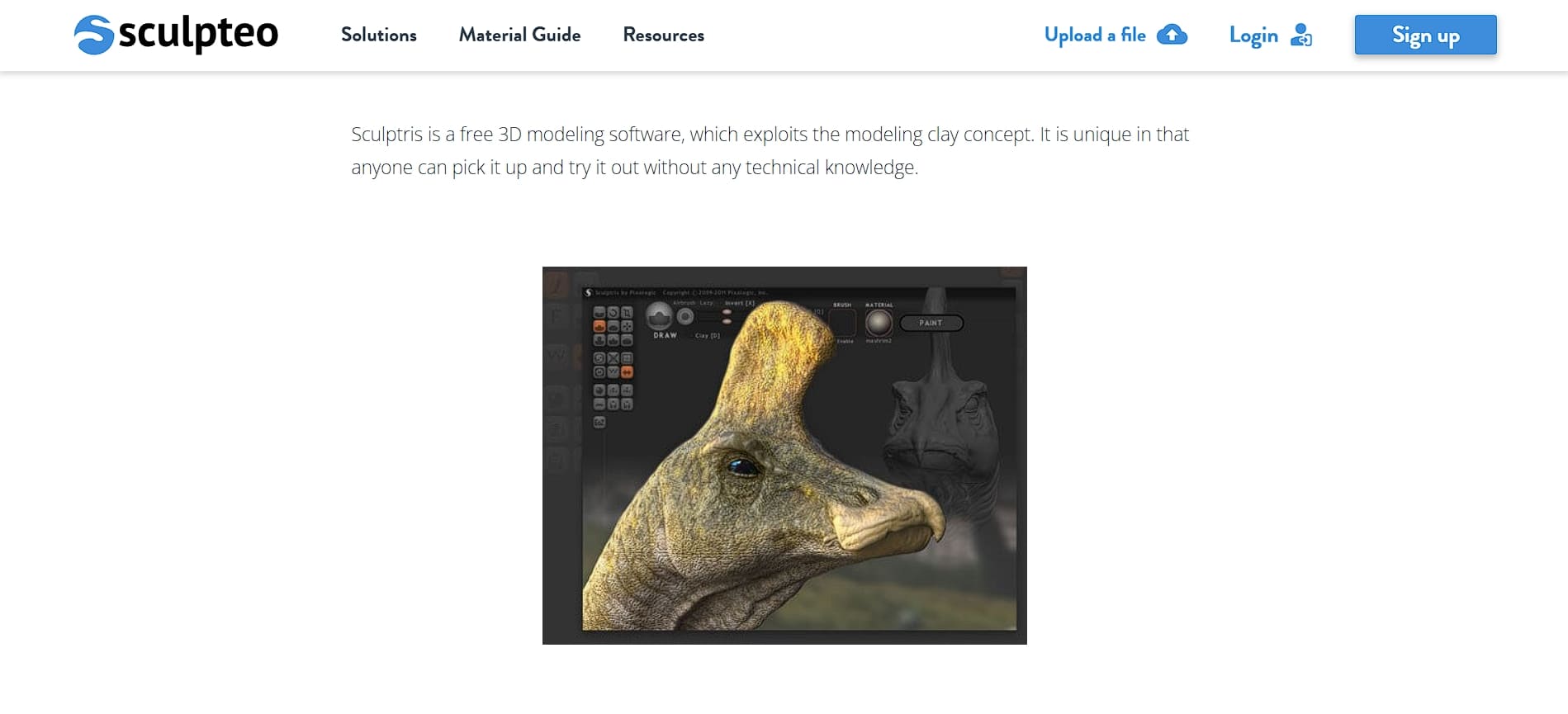
Sculptris is a free sculpting tool from Pixologic that makes digital sculpting easy for beginners. The clay-like workspace feels familiar if you have experience with traditional sculpture, and mirror mode helps you create symmetrical characters with very little effort.
Although it does not have the depth of professional sculpting software, Sculptris is excellent for quick prototypes and for learning core sculpting skills before upgrading to more advanced tools.
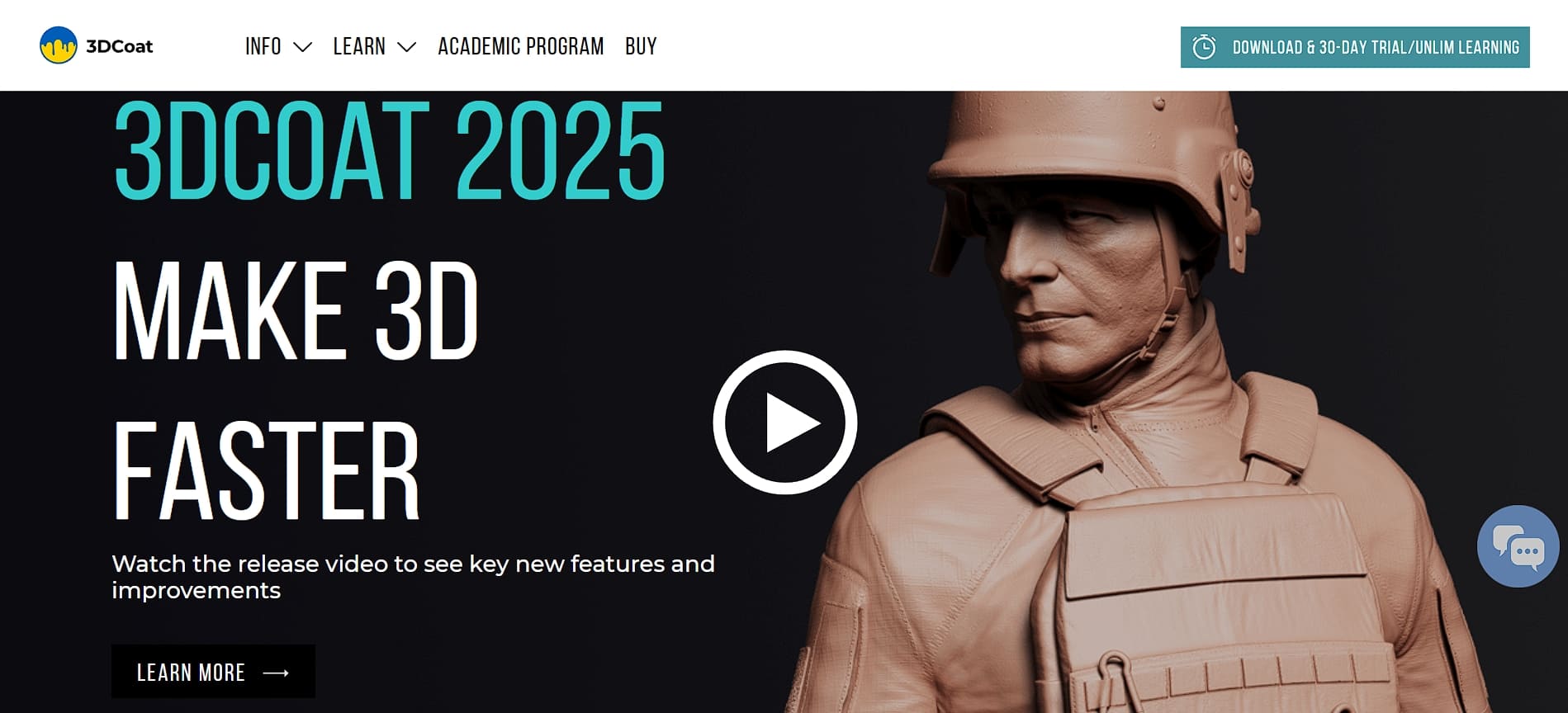
With 3DCoat 2025 as a ZBrush alternative, you can have an all-in-one workspace for sculpting, retopology, UV mapping, and PBR texturing. It also supports RealityCapture, allowing you to turn real objects into 3D assets, while Soft Booleans help you create smooth, beveled shapes during sculpting.
Furthermore, the new Node Room lets you build materials visually without permanently altering your work. Since 3DCoat offers a one-time purchase with low-cost upgrades, it is far more affordable in the long run compared to subscription-only tools.
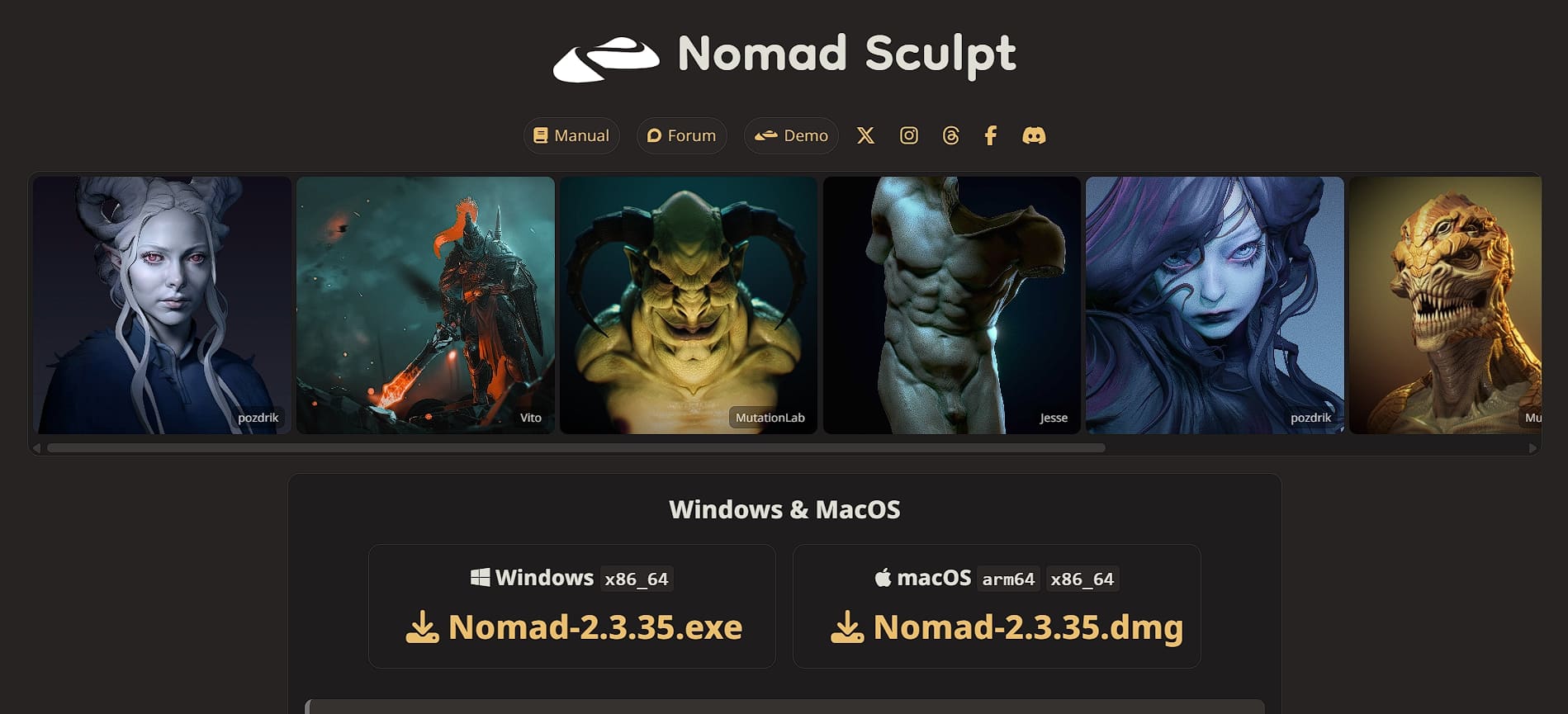
Among many top ZBrush replacement tools, Nomad Sculpt brings desktop-quality sculpting to the iPad and lets artists create wherever they are. iPad Pro models with M1 or M2 chips can handle heavy polygon loads smoothly, and the real-time rendering makes it easy to see changes as you work.
Android users get solid performance as well, especially on newer Galaxy Tab devices. While it is not meant to replace ZBrush for large or complex game projects, Nomad Sculpt is great for building models, refining concepts, and experimenting with ideas freely.
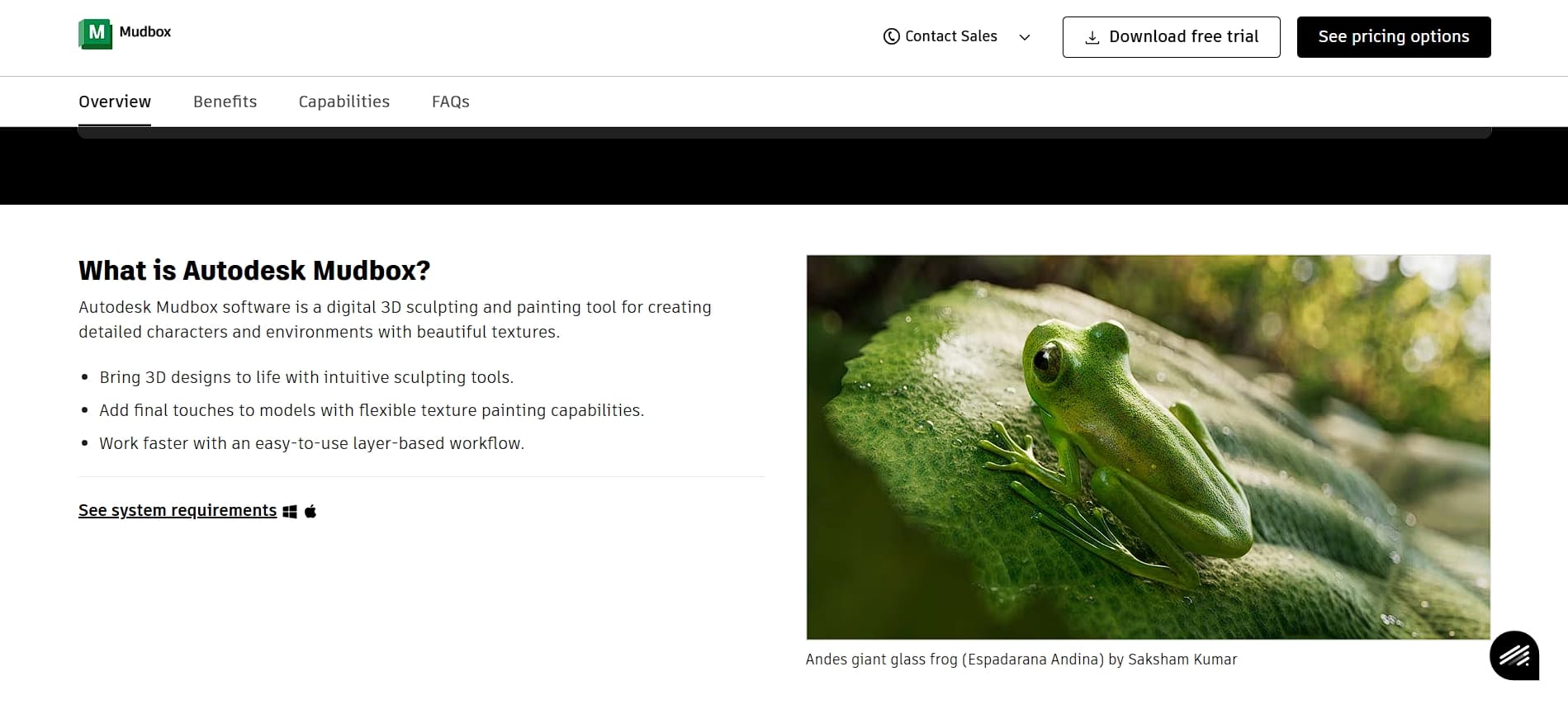
Autodesk Mudbox is a solid professional alternative to ZBrush that has powerful sculpting and texture-painting tools at an affordable $15 per month or $100 per year. Artists can sculpt across different detail levels, customize brushes to fit their workflow, and use symmetry tools to speed up character creation.
The subscription model ensures automatic updates and access to cloud features, and Autodesk provides reliable tech support along with community resources. Even though recent updates focus mostly on maintenance, Mudbox remains a dependable choice for studios that already use Autodesk tools.
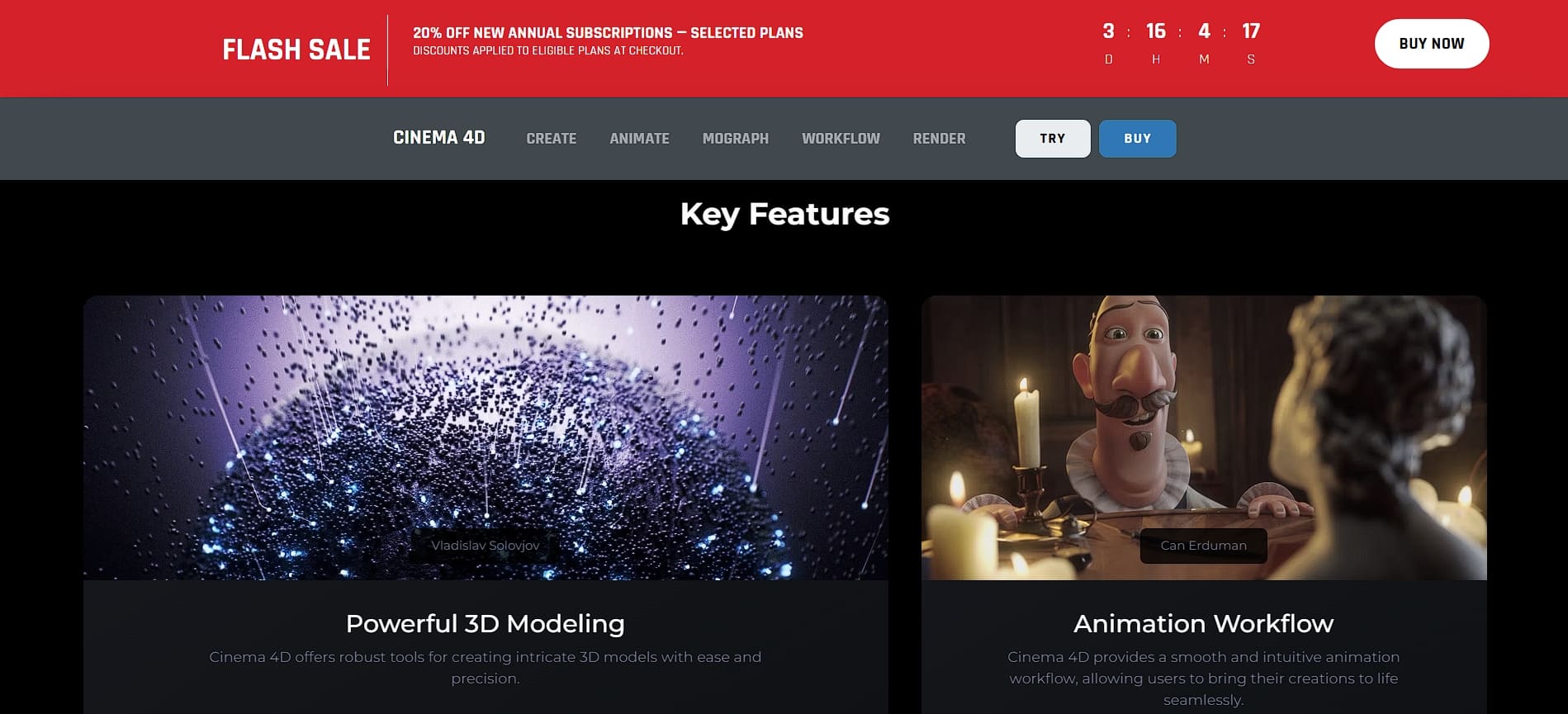
Combining sculpting, modeling, animation, and rendering in one powerful professional platform, Cinema 4D stands as one of the best 3D sculpting tools like ZBrush. Its updated sculpting tools allow for highly detailed organic models, and the improved Boolean system supports non-destructive modeling with unlimited inputs.
Cinema 4D’s MoGraph features also give artists plenty of animation freedom, while its upgraded particle system and Rocket Lasso Capsule support make complex effects easier to create.
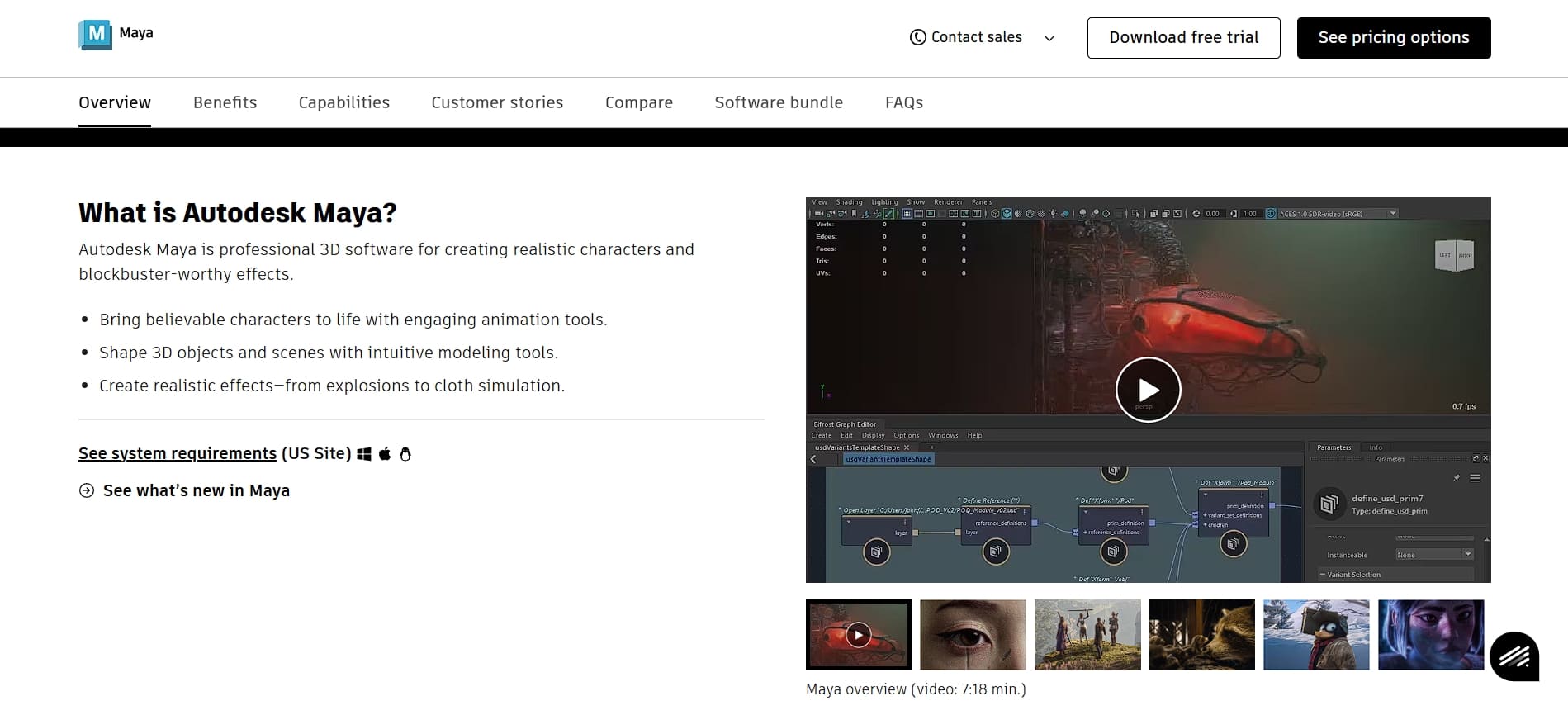
Autodesk Maya provides a complete set of 3D creation tools, including a strong sculpting toolkit. Maya’s sculpting brushes, polygon modeling tools, and deformation features make it easy to shape detailed characters.
Maya also continues to get steady updates, which is why many animation and VFX studios still rely on it. With its long track record in professional environments, everyone can see how Maya’s sculpting tools can support high-level character production.
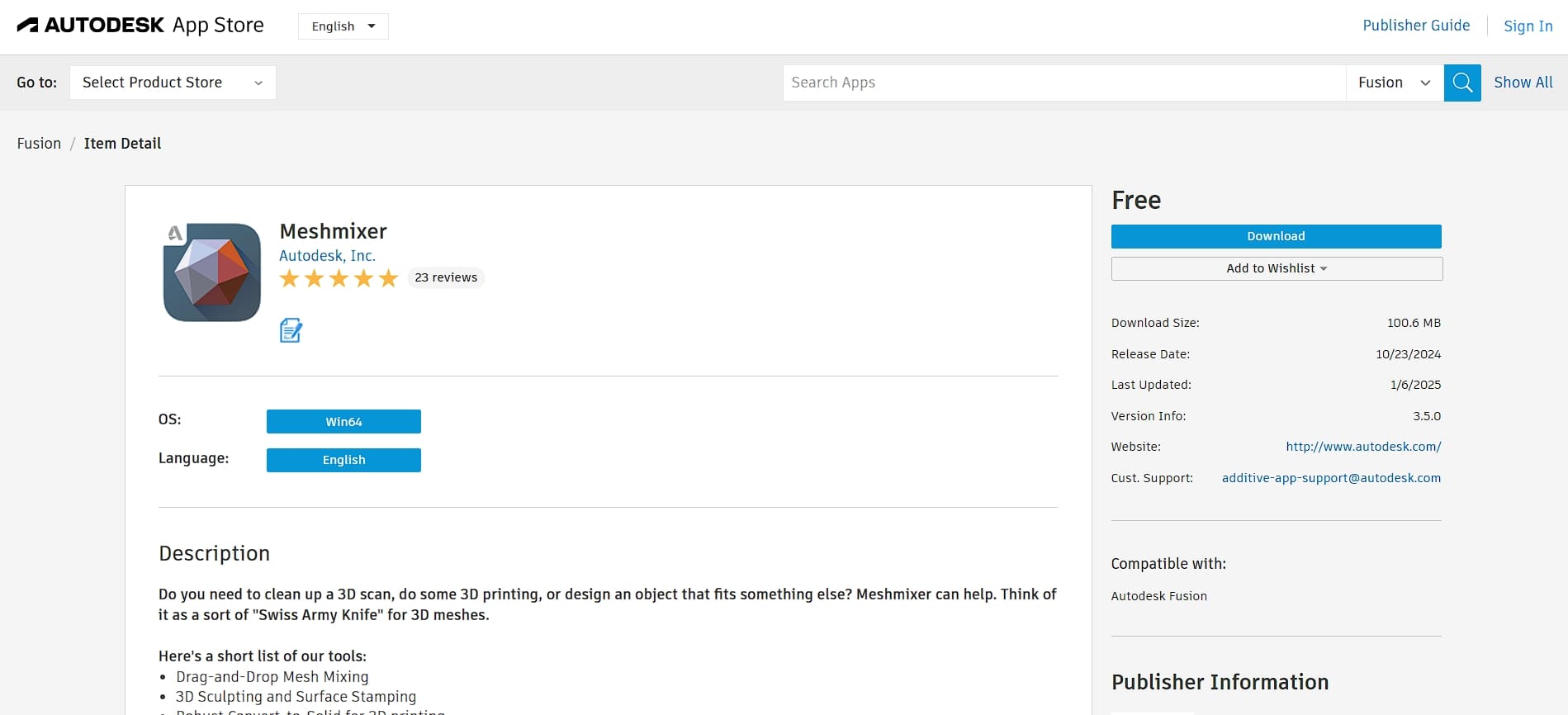
Finally, Meshmixer includes easy sculpting tools like Smooth, Inflate, and Grab, plus automatic remeshing that adjusts mesh density based on your model. With Meshmixer’s Boolean tools and drag-and-drop mixer, you can quickly combine, subtract, or intersect shapes, and merge parts easily.
Since it runs smoothly even on modest hardware, Meshmixer is a practical choice for makers and engineers who want fast, reliable mesh editing without subscribing.
Sculpt the Best Possible Design with the Best Tools
In the end, finding the right ZBrush alternative depends on your workflow, budget, and the level of control you need. Regardless of what you need, there are plenty of options that offer powerful performance without the cost or complexity of ZBrush.
As you experiment with new software, having high-quality assets can make your projects stand out, and Tridimensi can help with that matter! With their 3D resources, artists and beginners can use to create polished, professional results with greater detail and consistency.