SPECIAL OFFER ✦ BUY 2 GET 1 FREE! ✦ ADD 3 PRODUCTS TO YOUR CART, AND THE DISCOUNT APPLIES AUTOMATICALLY!
SPECIAL OFFER ✦ BUY 2 GET 1 FREE! ✦ ADD 3 PRODUCTS TO YOUR CART, AND THE DISCOUNT APPLIES AUTOMATICALLY!
SPECIAL OFFER ✦ BUY 2 GET 1 FREE! ✦ ADD 3 PRODUCTS TO YOUR CART, AND THE DISCOUNT APPLIES AUTOMATICALLY!
SPECIAL OFFER ✦ BUY 2 GET 1 FREE! ✦ ADD 3 PRODUCTS TO YOUR CART, AND THE DISCOUNT APPLIES AUTOMATICALLY!
Curious about how game worlds come to life? This article explores the essentials of 3D modeling for games, breaking down each stage from concept to completion. It’s the foundation behind the visuals you see and the experiences you feel.
Exploring the Art of 3D Modeling for Games
The world of modeling for games is where creativity meets technology. With each asset, from a character’s armor to a cracked sidewalk, 3D models for game engines give shape and depth to gameplay. This attention to detail is what gives games their personality, so let’s check out what makes you a memorable game!
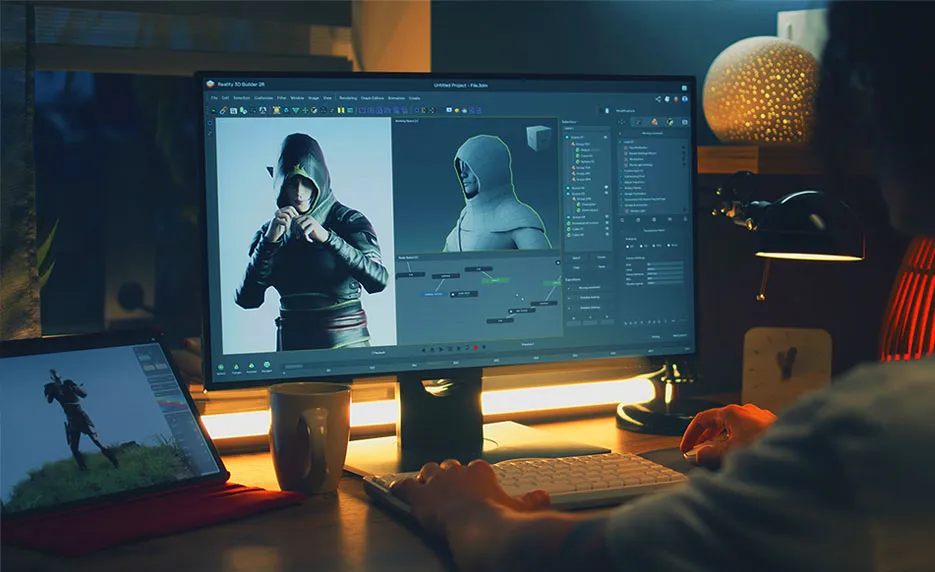
Making 3D game assets is a step-by-step process that transforms creative ideas into working models inside a game. It combines both artistry and technical know-how to make sure each asset looks great and runs smoothly in real-time. Let’s take a peek at 3D modeling for game development.
1. Concept & Reference Gathering
Start by deciding what you’re creating (character, object, or environment), then collect visual references and create initial sketches to shape the overall design.
2. High-Poly Modeling & Sculpting
Use 3D software to block out basic forms. Then move into sculpting, where detailed features like fabric folds or facial lines are added with tools like ZBrush.
3. Retopology & Low-Poly Modeling
Convert the high-detail sculpt into a lower-polygon version that’s optimized for games. This keeps the visual quality while improving performance.
4. UV Mapping & Texturing
Flatten the model’s surface into a 2D layout (UV map), and then paint textures, like color, roughness, and depth, using software such as Substance Painter.
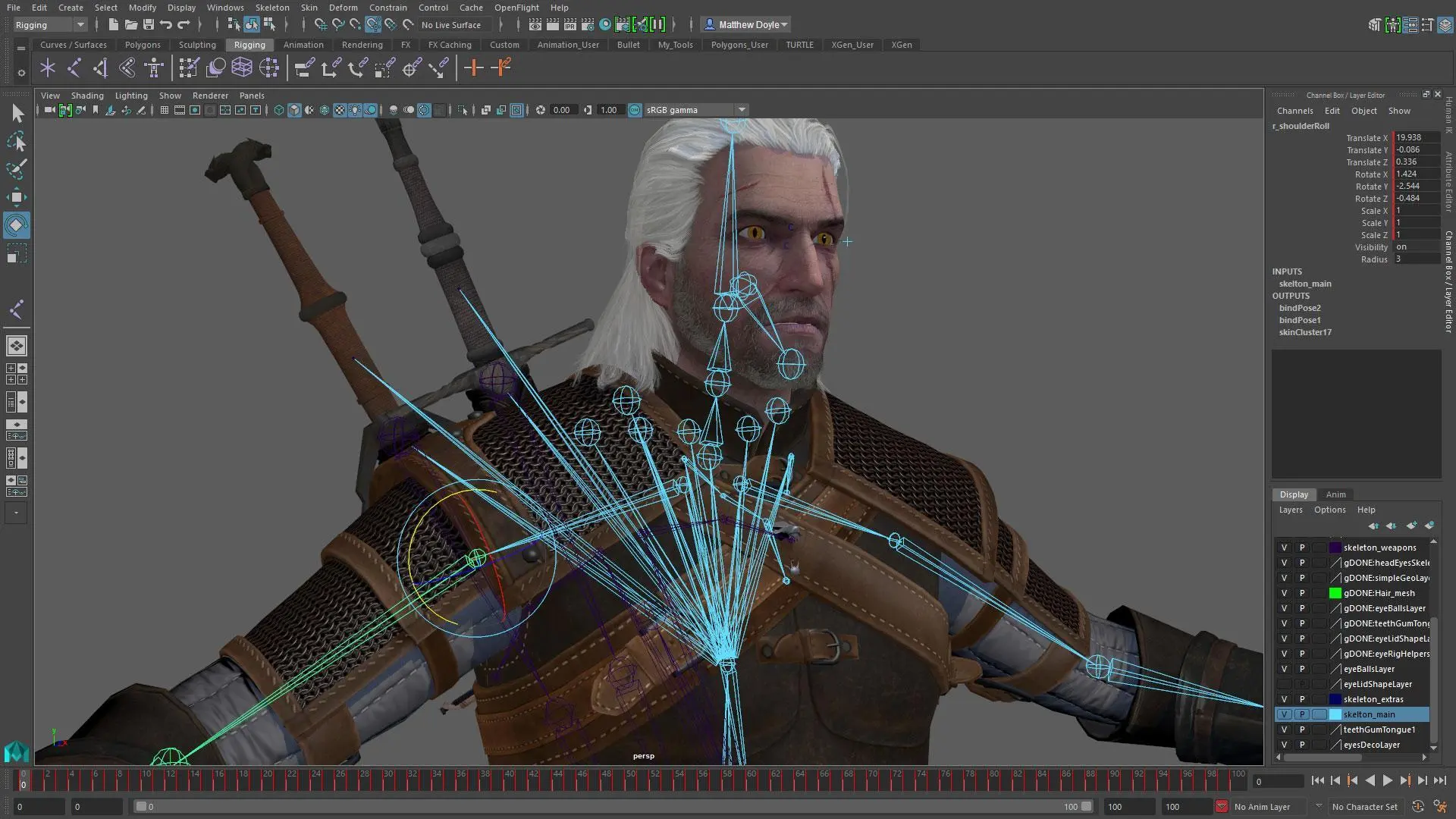
5. Rigging & Animation Setup
Attach a skeleton to the model (if it needs to move), bind the mesh to it, and prepare it for animation inside the engine.
6. Exporting & Game Integration
Finalize the model, export it (usually as an FBX), and bring it into game engines like Unity or Unreal. Once inside, apply materials and tweak settings so it performs and looks just right.
3D models are at the heart of any game’s visual identity. They shape how players experience the world. Whether it’s a mysterious forest, a crumbling ruin, or a quirky NPC, models play a big role in storytelling without saying a word.
Detailed characters and environments set the tone, help build atmosphere, and guide player emotions. A ruined temple might suggest danger; a bright, colorful village can make players feel welcome. When models react to lighting, movement, or physics, the game world feels more alive, like grass rustling in the wind or crates breaking apart when hit.
They also directly support gameplay. Terrain can influence player movement, props might hide collectibles, and a character’s design can hint at abilities or personality. In VR or open-world games, where immersion is everything, the quality and believability of 3D assets can make or break the experience.
There’s a wide selection of tools out there for creating 3D assets, but a few stand out for their reliability and versatility. Here are three essential 3D modeling software for games commonly used in professional-level development:
1. Blender
A free, open-source program packed with features for modeling, sculpting, animating, and more. It’s flexible, powerful, and a favorite among both hobbyists and pros.
2. ZBrush
Specializing in sculpting, ZBrush is known for handling extreme detail. It’s great for creating realistic creatures, facial expressions, and anything organic.
3. Substance Painter
The top choice for texture painting, letting artists apply realistic materials directly onto 3D models. It supports advanced maps like normals and roughness for a high-end finish.
Game development often means working within limits, namely, memory or frame rates, so creating efficient assets is a must. Learn about the techniques that help keep your 3D models for video games lightweight but still visually strong below.
1. Low-Poly with Normal Maps
Use fewer polygons to build the base mesh, then add surface detail through normal or bump maps. This keeps models fast and visually convincing.
2. Level of Detail (LOD)
Make multiple versions of a model at different levels of complexity. The engine automatically swaps to simpler versions as objects move farther from the player, saving resources.
3. Modular Modeling (Kitbashing)
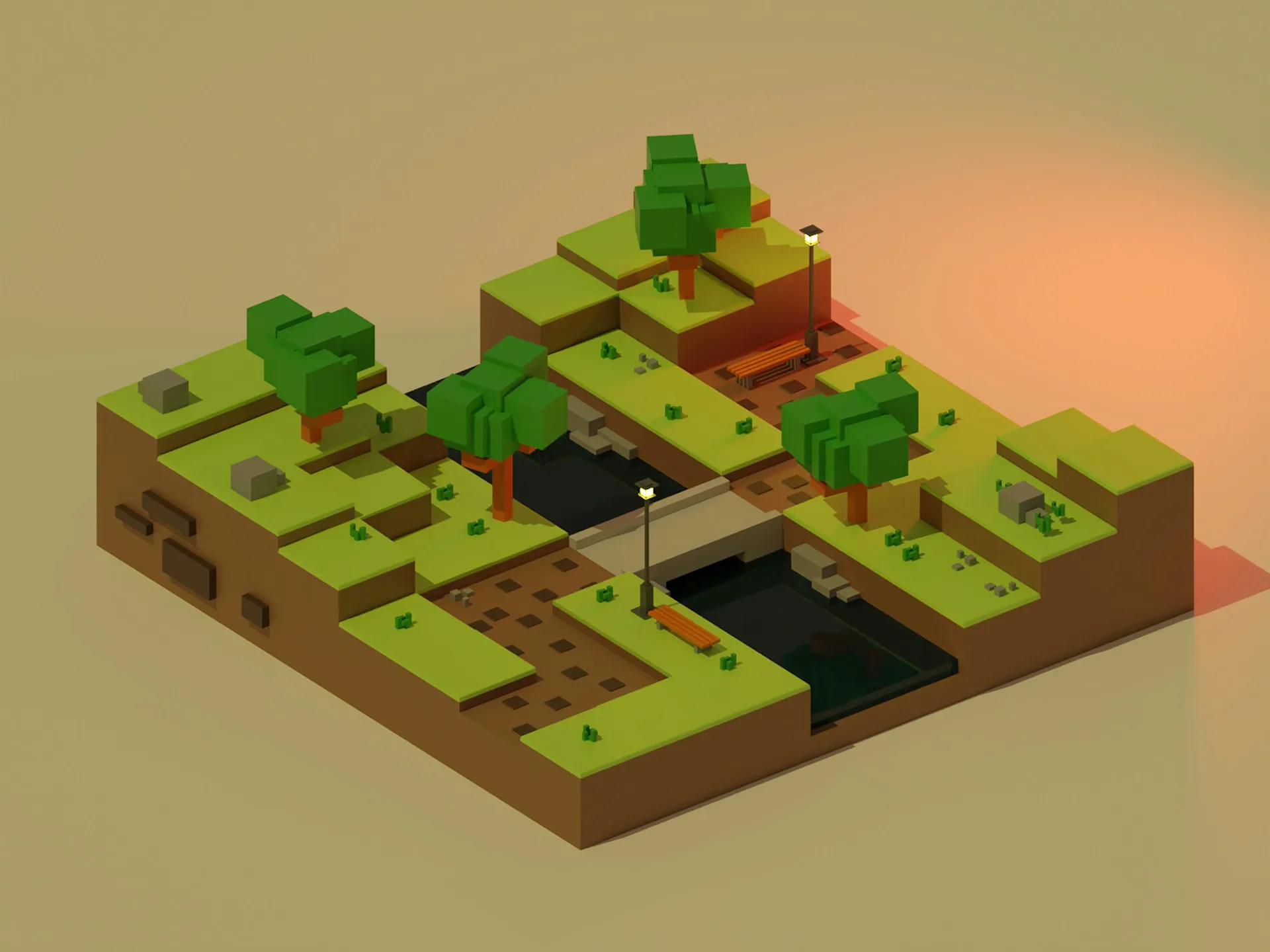
Build environments using reusable parts, like walls, windows, and props, that can be mixed and matched. This speeds up level design and keeps things stylistically consistent.
If you’re eyeing a future in game development, 3D modeling for games is a skill worth developing. It connects technical precision with artistic freedom and plays a central role in every modern game. With the right tools and mindset, anyone can bring ideas to life and help build immersive digital worlds.
Mastering 3D modeling for games takes time, but that doesn’t mean you have to start from scratch. With Tridimensi’s 3D asset collection, you can instantly access professionally made characters, environments, and animated elements ready for engine integration, perfect for prototyping or polishing your next big idea.