SPECIAL OFFER ✦ BUY 2 GET 1 FREE! ✦ ADD 3 PRODUCTS TO YOUR CART, AND THE DISCOUNT APPLIES AUTOMATICALLY!
SPECIAL OFFER ✦ BUY 2 GET 1 FREE! ✦ ADD 3 PRODUCTS TO YOUR CART, AND THE DISCOUNT APPLIES AUTOMATICALLY!
SPECIAL OFFER ✦ BUY 2 GET 1 FREE! ✦ ADD 3 PRODUCTS TO YOUR CART, AND THE DISCOUNT APPLIES AUTOMATICALLY!
SPECIAL OFFER ✦ BUY 2 GET 1 FREE! ✦ ADD 3 PRODUCTS TO YOUR CART, AND THE DISCOUNT APPLIES AUTOMATICALLY!
Creating design mockups used to be a time-consuming process. Today, the best mockup tools for designers make it faster and more efficient than ever. Many of these tools are now AI-powered, helping with raw asset generation (33%), UI draft creation (22%), and layout assessment (21%), according to Figma.
Key Takeaways:
The best mockup tools for designers use AI to speed up workflows, helping with asset generation, UI drafts, and layout evaluation.
Tools like Figma, Canva, Uizard, and Placeit offer different strengths, from collaboration and ease of use to AI-powered mockup creation.
Each tool has trade-offs, so designers must choose based on their workflow, customization needs, and project complexity.
10 Best Mockup Tools for Web Designers
With the abundance of the best tools for website mockup design available today, which one fits your needs best?
1. Screenhance
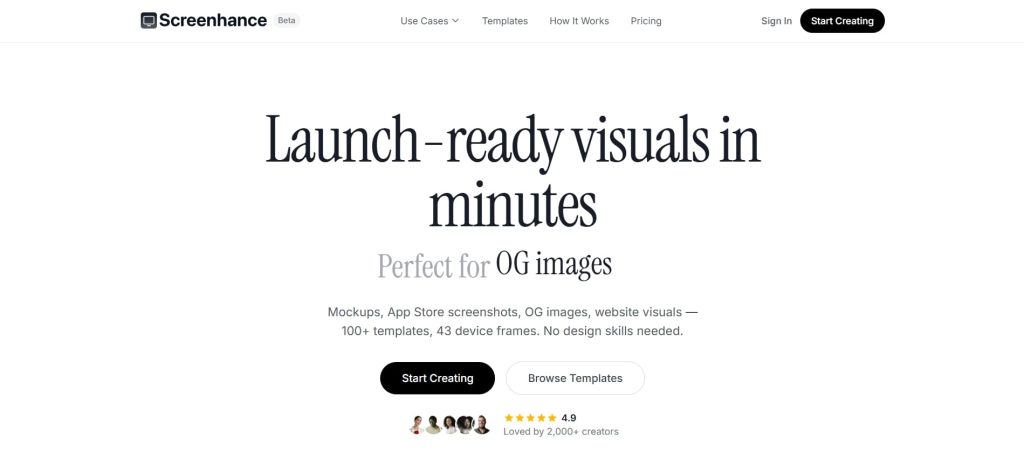
Screenhance (Source: Screenhance)
The first best tool for web design mockups is Screenhance, which targets developers, founders, and marketers. The tool supports iPhone, MacBook, iPad, browser, and Android frames with gradient and glass backgrounds built directly into the editor.
Its standout feature is native animation export, which lets designers produce GIF and WebM motion mockups in just a single tool. However, its library is smaller than Placeit’s, so designers may still need another platform to make up for this downside.
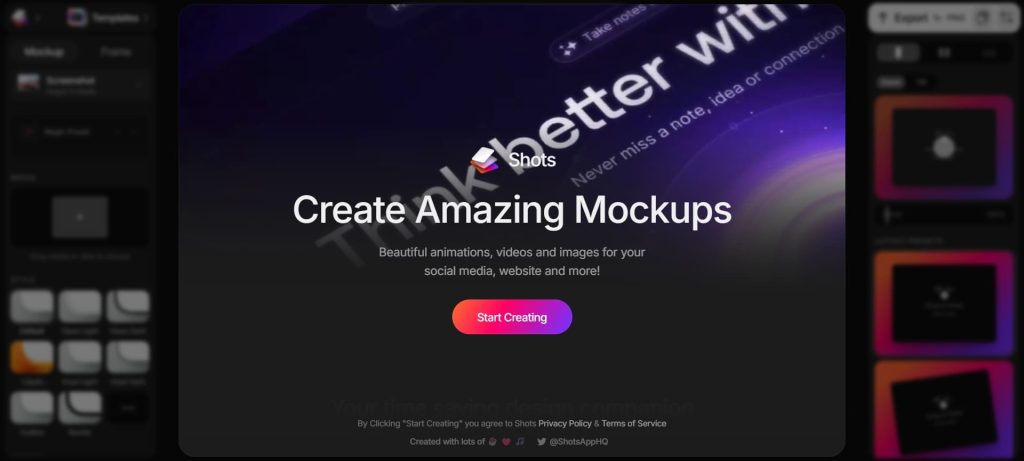
Our next example of the best mockup tools for designers is Shots.so, which provides a free drag-and-drop mockup platform. With this tool, you can place designs inside phone, laptop, desktop, tablet, and smartwatch frames instantly.
While the completely free model makes Shots.so excellent, it comes with the downside of the smaller template library. As a result, this limited template library can limit campaigns that need diverse product or lifestyle context varieties.
3. Placeit
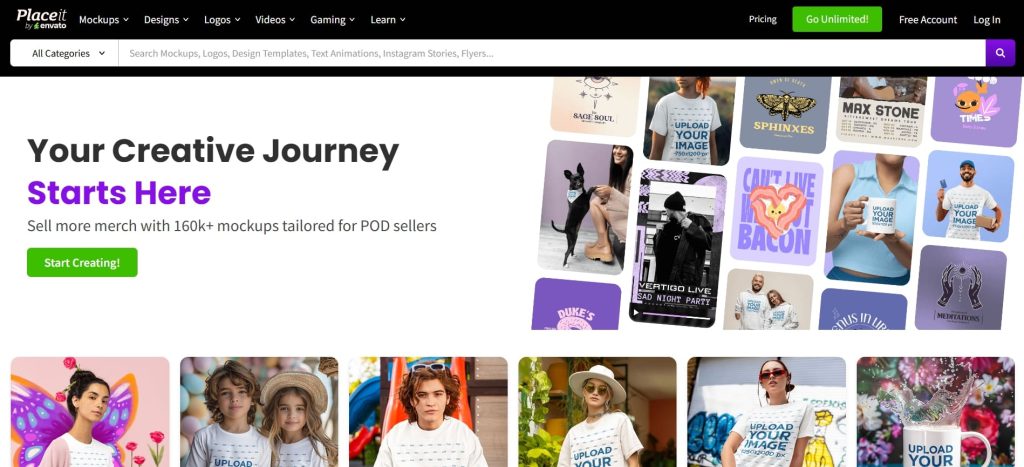
Placeit (Source: Placeit)
Placeit offers one of the most comprehensive template libraries available, covering a wide range of digital mockups from Android to iPhone. Designers can customize each template directly in the browser, eliminating the need to download or install any software.
However, despite its extensive library, some users may find the template variety somewhat limited or repetitive. Since Placeit is widely used, designers looking for more unique or distinctive visuals may need to complement it with other tools.
4. Figma (with Plugins)
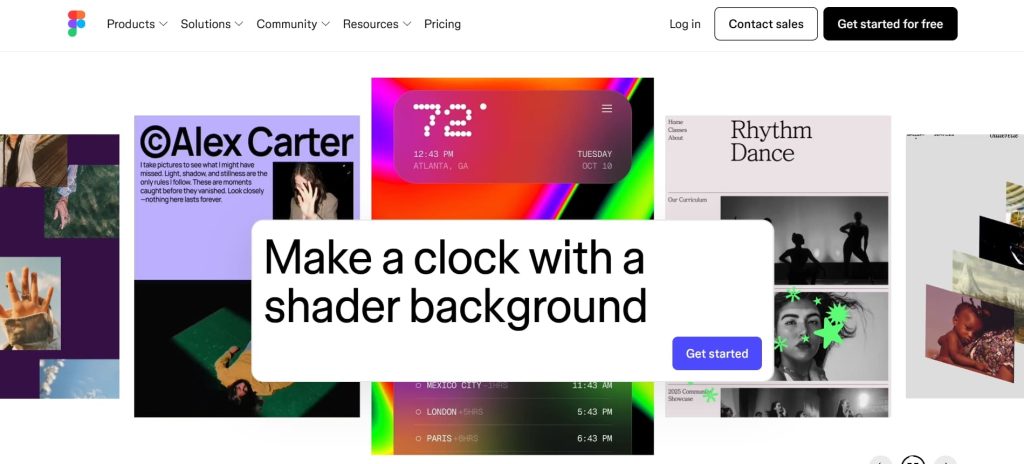
Figma (Source: Figma)
Not just a go-to design tool, Figma also supports mockup creation through plugins like Mockup, Clay, and Artboard Studio. These integrations allow designers to handle everything from design and prototyping to developer handoff and mockup generation within a single platform, all with real-time collaboration.
However, Figma isn’t without its limitations. As a browser-based tool, it relies heavily on a stable, high-speed internet connection. Without it, performance can lag, making the workflow less efficient.
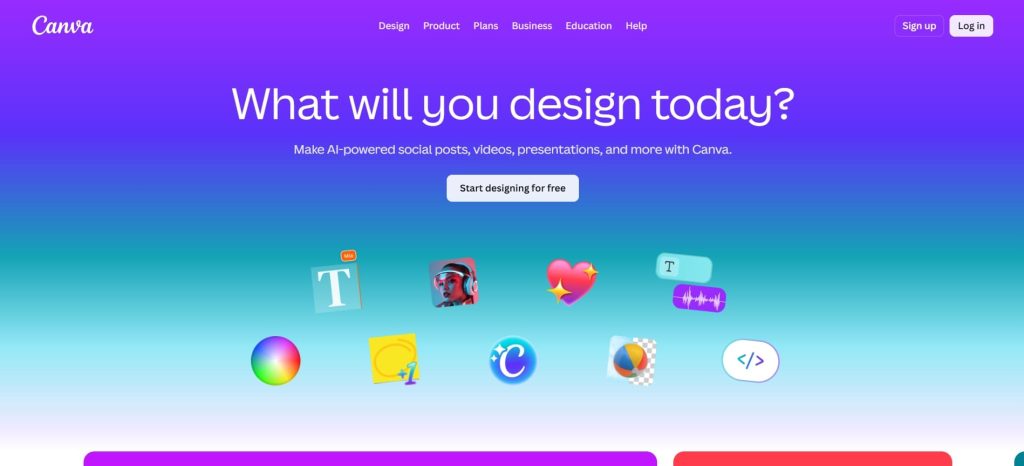
The next entry on the list of the best mockup tools for designers is Canva, a great choice for creating quick and user-friendly mockup designs. As a popular design tool, Canva offers a wide range of templates and plugins that make editing easy, even for beginners.
Even so, compared to more dedicated mockup tools, Canva provides more limited customization options. As a result, it may not be ideal for creating highly detailed or complex mockup designs.
6. Uizard
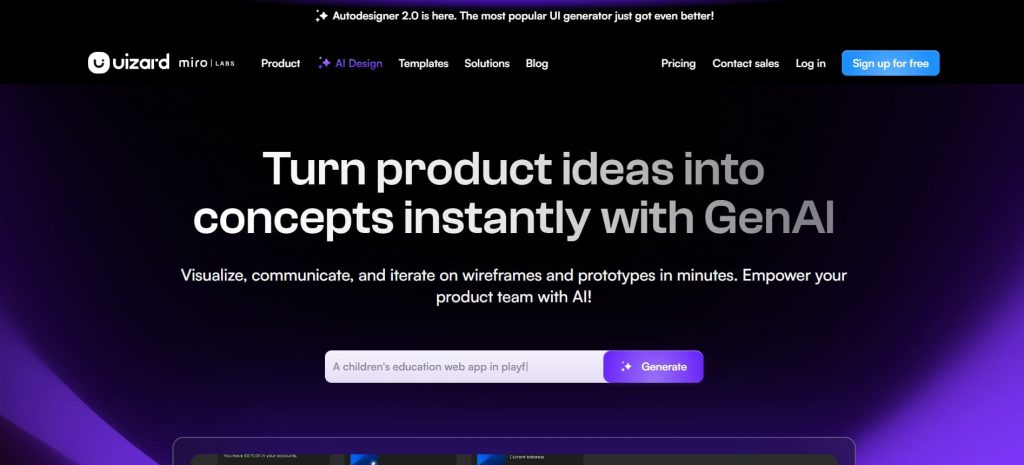
Uizard (Source: Uizard)
We also have AI prompt-based tools that you can use to design mockups, starting with Uizard. This tool delivers AI-powered UI design tools that convert text prompts into complete web and mobile interface mockups within seconds.
When it comes to its disadvantages, however, it’s Uizard’s relatively unsatisfying performance in generating UI themes and UX copies. Even so, Uizard is a very decent choice for people who want alternatives to Figma.
7. Leonardo AI
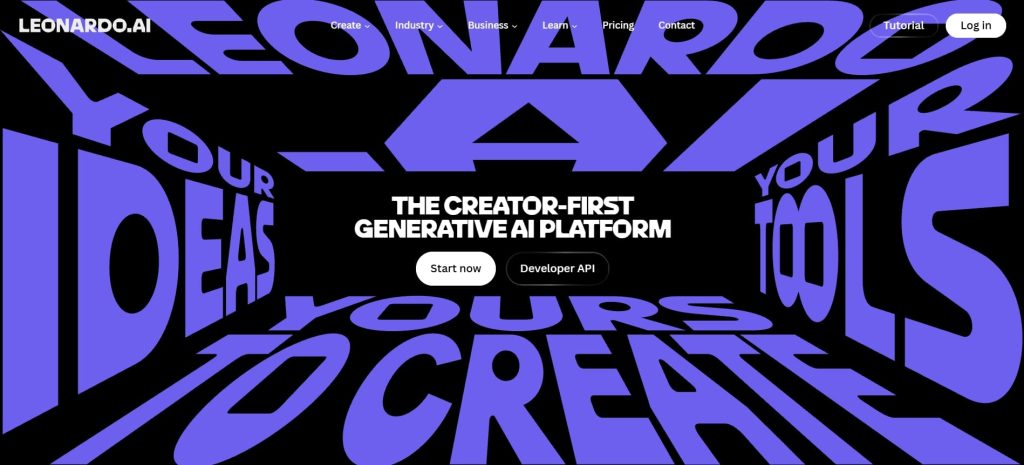
Leonardo AI (Source: Leonardo)
Among other tools, Leonardo AI excels in generating photorealistic product visuals and brand concept images from detailed text prompts. Furthermore, the platform offers a free daily token tier and paid plans that operate on a Pay-As-You-Go credit model.
Although many now use Leonardo, they may often encounter bugs and technical issues due to Leonardo’s current developmental stages. Nonetheless, the tool is perfect for visual exploration and brand ideation rather than structured device frame mockups.
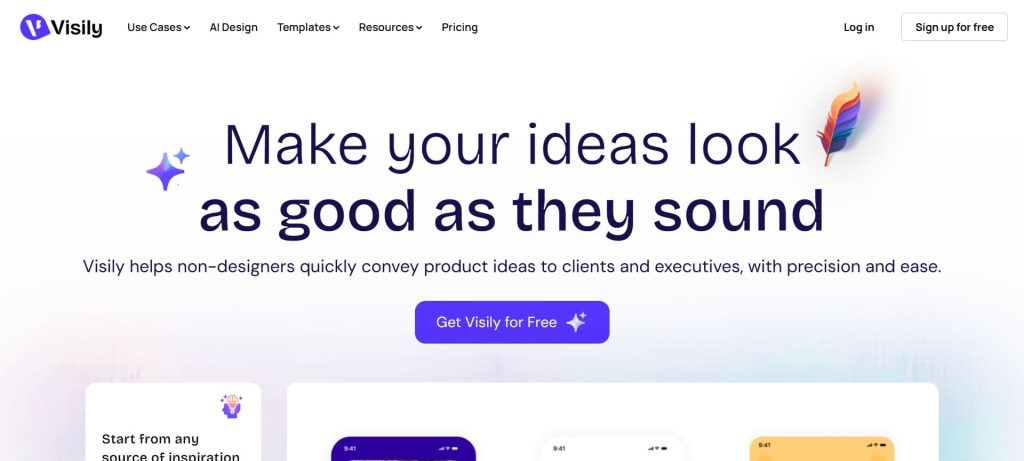
Visily AI is our next recommendation, which delivers AI tools for mockup designs and design templates to component libraries. Apart from prompts, the AI tools can also help designers create mockups through screenshots, diagrams, and even pre-made templates.
Despite Visily’s smart component guardrails, which may prevent you from fully modifying them all, it is still a well-rounded mockup designer tool that you should try.
9. Kittl
Kittl (Source: Kittl)
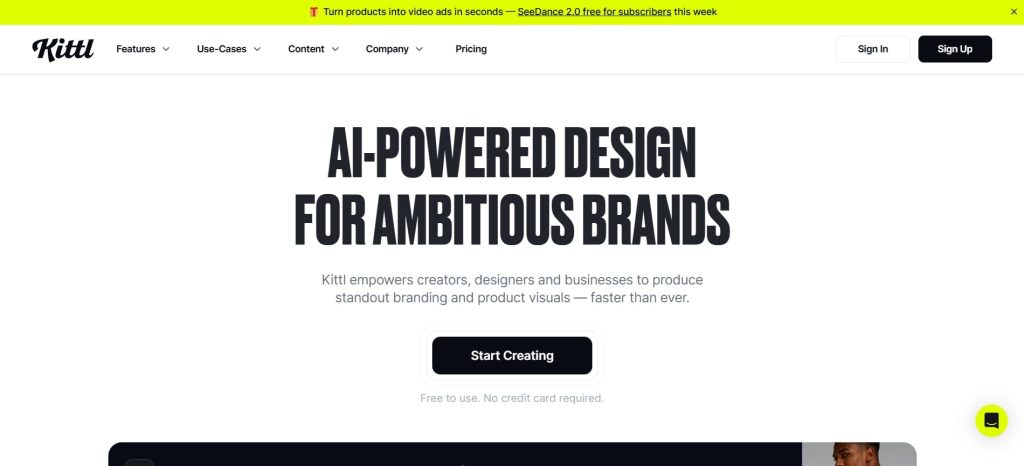
Kittl functions as an AI-first design platform that combines mockup templates, AI image generation, vector editing, and typography tools inside one cohesive creative workspace. Because of that, branding and print-on-demand designers don’t need to switch between apps while using Kittl for work.
However, Kittl’s browser-only interface can limit mobile design sessions, and its learning curve is steeper than most simpler mockup platforms for new users.
10. Replit
Replit (Source: Replit)
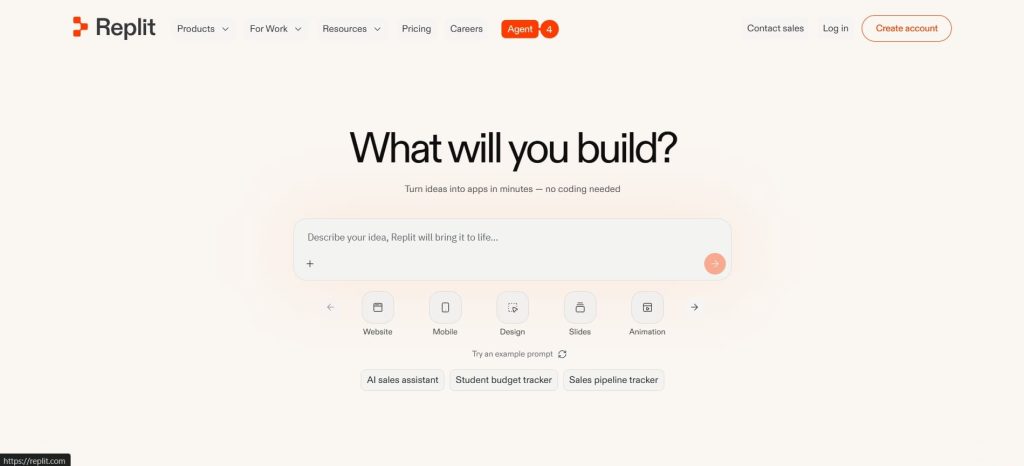
Lastly, there’s Replit, which generates fully functional and interactive web UI mockups through AI prompts and conversational natural language input. In this regard, Replit is perfect for web designers who need working, clickable web prototypes rather than static image exports.
Unfortunately, Replit’s complex UI requirements demand more precise prompt engineering, which can trouble teams expecting complete layouts from short descriptions.
Improve Mockup Designs with High-Quality 3D Resources
Ultimately, choosing from the best mockup tools for designers depends on your specific needs and workflow. Some tools excel at speed and simplicity, while others offer greater control for more detailed designs.
No matter which tool you use, high-quality 3D resources can elevate the final result. This is where Tridimensi comes in. With a wide range of 3D assets for various use cases, it helps designers create more realistic and visually compelling mockups.