SPECIAL OFFER ✦ BUY 2 GET 1 FREE! ✦ ADD 3 PRODUCTS TO YOUR CART, AND THE DISCOUNT APPLIES AUTOMATICALLY!
SPECIAL OFFER ✦ BUY 2 GET 1 FREE! ✦ ADD 3 PRODUCTS TO YOUR CART, AND THE DISCOUNT APPLIES AUTOMATICALLY!
SPECIAL OFFER ✦ BUY 2 GET 1 FREE! ✦ ADD 3 PRODUCTS TO YOUR CART, AND THE DISCOUNT APPLIES AUTOMATICALLY!
SPECIAL OFFER ✦ BUY 2 GET 1 FREE! ✦ ADD 3 PRODUCTS TO YOUR CART, AND THE DISCOUNT APPLIES AUTOMATICALLY!
Staring at your screen, trying to find the perfect font or test a layout across devices, can slow your momentum. Luckily, the 10 best Chrome extensions for designers can help you stay focused and productive. These tools offer smart, time-saving features that fit naturally into your browser and your daily process
Key Takeaways:
Adding Chrome extensions made for designers can significantly speed up your design workflow and reduce repetitive tasks.
From color picking to responsive testing, Chrome extensions help streamline consistency.
Using browser-based extensions reduces the time spent switching apps or software.
With better workflow thanks to extensions, you can better enjoy your creative process.
Explore the 10 Best Chrome Extensions for Designers and Stay Ahead
Whether you’re designing a sleek landing page or refining a mobile UI, having the right tools on hand can make all the difference. That’s why we’ve put together this list, perfect for those who want to stay efficient without sacrificing creativity. These extensions are simple to use and genuinely helpful. Check them out!
1. Muzli 2
Muxzli Logo (Source: Muzli 2)
Muzli 2 keeps your vision flowing by transforming each tab into a hub of design inspiration. It collects trending visuals, UI examples, and curated content from leading design platforms.
This makes it easier to spark ideas without having to search manually. If you’re searching for one of the best Chrome extensions for graphic designers, this tool is a great place to start.
Color picker, ColorZilla (Source: Chrome Web Store)
ColorZilla is a powerful tool that allows you to quickly pick colors from any web page. It helps designers copy color codes, analyze palettes, and even create gradients with ease.
By hovering over elements and clicking, you can extract precise colors without inspecting code. This is one of the 10 best Chrome extensions for designers who rely heavily on consistent color systems.
3. WhatFont
WhatFont Extension Logo (Source: Zazzle Media)
WhatFont simplifies font identification by letting you find out which fonts are used on any website with just a hover. It provides key details such as font name, size, weight, and color. This tool is useful for UI designers looking to reference or replicate typography found online. Activate the extension and hover over text to explore the fonts in use.
4. PerfectPixel
PerfectPixel mockup Extension (Source: Opera add-ons)
PerfectPixel lets you overlay design mockups on top of a live website to compare them. This feature is ideal for checking layout accuracy during the development process. You can adjust opacity, drag the mockup into position, and ensure your design matches the final implementation. It improves collaboration between designers and developers.
5. Designer Daily Report
DDR Extension Logo (Source: Design Daily Report)
Designer Daily Report offers a daily feed of curated design news, tools, and inspiration, all available from one place. It helps professionals stay informed without spending time browsing multiple sources. After installing, you’ll receive fresh content from around the design world whenever you open a new browser window.
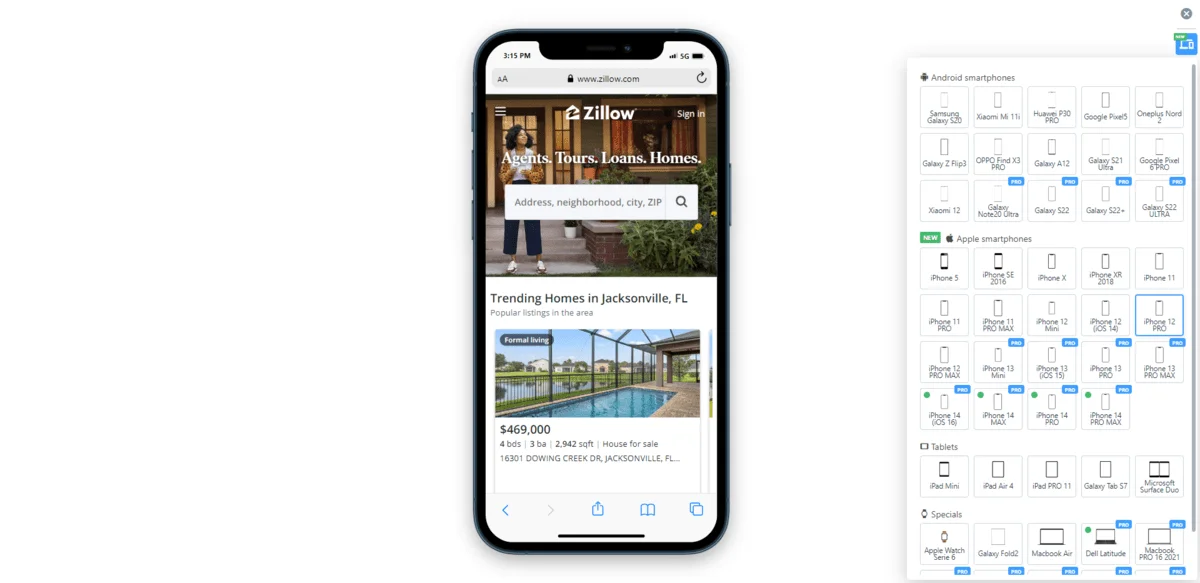
Mobile Simulator enables you to preview how websites appear on mobile phones. It supports testing for various screen sizes and orientations, which is essential for responsive design work.
This tool is a must-have Chrome extension for responsive design, offering accurate simulations without needing physical devices. It’s also great for quick testing during prototyping phases.
7. Panda
Panda Extension Logo (Source: Free Logo Vectors)
Panda Extension turns your browser into a visual dashboard that collects top design and tech content. It displays updates from sources like Dribbble, Behance, and Product Hunt in a clean, customizable interface. By using it as your new tab, you can regularly view inspiration and stay updated with design trends without switching between multiple websites.
8. Figma Chrome Extension
Figma Chrome Extension (Source: Logos-World)
The Figma extension carries your Figma designs closer. It allows you to view, share, and inspect designs without opening the full Figma interface. Team members can check layouts, comment, and copy CSS directly from the browser. This makes the design review process faster and more efficient for collaborative work.
Adobe Express Extension (Source: Montclair State University)
Adobe Express offers a browser-based solution for creating quick designs using templates and intuitive tools. The extension gives fast access to graphics and layout editing, suitable for making social posts, banners, or promotional visuals. Designers can make edits and export results within minutes, saving time on smaller design tasks.
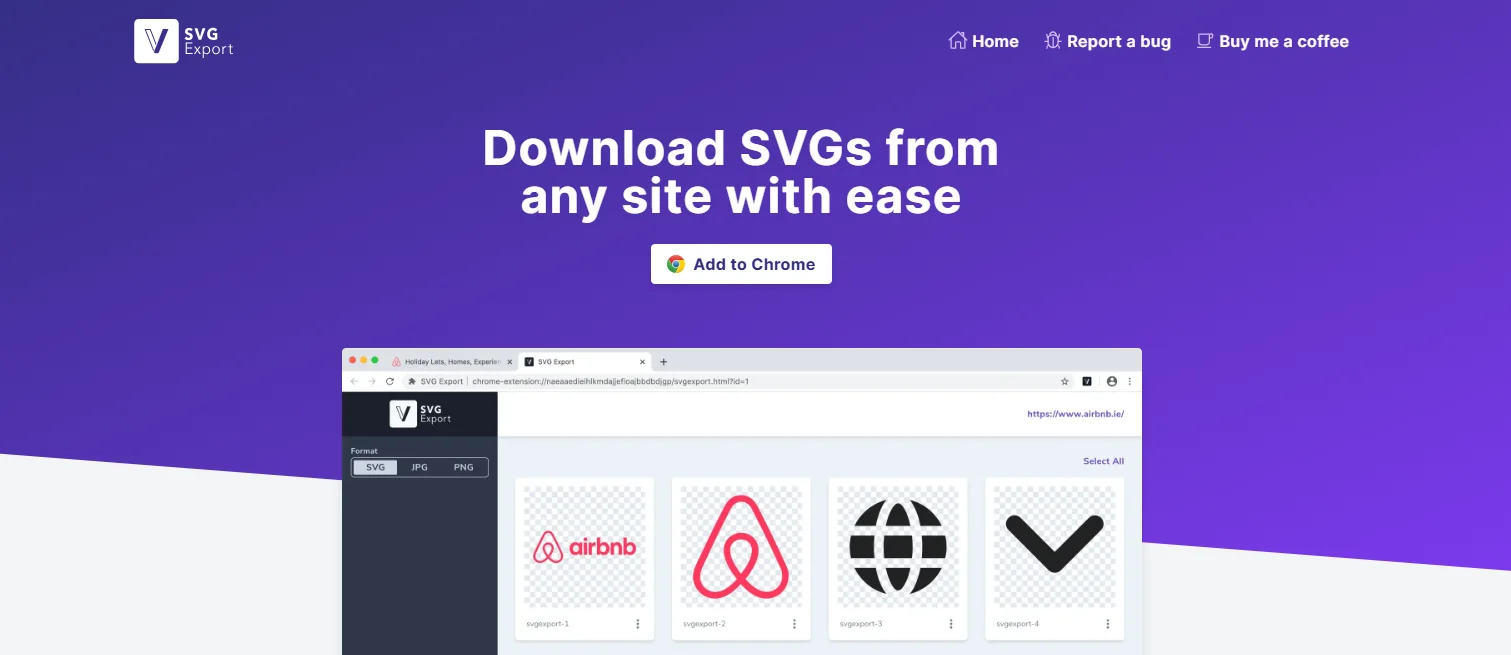
10. SVG Export
SVG Export for Designers (Source: Chrome Web Store)
SVG Export helps you collect and download SVG images directly from websites. After clicking the extension, you can select any scalable vector elements and export them for design use. It simplifies the process of reusing icons or illustrations, which is particularly useful for UI designers looking for clean assets without needing to browse through source files.
Turn Your Browser into a Power Tool with the 10 Best Chrome Extensions for Designers
From color picking to layout precision and mobile previews, these 10 best Chrome extensions for designers simplify daily tasks while enhancing creative output. Whether you need a typography inspector or a Chrome responsive design extension, these tools can help you work smarter across every design stage.
If these extensions help expedite your workflow, imagine pairing them with ready-made assets. Tridimensi offers 3D animations and visuals that save even more time for designers working across platforms.