SPECIAL OFFER ✦ BUY 2 GET 1 FREE! ✦ ADD 3 PRODUCTS TO YOUR CART, AND THE DISCOUNT APPLIES AUTOMATICALLY!
SPECIAL OFFER ✦ BUY 2 GET 1 FREE! ✦ ADD 3 PRODUCTS TO YOUR CART, AND THE DISCOUNT APPLIES AUTOMATICALLY!
SPECIAL OFFER ✦ BUY 2 GET 1 FREE! ✦ ADD 3 PRODUCTS TO YOUR CART, AND THE DISCOUNT APPLIES AUTOMATICALLY!
SPECIAL OFFER ✦ BUY 2 GET 1 FREE! ✦ ADD 3 PRODUCTS TO YOUR CART, AND THE DISCOUNT APPLIES AUTOMATICALLY!
What if you could turn an idea into a working app without learning programming languages first? That is exactly what the vibe coding workflow makes possible. By combining natural language prompts with AI coding assistants, non-developers can build websites, prototypes, and digital products much faster without writing every line of code themselves.
Instead of focusing on syntax and technical frameworks, you guide the product while AI handles much of the implementation. This makes software creation more accessible for designers, marketers, entrepreneurs, and other non-developers.
In this guide, you will learn what vibe coding is, why it is gaining momentum, and the practical steps to go from an initial concept to a polished digital product.
Key Takeaways
Vibe coding lets you build digital products by guiding AI with clear prompts instead of writing every line of code.
A structured workflow helps non-developers turn ideas into working prototypes more efficiently.
Combining AI-generated code with high-quality visual assets creates products that look polished and ready to present.
What Is Vibe Coding?
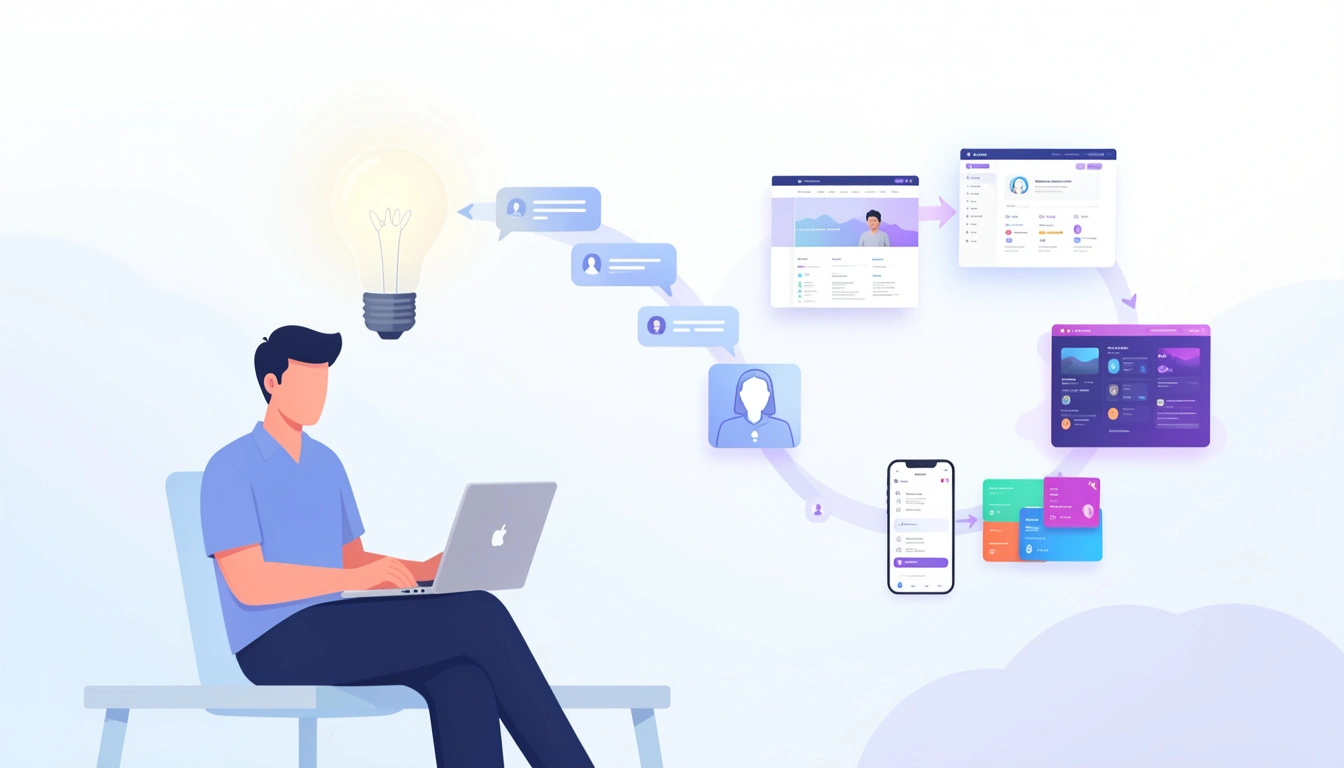
AI transforms natural-language ideas into functional digital products such as websites, mobile apps, and dashboards.
Vibe coding is an AI-assisted approach to software development where you describe what you want in natural language and let AI generate most of the code. Rather than focusing on programming syntax, you focus on the product idea, user experience, and functionality.
The term refers to staying in a creative flow while AI translates your instructions into working code. Your role is to review, refine, and improve the output.
This does not eliminate the need for critical thinking. Instead, it changes your role from writing code manually to directing the development process. For non-developers, that makes building digital products far more accessible than before.
Traditional software development often requires months of learning before you can build a useful product. Vibe coding removes much of that barrier.
Its growing popularity comes from several practical advantages:
Lower learning curve. You communicate with AI using everyday language instead of complex syntax.
Faster prototyping. Ideas become working prototypes in hours rather than weeks.
More room for creativity. You spend more time improving the user experience than solving technical issues.
Affordable experimentation. Founders, freelancers, and marketers can validate ideas without hiring a full development team.
These advantages make it ideal for landing pages, MVPs, internal tools, and marketing projects.
A Practical Vibe Coding Workflow for Beginners
A card of a practical vibe coding workflow, from project planning to AI-assisted development and deployment.
The process matters more than the AI tool you choose. Here is a practical roadmap from concept to launch.
Step 1: Define Your Goal Before Writing Prompts
Start with the problem you want to solve instead of immediately asking AI to build something.
Before opening an AI coding tool, write down:
Your target audience
The main purpose of the application
Essential features
The user journey
Your preferred visual style
The clearer your plan, the better the AI output will be. Instead of saying, “Build me a website,” explain what users should accomplish and how the experience should feel.
Step 2: Build Features One Prompt at a Time
Once your project is defined, ask an AI coding assistant to generate small sections instead of the entire application.
For example:
Create a responsive landing page using Tailwind CSS.
Add a pricing section with three cards.
Build a contact form with validation.
Make the navigation sticky on scroll.
Working incrementally makes problems easier to identify and fix before moving to the next feature. Small improvements usually produce better results than asking AI to build everything at once.
Step 3: Improve the User Interface
AI can quickly generate functional layouts, but they often look generic. A polished interface still depends on thoughtful design.
Review your typography, spacing, colors, icons, and illustrations. Replace placeholder graphics with visual assets that reflect your brand and improve the overall experience.
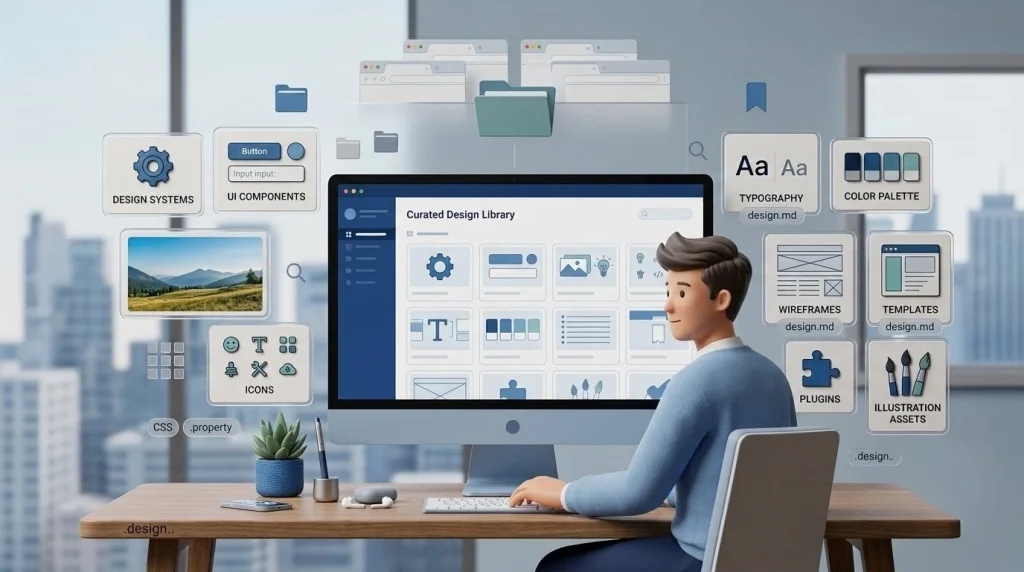
Premium 3D illustrations, polished icons, and hero graphics can instantly elevate your interface. Combining curated design assets with AI-generated code creates a more distinctive and professional result.
Remember, users form first impressions in seconds. Strong visuals help build trust before they explore your product.
Step 4: Test, Refine, and Deploy
Before publishing your project, test every important interaction.
Make sure:
The layout works on desktop and mobile.
Buttons and forms function correctly.
Pages load smoothly.
Text remains easy to read across devices.
If you find issues, fix them one at a time with your AI assistant instead of rebuilding the project. Once everything works as expected, deploy your application using platforms such as Vercel or Netlify.
Best Practices for an Effective Workflow
An effective workflow focuses on better results, not more code.
An effective workflow focuses on better results, not more code.
Keep these practices in mind:
Write detailed prompts. Clear instructions produce more accurate output.
Build incrementally. Finish one feature before moving to the next.
Review AI-generated code. Test each function instead of assuming it works perfectly.
Keep assets organized. Store images, icons, and components in a logical folder structure.
Iterate continuously. Small refinements often outperform complete rebuilds.
These habits will help you build more efficiently as your projects become more complex.
Final Thoughts
A well-planned vibe coding workflow helps non-developers build digital products faster by combining AI-assisted coding with clear creative direction. Instead of spending months learning programming languages, you can focus on solving problems, refining ideas, and improving the user experience.
To make your projects look as polished as they function, explore Tridimensi. With more than 5,000 premium 3D assets, you can enhance landing pages, presentations, and digital products with commercial-ready visuals that help your work stand out.